Mon–Thu 09:30–17:00, Fri until 15:00

Bargteheide 04532 408 99 95Göttingen 0551 890 64 000

Plugin for Shopware 6

Advertising Banner in Listing for Shopware 6

Show advertising banners directly between the products in the category listing, scheduled and per category.

Shopware 6 plugin Advertising Banner in Listing by Web Labels: view from the Shopware Store

Customers pay particularly close attention in the category listing. Shopware, however, offers no space there for promotional notices between the products.

With this plugin, you place banners directly between the product boxes. You decide in which categories they run, in which order and in which period. This way, promotions start on time, even on public holidays, without anyone having to make changes in the shop.

What you can use the plugin for

  • Seasonal promotions

    A Christmas banner appears automatically when the promotion starts and disappears again afterwards.

  • Own brands and services

    In the middle of the listing, you point to advice, financing or an own brand.

What it looks like in the shop
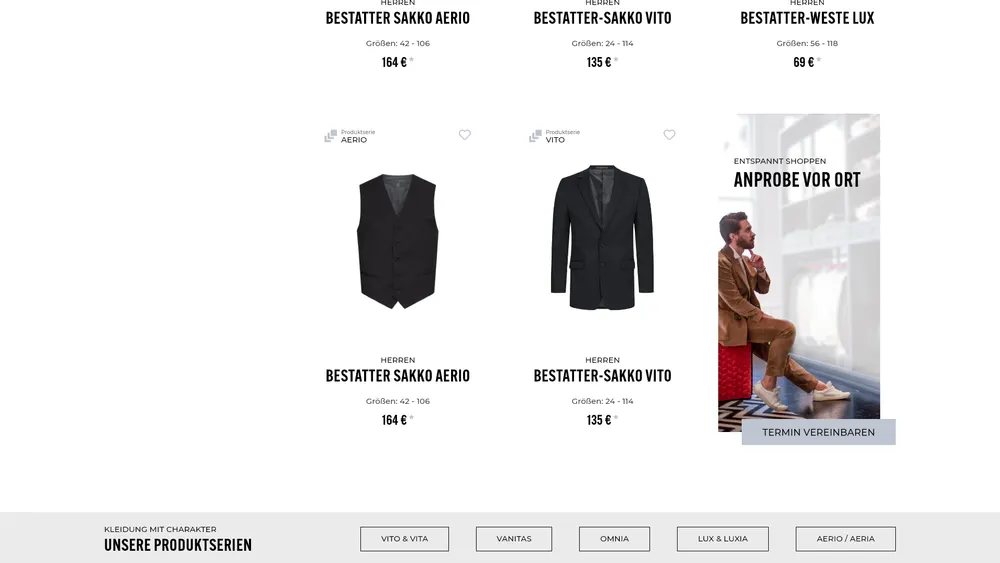
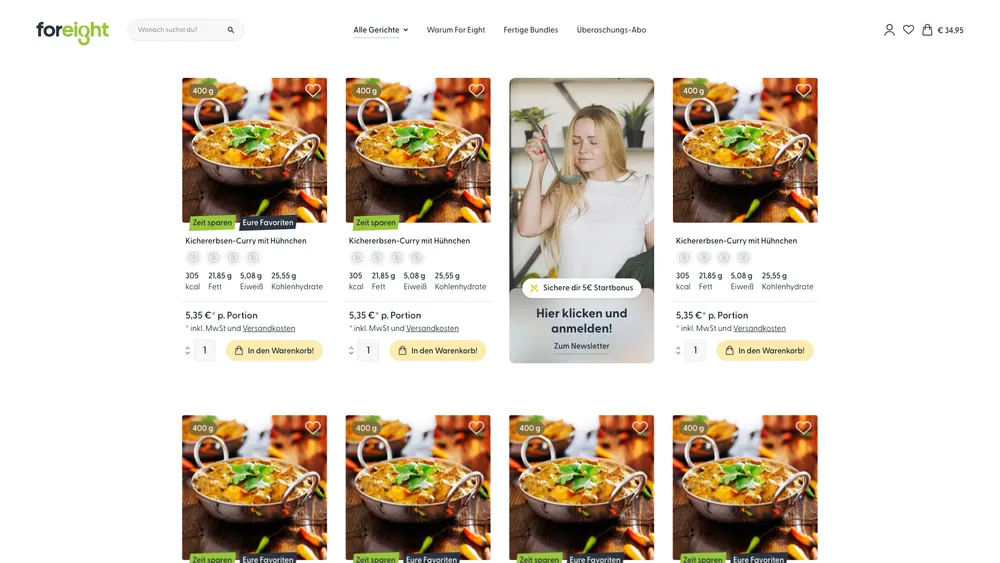
Screenshot of Advertising Banner in Listing for Shopware 6: view 1
Advertising Banner in Listing: view 1
Screenshot of Advertising Banner in Listing for Shopware 6: view 2
Advertising Banner in Listing: view 2

Set up in a few steps

  1. Install the plugin and create a banner with image, text and link.
  2. Set categories, priority and time period.
  3. Check the placement in the listing.

Frequently asked questions about Advertising Banner in Listing

Can I show several banners in one category?

Yes. Priority determines the order, and the time period controls when each banner runs.

Your contacts

Questions about Advertising Banner in Listing or need an adjustment?

Would you like to know whether the plugin suits your shop, or do you need an extension? Talk to us directly.

Janis Rittmeier and Tim Schröder, Key Account Manager at Web Labels, your contact for Advertising Banner in Listing

Our team for your questions

  • René Grosche, Managing Director at Web Labels René Grosche Managing Director
  • Marco Kreutzfeldt, Deputy Managing Director · Back office at Web Labels Marco Kreutzfeldt Deputy Managing Director · Back office
  • Tim Schröder, Key Account Manager at Web Labels Tim Schröder Key Account Manager · Consulting and quotes
  • Janis Rittmeier, Key Account Manager at Web Labels Janis Rittmeier Key Account Manager · Consulting and quotes
  • Lennart Albrecht, Head of Development at Web Labels Lennart Albrecht Head of Development
  • Tom Baustian, Web design · Performance marketing · Audio at Web Labels Tom Baustian Web design · Performance marketing · Audio
  • Tajara-Tabea Leonard, Web design · Content · SEO at Web Labels Tajara-Tabea Leonard Web design · Content · SEO
  • Ken Raupach, Web design · Performance marketing at Web Labels Ken Raupach Web design · Performance marketing
  • Muhammed Tay, Web development at Web Labels Muhammed Tay Web development
  • Alexander Folz, Web development at Web Labels Alexander Folz Web development
  • Aaron Griem, Web development at Web Labels Aaron Griem Web development
  • Leon Fischer, Web development at Web Labels Leon Fischer Web development
  • Patrick Heidl, Web development at Web Labels Patrick Heidl Web development
  • Tobias Schäfer, Web development at Web Labels Tobias Schäfer Web development · Complex development
  • Laura Schop, Web development at Web Labels Laura Schop Web development
  • Aleksej Werestschagin Web development
  • Julina Sievert, Apprentice at Web Labels Julina Sievert Apprentice
  • Rosa-Lee Biesterfeldt, Apprentice at Web Labels Rosa-Lee Biesterfeldt Apprentice

Related plugins

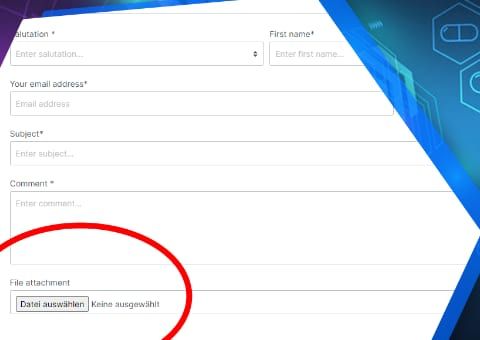
  • Shopware 6 plugin Contact form upload field by Web Labels: feature view

    Contact form upload field

    Customers attach photos, drawings or documents directly to the contact form, by drag and drop and several at once if you wish.

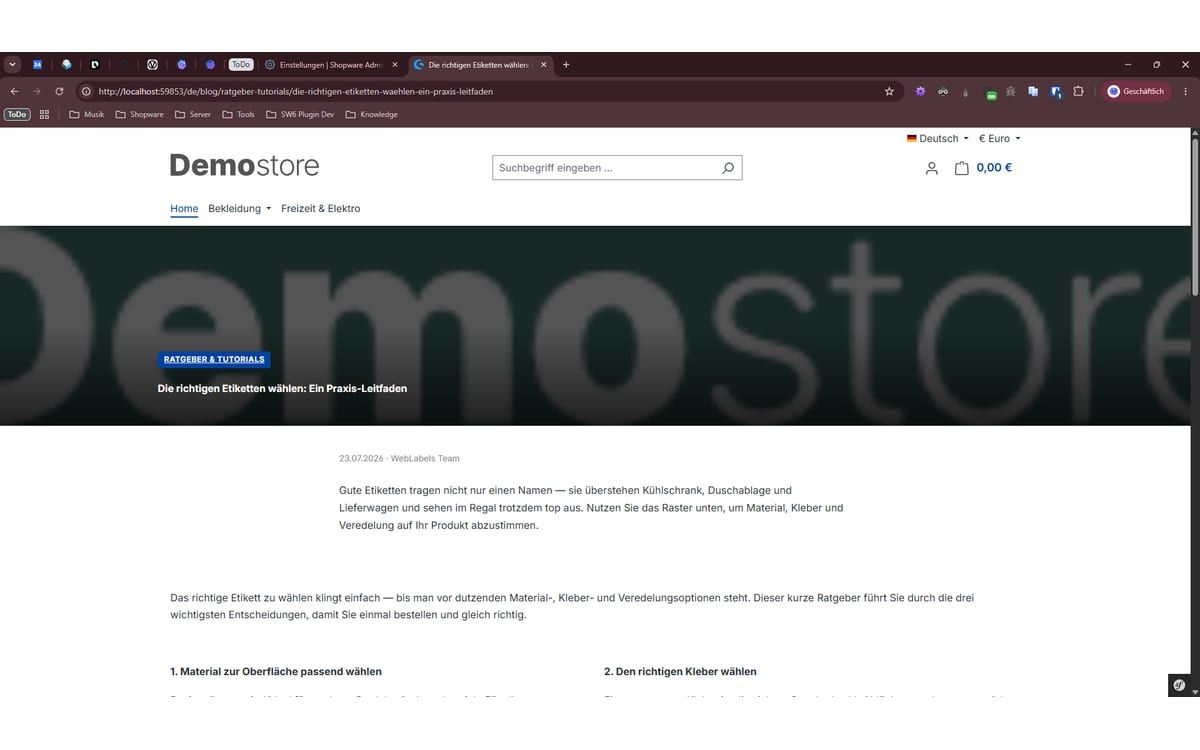
  • Shopware 6 plugin My Smart Blog by Web Labels: view from the Shopware Store

    My Smart Blog

    A complete blog directly in Shopware: posts and categories as separate modules, with a content builder, product sliders and clean SEO.

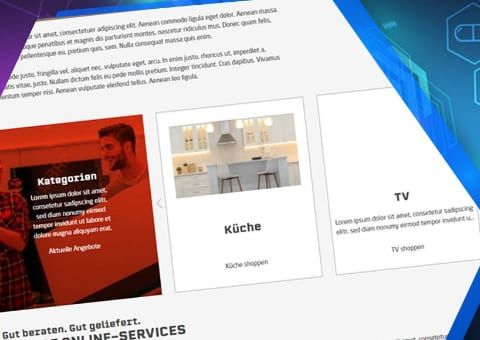
  • Shopware 6 plugin Premium Product and Category Slider by Web Labels: feature view

    Premium Product and Category Slider

    Design product and category sliders in your shopping experiences with your own colours, images and a teaser area for promotions.

Need an adjustment or an extension of your own?

Many of our plugins only exist because a client asked for them. If your shop needs something that is not listed here, we will develop the right plugin for you.

Up to 80% government funding