
Shopware plugins
Shopware plugins by Web Labels
These Shopware plugins grew out of client projects: a feature was missing from the standard, we built it and then made it available to other shops. All extensions run on Shopware 6. We are a Shopware Partner since 2014.
Plugins by area
Search, filters and navigation
So that customers find what they are looking for faster.
-

Category quick select
Customers choose manufacturer, series and model step by step and land directly in the right category, ideal for spare parts and accessories.
-
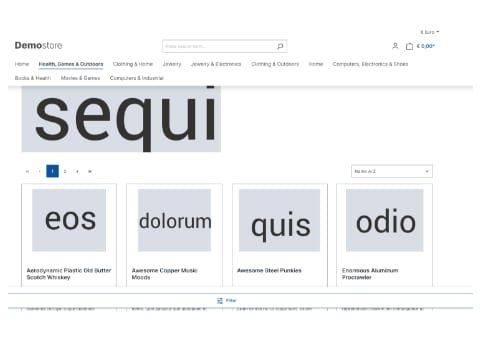
Deluxe sticky navigation and filter
The main navigation and the filter button stay visible while scrolling, so customers can switch or filter at any time, on desktop and on smartphones.
-
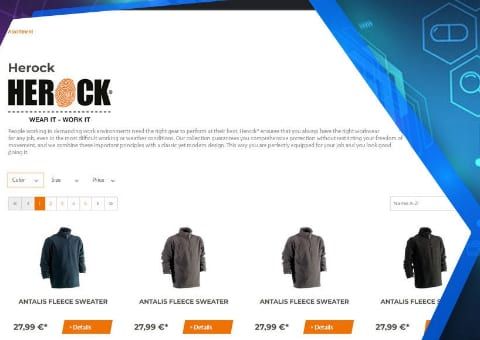
Extended manufacturer overview
Every manufacturer automatically gets its own page with a product listing and filters, plus an A to Z brand overview.
-
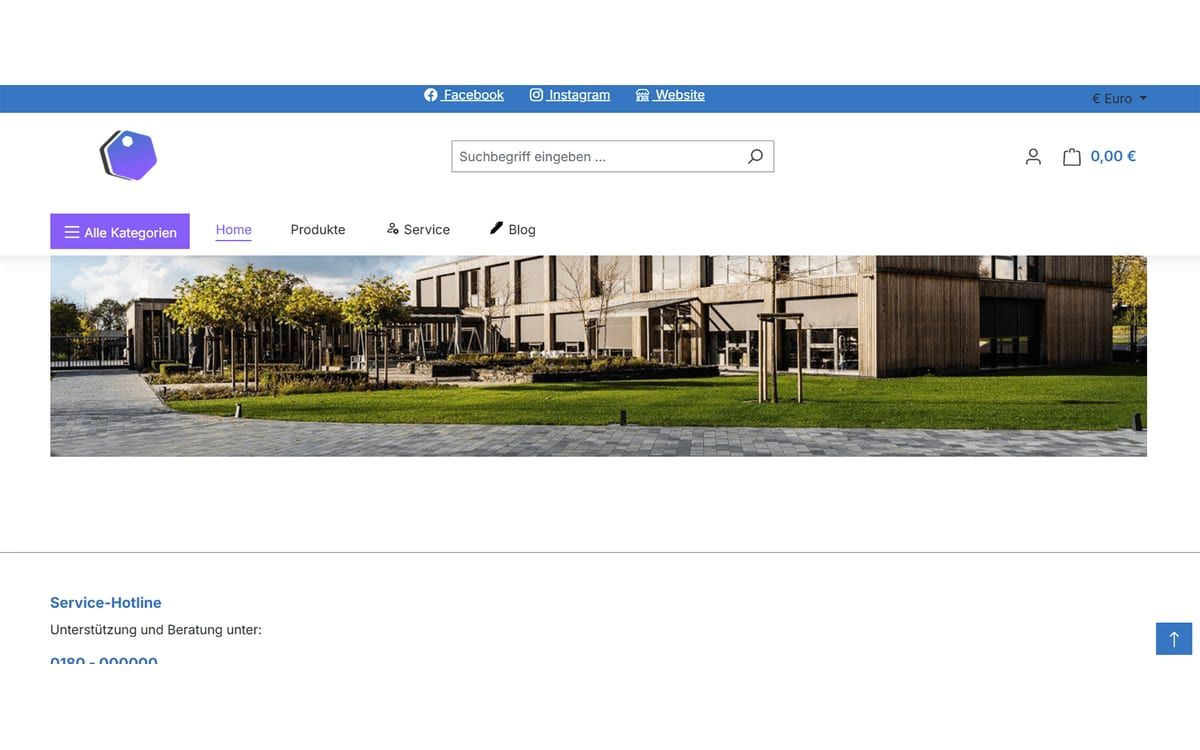
Flyout navigation and mega menu
Replace the standard menu with a multi-level flyout in which customers quickly find the right category, even in deep category trees.
-
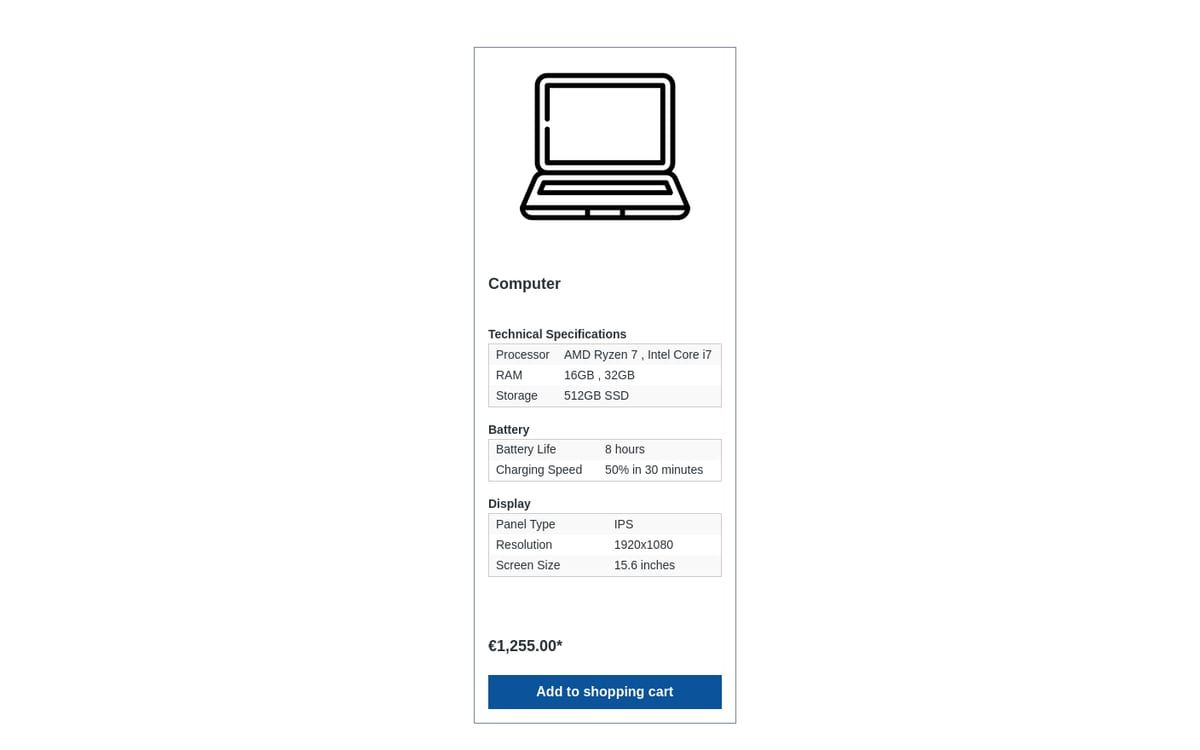
Grouped properties
Bundle product properties into topic groups and show exactly the details that matter in each category in listings, on product pages and in cross-selling.
-
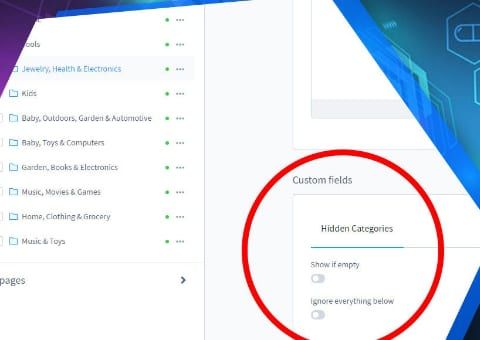
Hide Empty Categories
Empty categories disappear from the menu automatically but stay active, and therefore in the sitemap and search index.
-
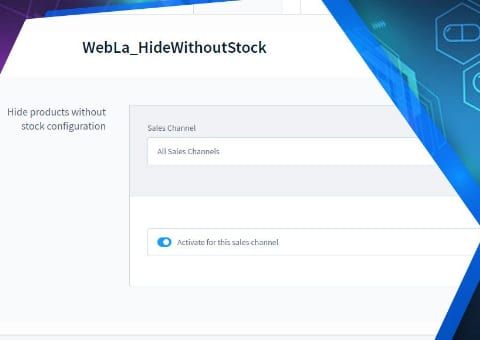
Hide out-of-stock products
Products without stock disappear automatically from listings, search and manufacturer pages but stay active. This way they keep their URL and their Google ranking.
-
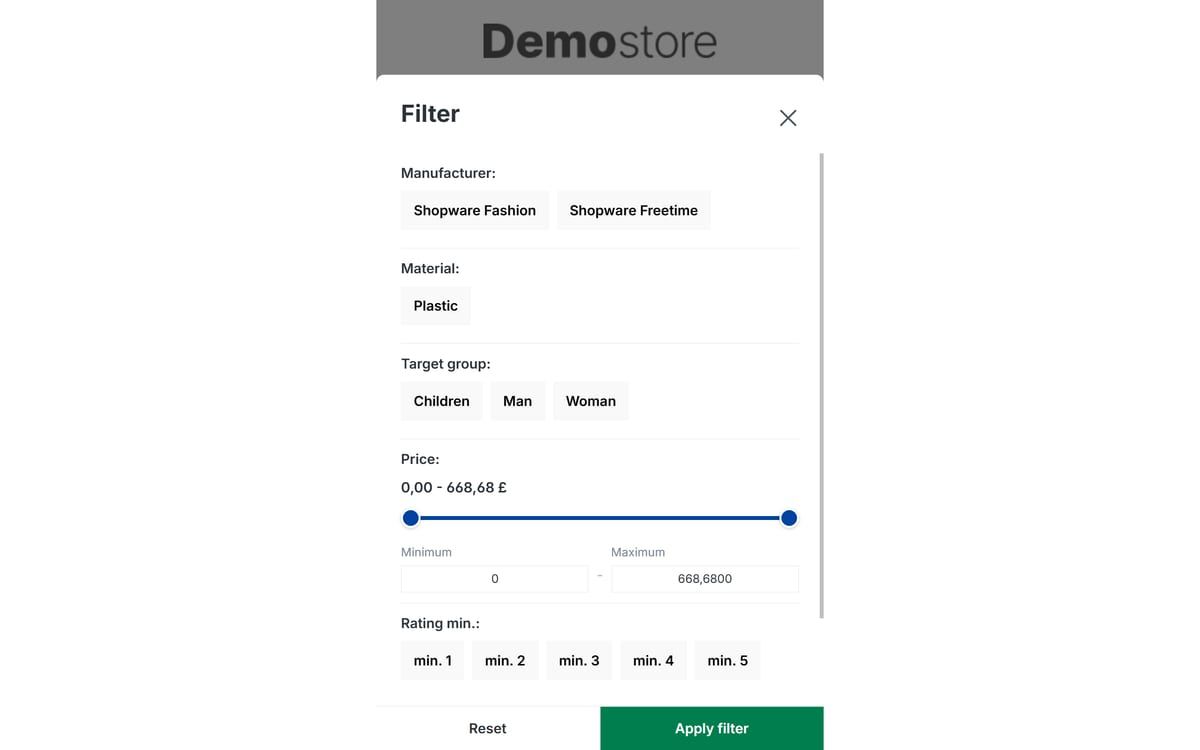
Mobile filter and sorting
Makes filtering and sorting usable on smartphones: large buttons instead of small dropdowns, a sticky filter button and a clear price slider.
-
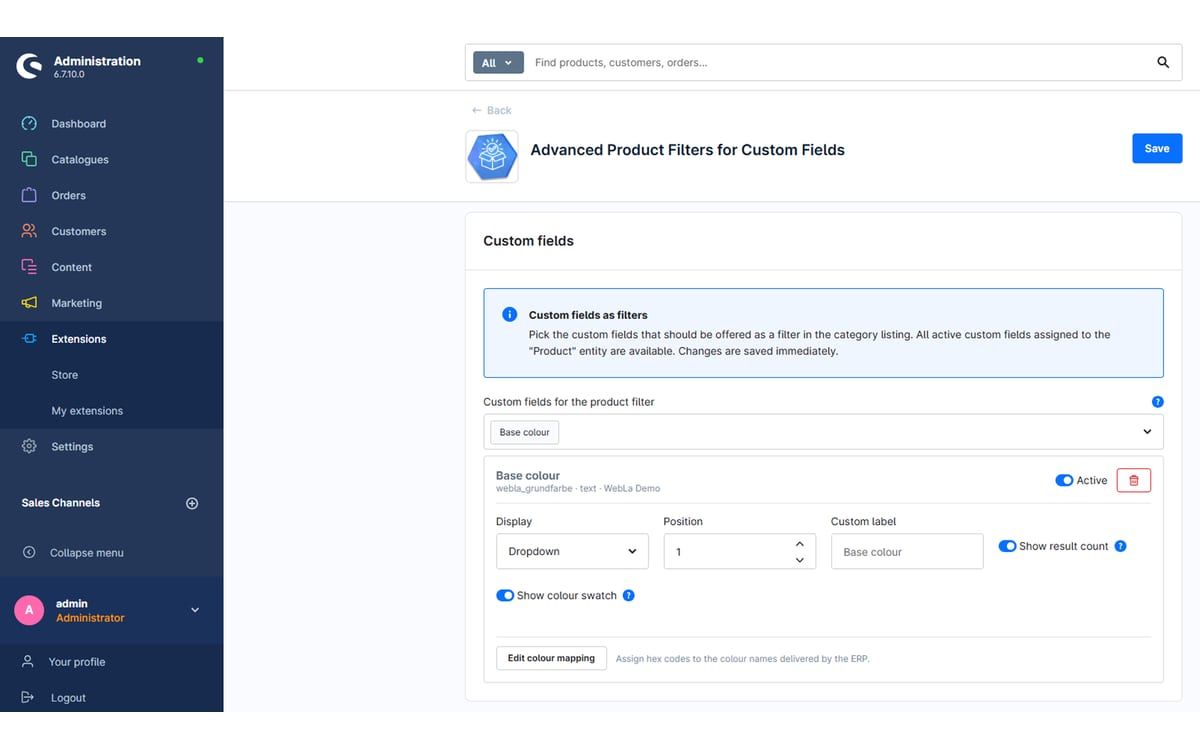
Product filters for custom fields
Turn custom fields such as material, weight or base colour into filters in the category listing, without any coding.
-

Property tooltips
Explain technical terms such as protection ratings or material details exactly where customers see them: in the filter, in the product table and when choosing variants.
-
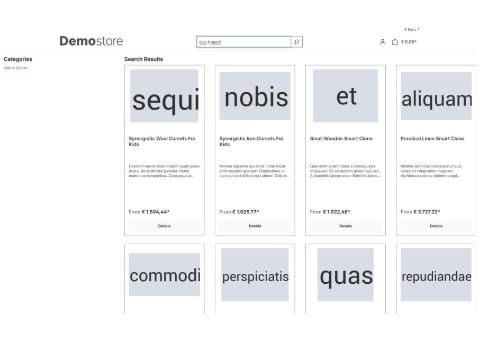
Search Overlay
Search opens as a large overlay and shows products, categories, manufacturers and blog posts in separate tabs.
-
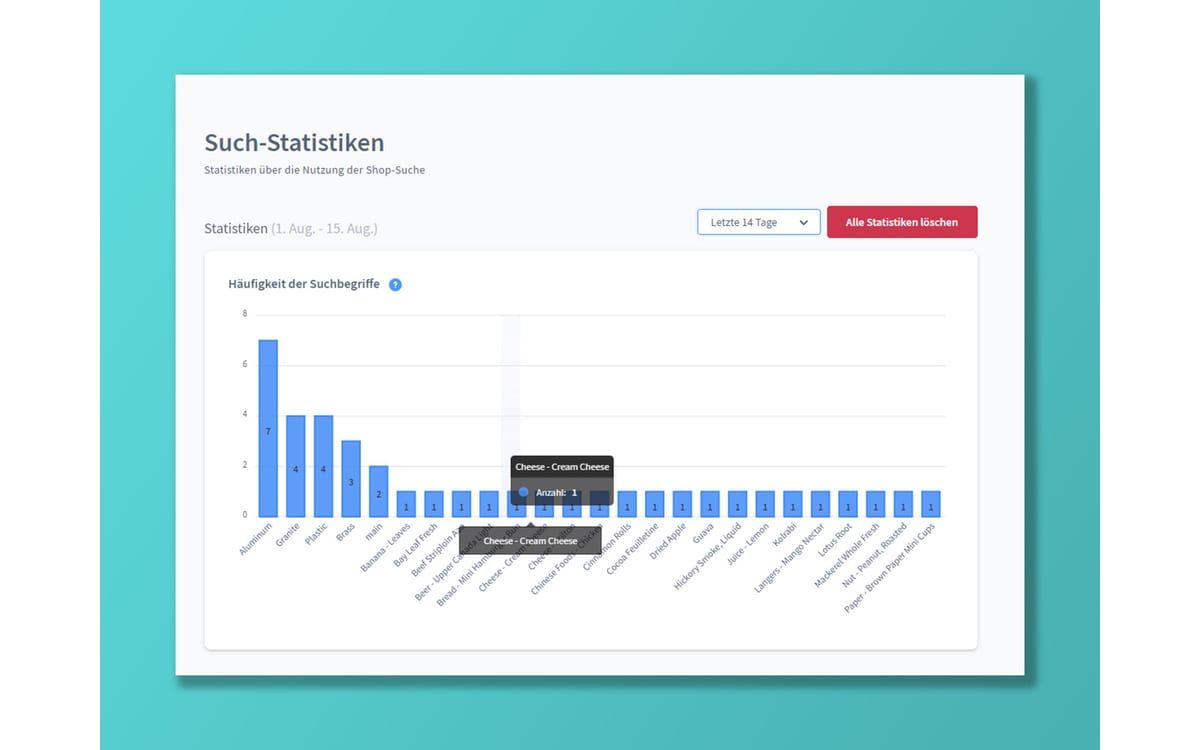
Search Statistics
Find out what your customers search for in your shop, which terms return no results and which products are sold via search.
-
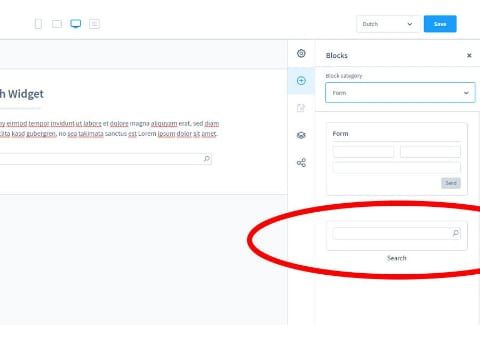
Search Widget for Shopping Experiences
Add an extra search field as an element in your shopping experiences, for example prominently on the home page.
-

Top Filters per Category
Show the most important filters first in each category. Anyone who wants to filter further expands the rest with one click.
-
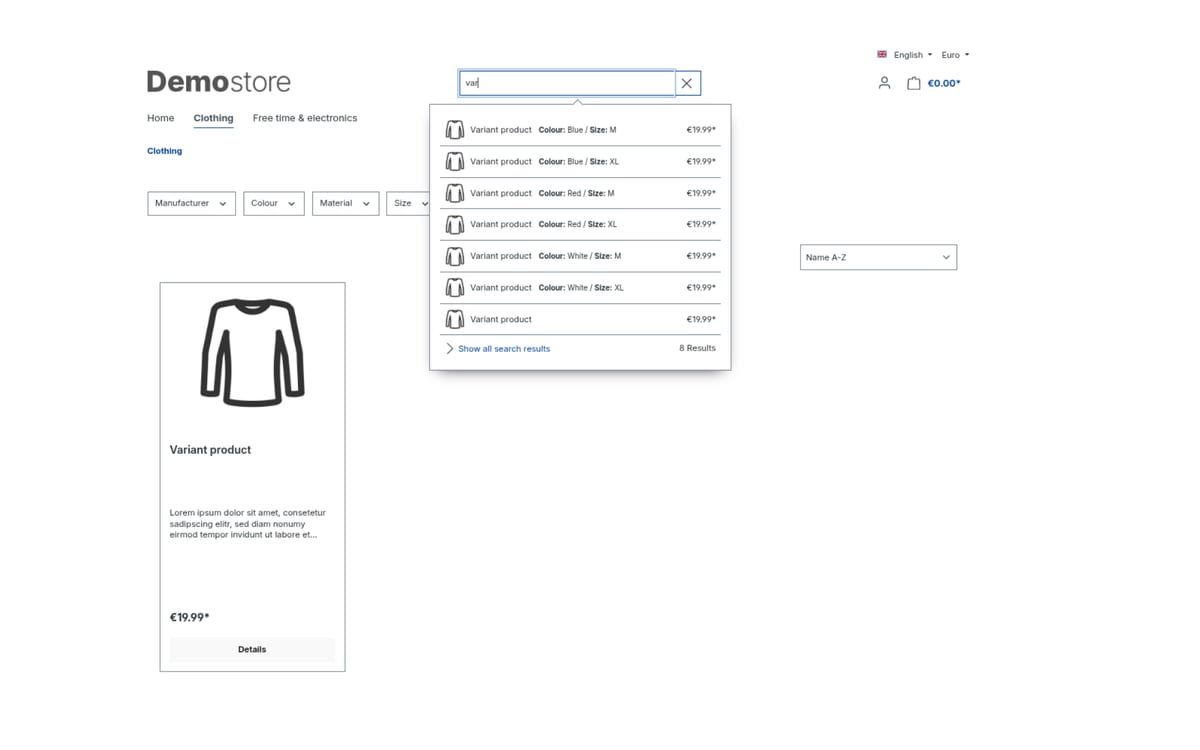
Variants in Search
Variants such as colours or sizes appear as separate hits in search, even if the listing only shows main products.


Advice and sales
Product advisors, cross-selling, bundles and add-on options.
-
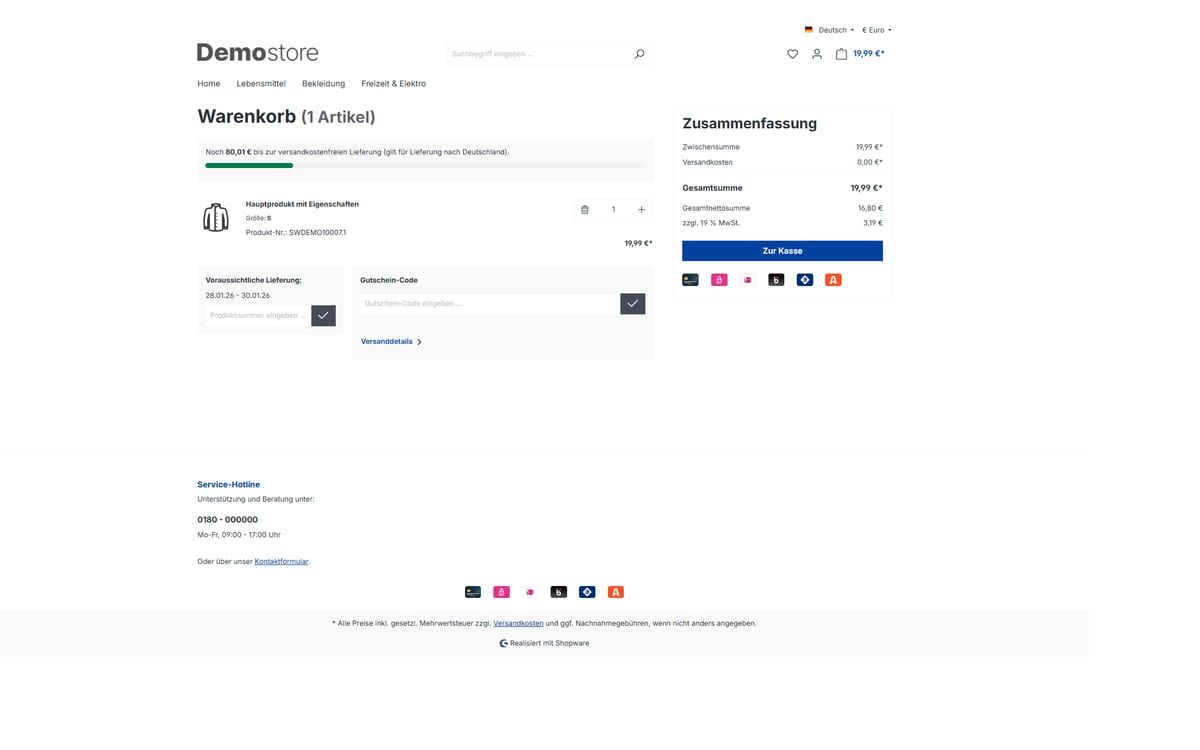
Beautified Checkout
Adjust the cart and checkout of your Shopware shop through settings: free shipping bar, delivery time, payment icons, tidier product rows and more.
-
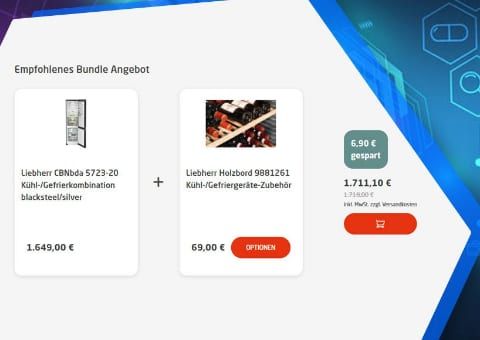
Bundle Plugin with Automatic Bundle Creation
Create bundles for entire product groups at once. Customers choose accessories from groups, and you decide what the discount applies to.
-
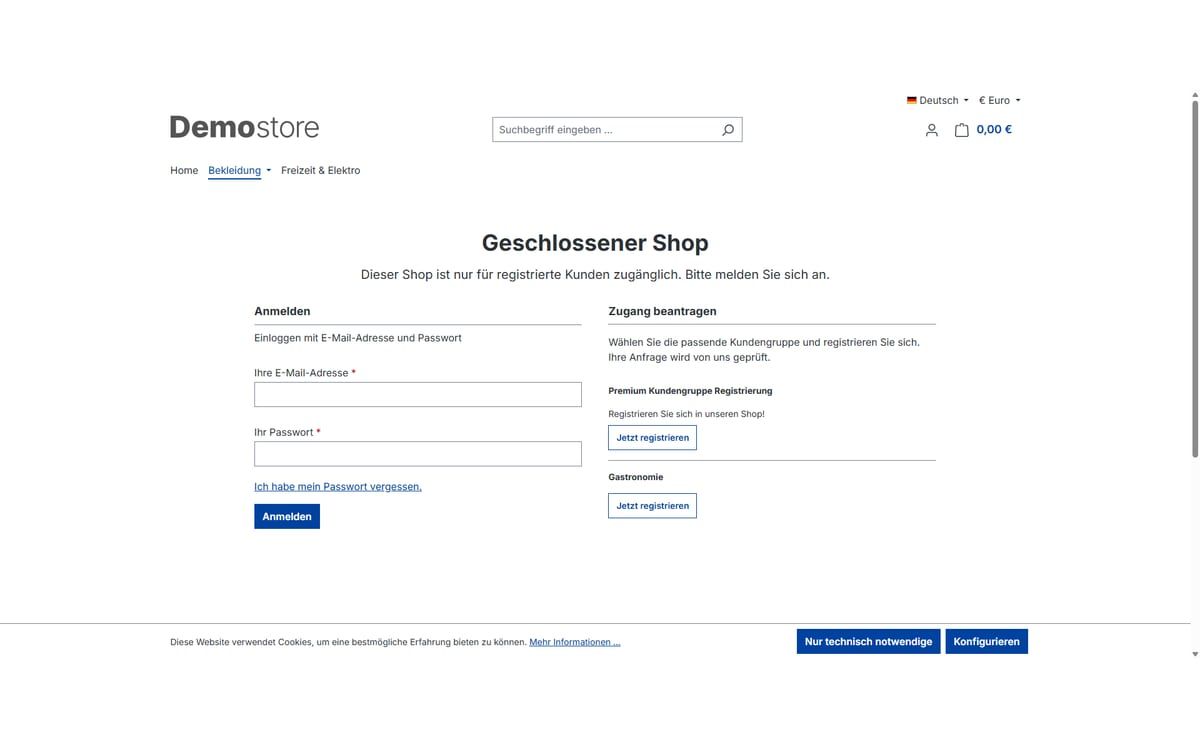
Closed shop and showcase mode
Open your shop only to approved customers: completely behind a login page or as a showcase where prices and buying only appear after logging in.
-

Cross-selling by product tags
Store recommendations once on a tag, and every product with that tag automatically shows them on its detail page.
-

Disable Payment Methods in the Storefront
Hide individual payment methods in the shop so they can only be used for orders your team creates in the Administration.
-
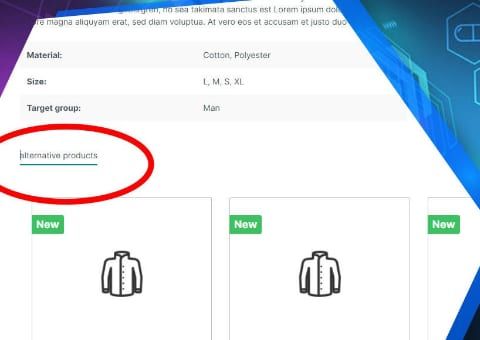
Intelligent cross-selling
Let Shopware find similar products itself: you weight the important properties, and the plugin creates matching recommendations from them.
-
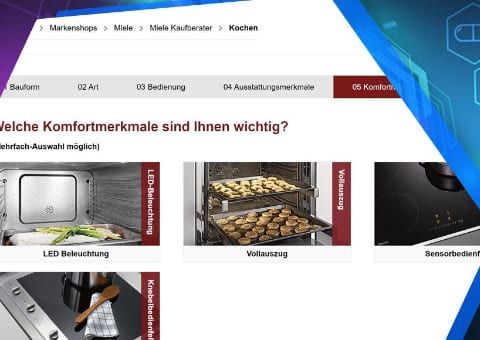
Intelligent product advisor
Guide customers to the right product with just a few questions. The answers are weighted, so close matches also appear in a sensible order.
-
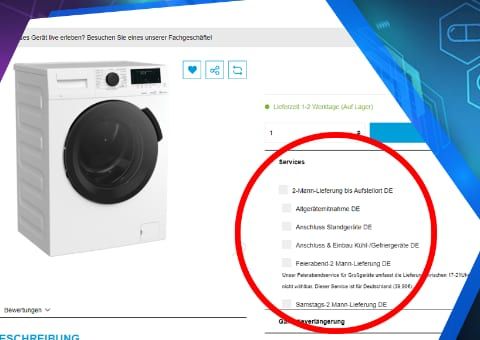
Product Add-ons
Sell warranty extensions, assembly or old appliance removal as add-ons directly on the product, and even later in the cart.
-
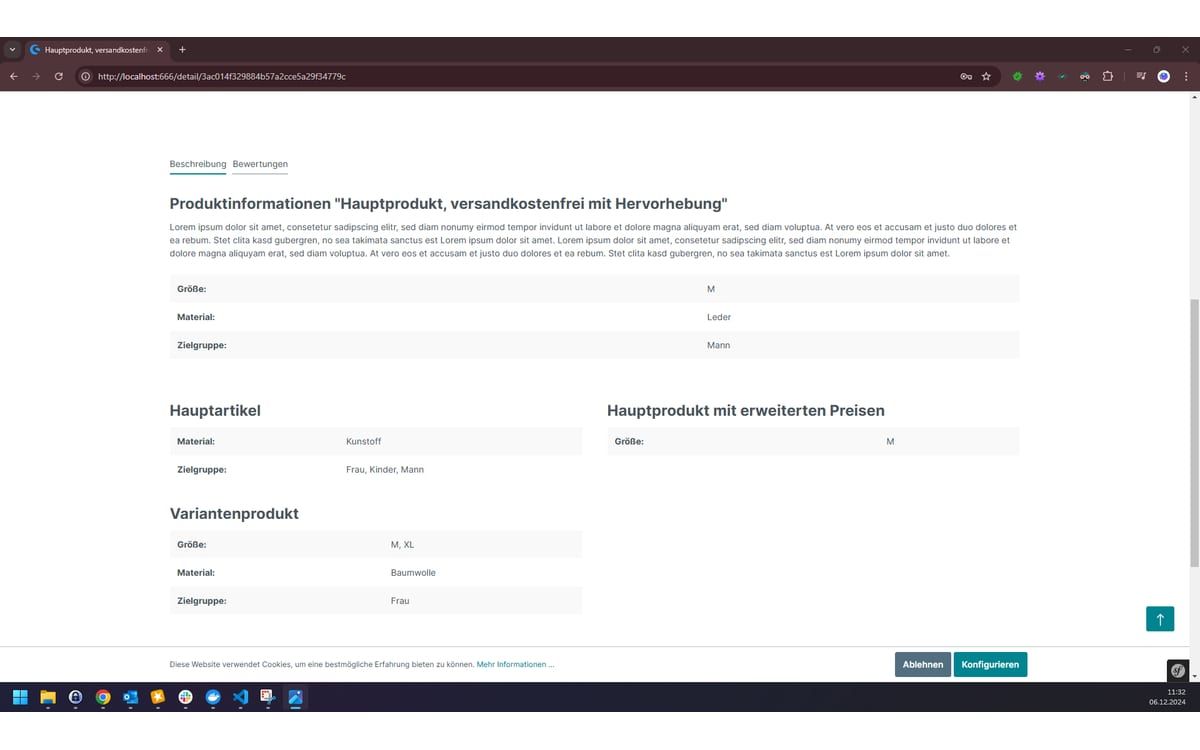
Properties of Assigned Products
Assign further products to an item and show their names and properties directly on its product page.
-
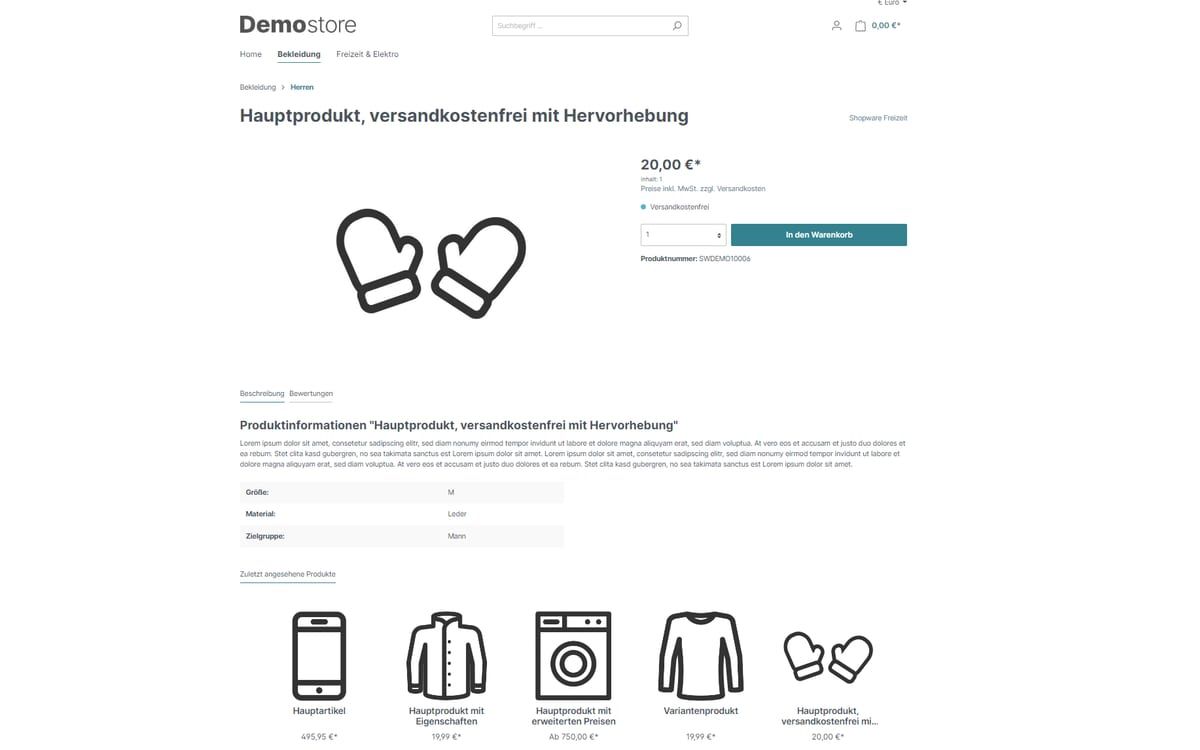
Recently Viewed Products
Visitors see the products they have looked at most recently. This is stored only in their browser, not on your server.
-
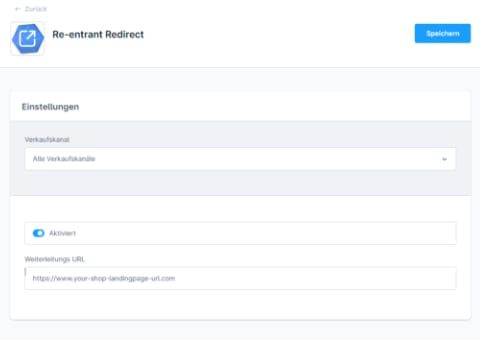
Redirect on Browser Back
Redirects visitors once to a target page or shopping experience before they leave your shop via the back button.
-
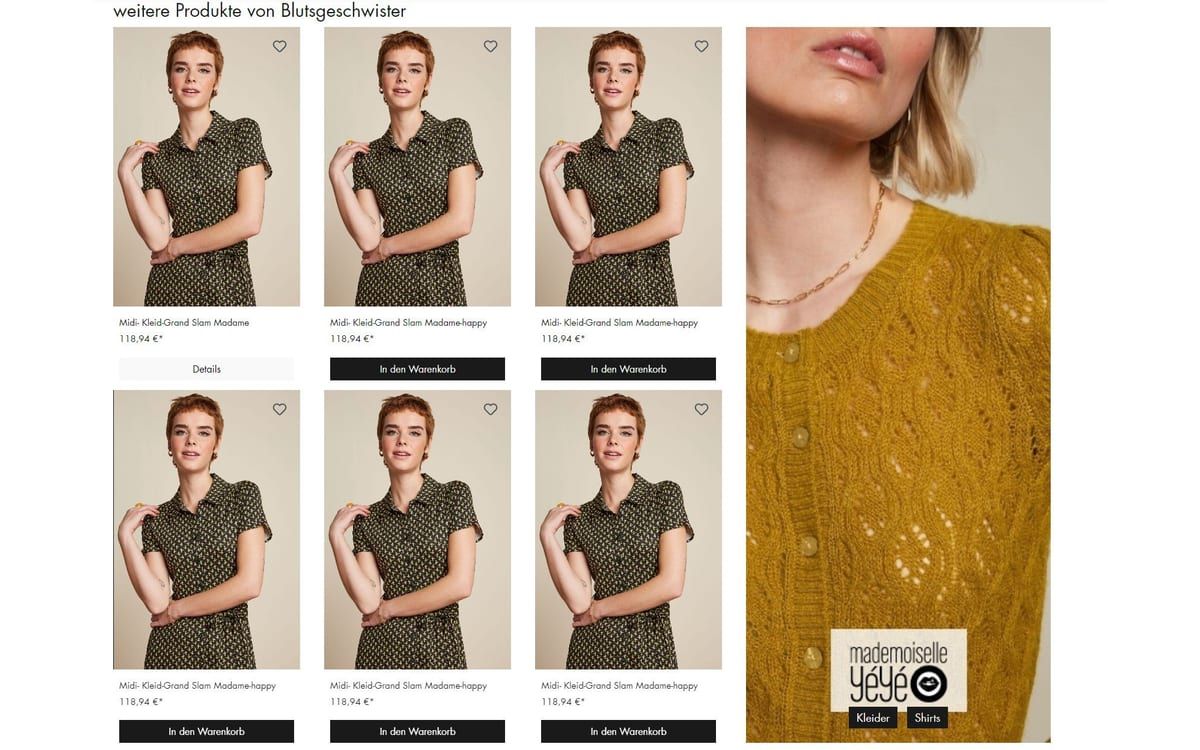
Same-Manufacturer Cross-Selling
Show more products from the same brand on every product page, with your own heading, banner and links to matching categories.
-
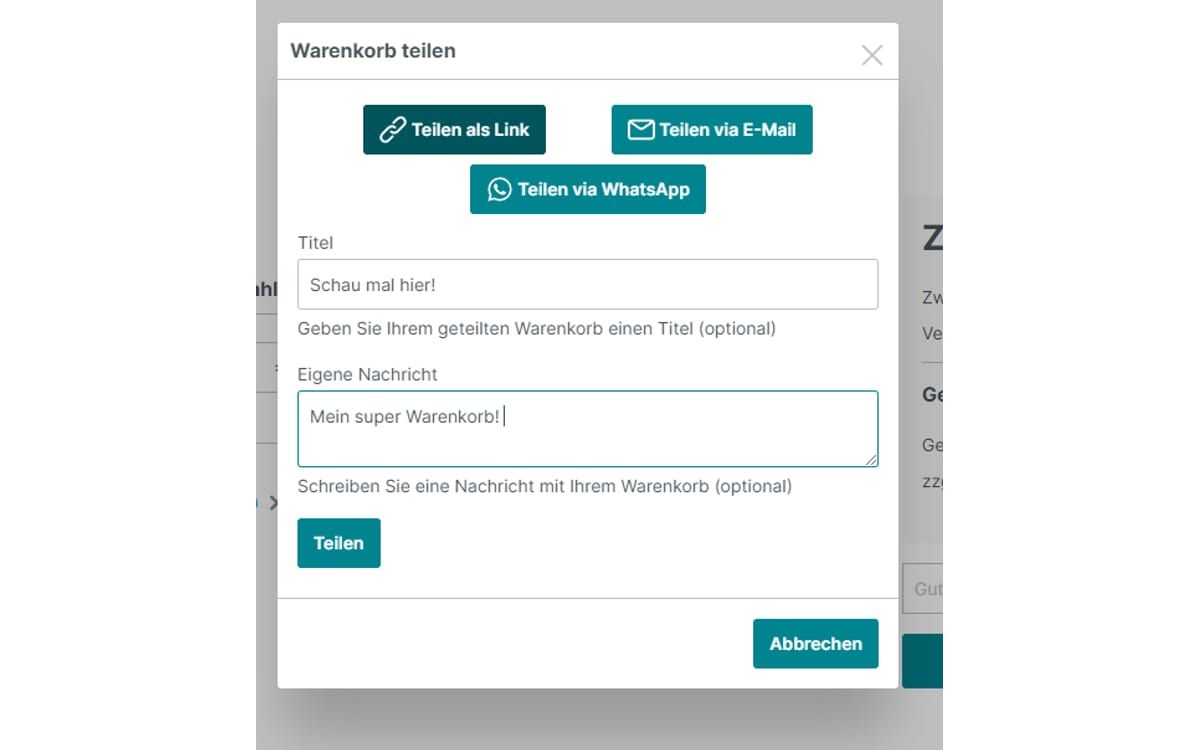
Share Cart
Customers pass on their cart via link, email, WhatsApp or Facebook. The recipient adds all products with one click.
-
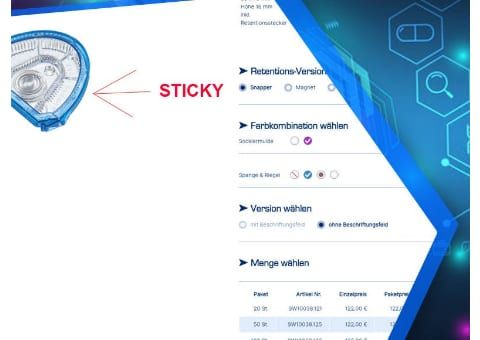
Sticky Product Image
The product image scrolls along with the page. With tall images, the buy box with price and add-to-cart button stays visible instead.
-
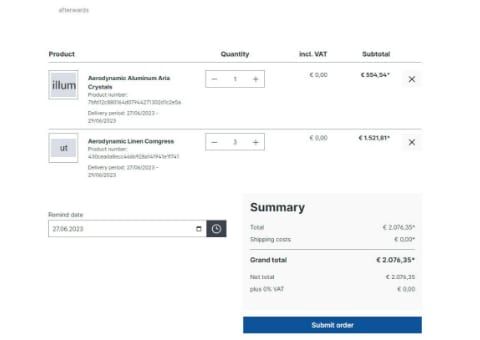
Subscription cart without commitment
Your customers pick a date at checkout and then receive an email that lets them reorder the same cart in one click. No subscription contract is created.
-
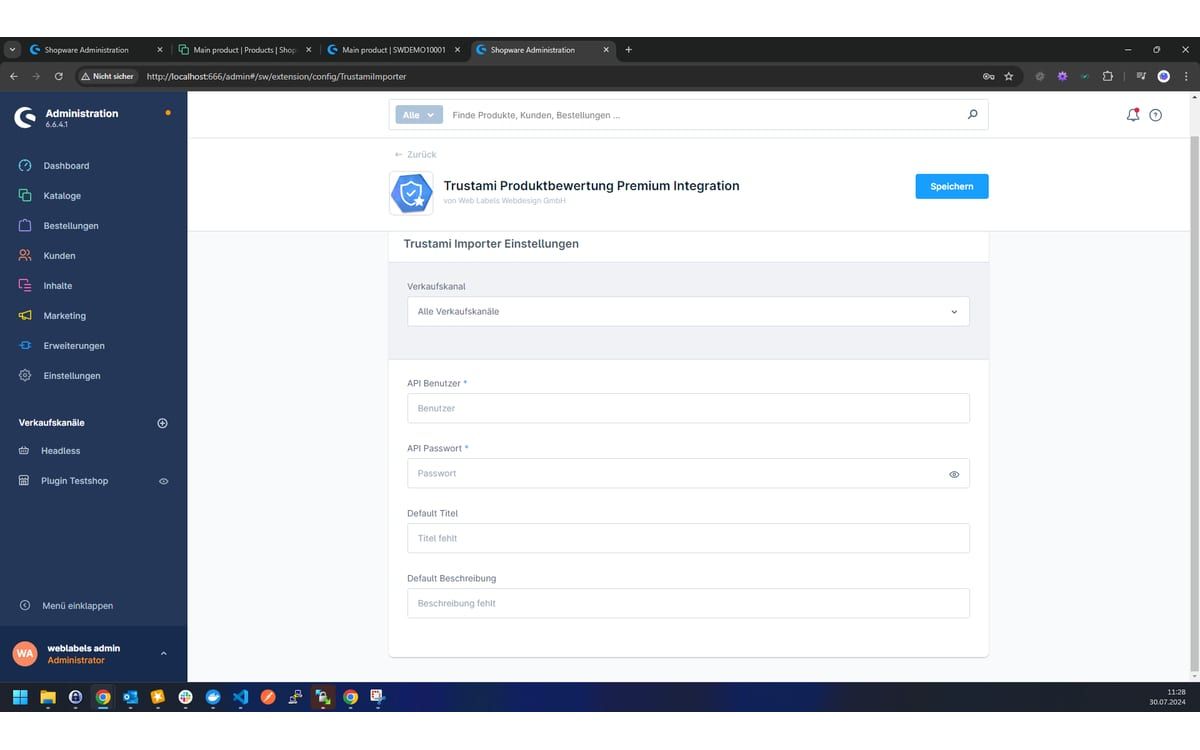
Trustami Product Reviews Premium
Imports your Trustami product reviews automatically into the standard Shopware reviews and keeps them up to date every night.
-
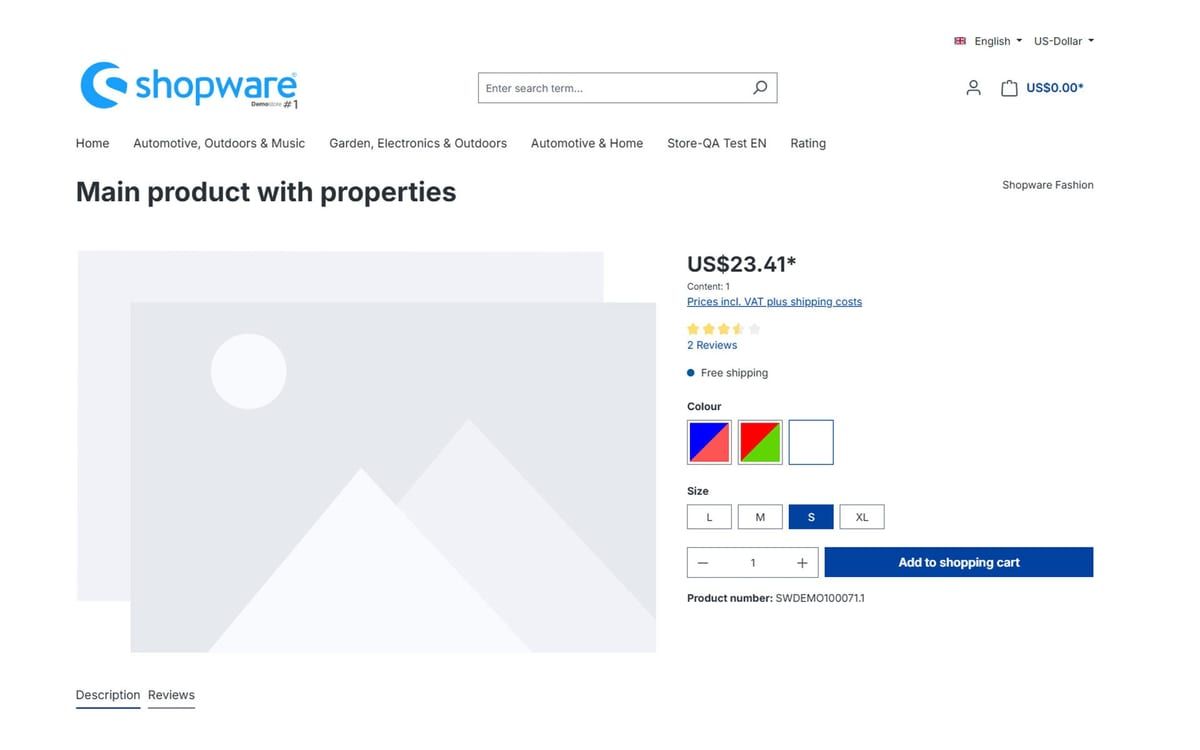
Two-colour properties
Show two-coloured products such as blue and yellow in a single colour swatch instead of having to choose one colour.
-
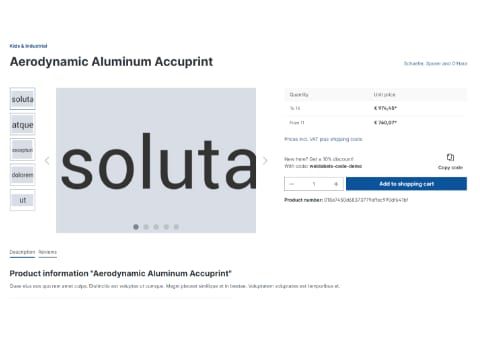
Vouchers on the product detail page
Your product pages automatically show the best valid voucher code that applies to the product, so customers do not have to go looking for it.


Shopping experiences and content
Sliders, scheduled shopping experiences and forms.
-
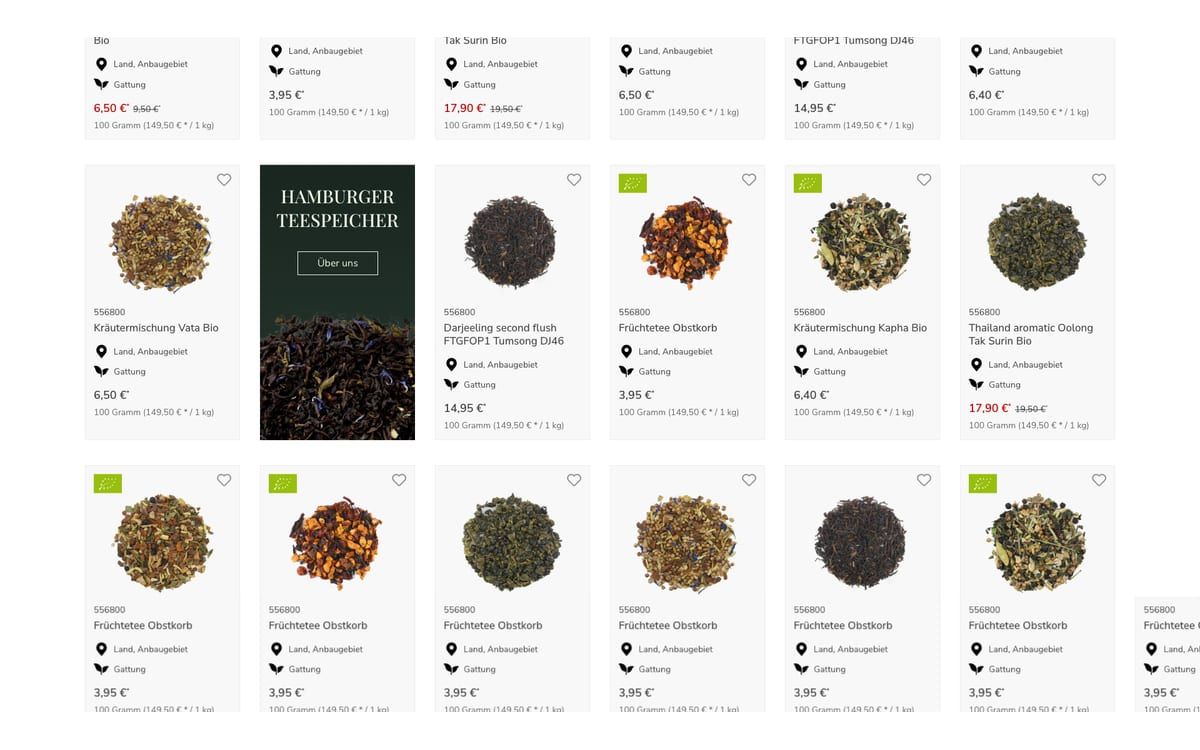
Advertising Banner in Listing
Show advertising banners directly between the products in the category listing, scheduled and per category.
-
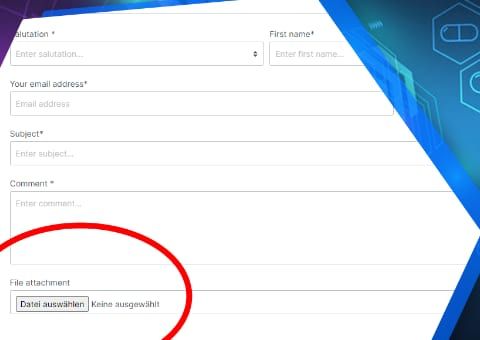
Contact form upload field
Customers attach photos, drawings or documents directly to the contact form, by drag and drop and several at once if you wish.
-
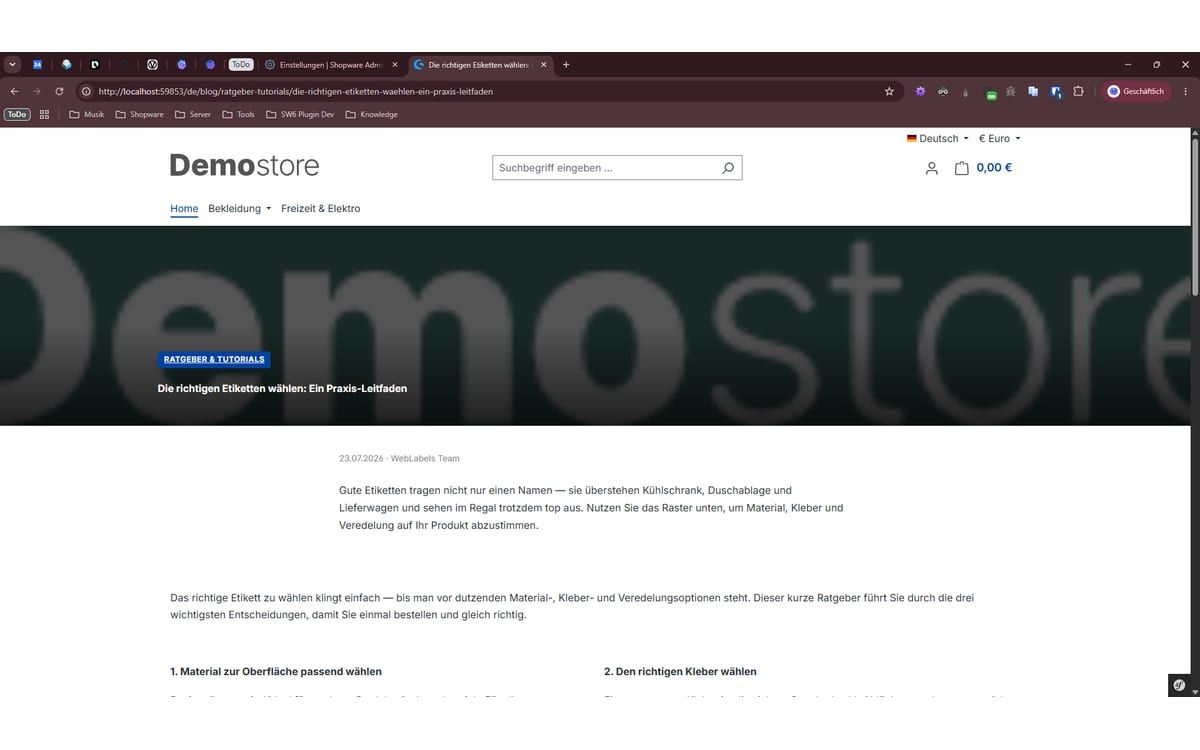
My Smart Blog
A complete blog directly in Shopware: posts and categories as separate modules, with a content builder, product sliders and clean SEO.
-

Premium Product and Category Slider
Design product and category sliders in your shopping experiences with your own colours, images and a teaser area for promotions.
-
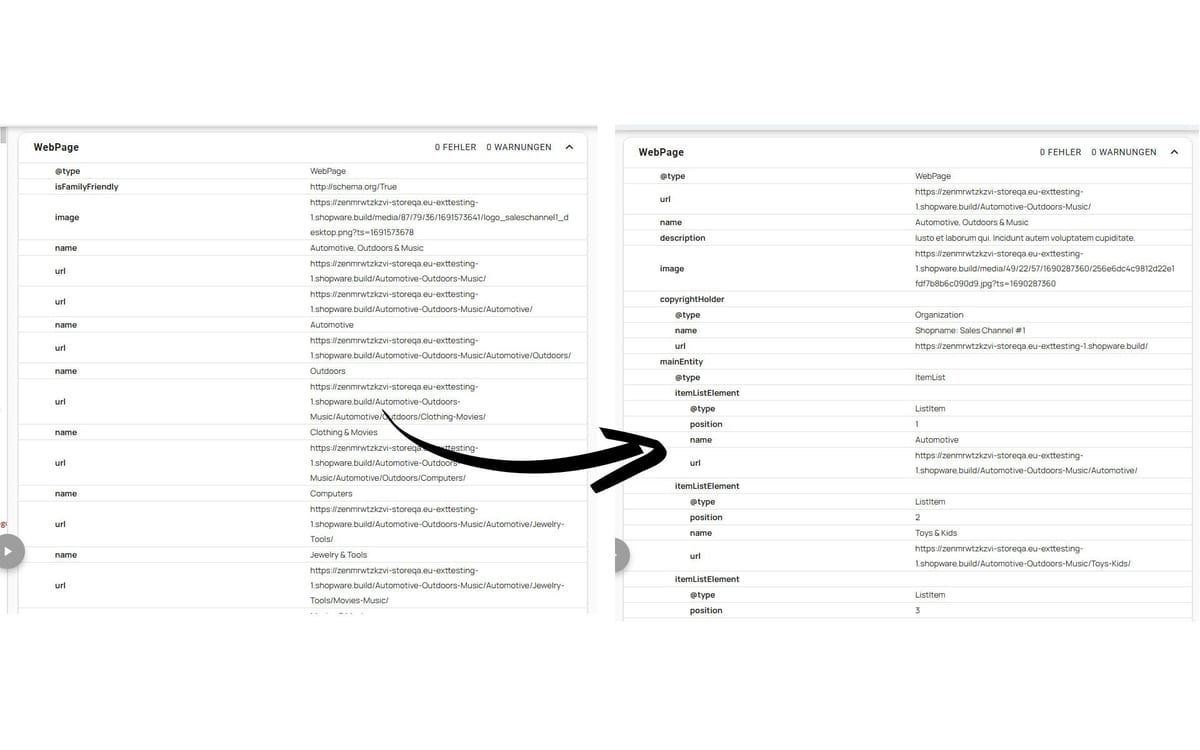
Rich Snippets and AI Visibility
Gives Google and AI search structured data on products, categories and your company, plus an FAQ element and an llms.txt.
-
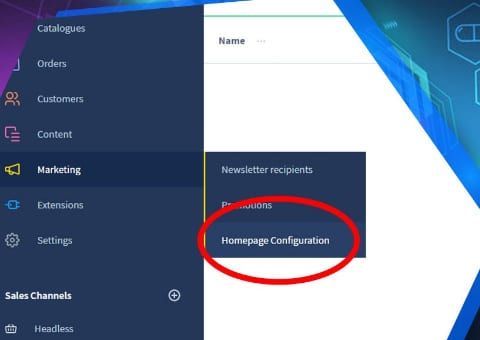
Scheduled Shopping Experiences per Customer Group
Your home page switches automatically by date, time, weekday or customer group, for example right on time for the start of a promotion.


Prices, taxes and ordering
OSS tax rates, currencies, delivery dates and discounts.
-
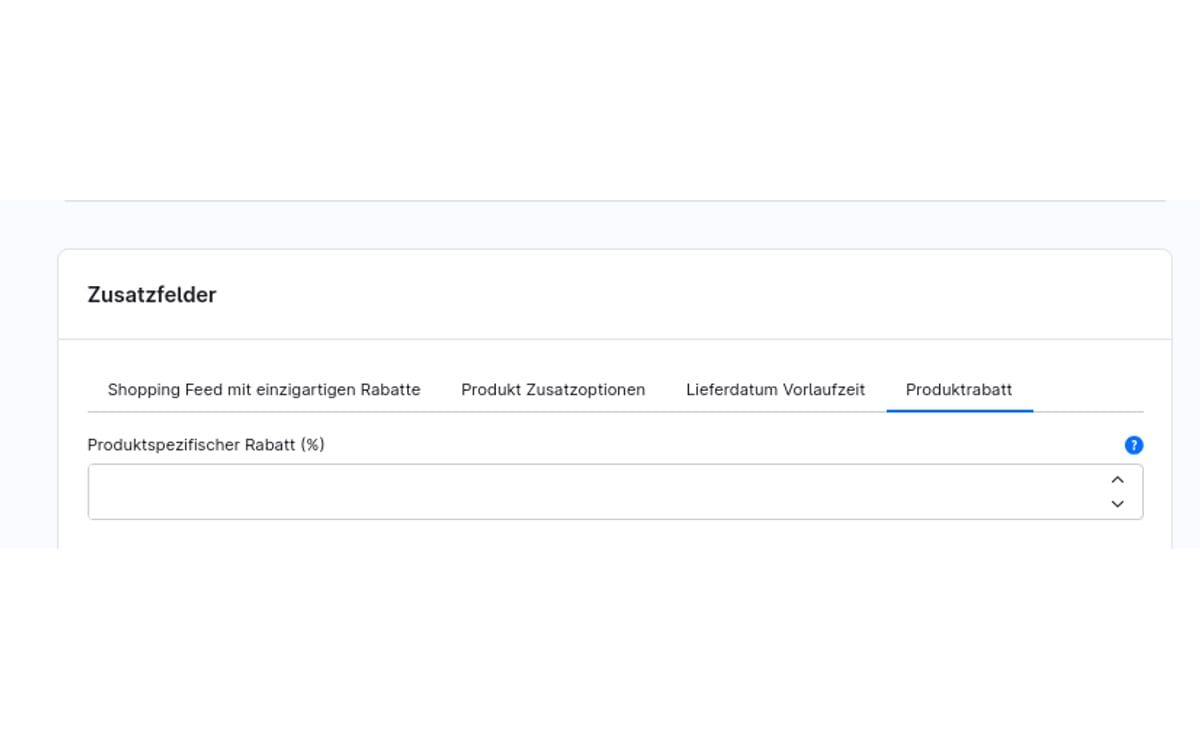
Customer-specific discounts
Give individual customers their own discounts on categories, product groups or the entire range, and define which discount applies when they overlap.
-
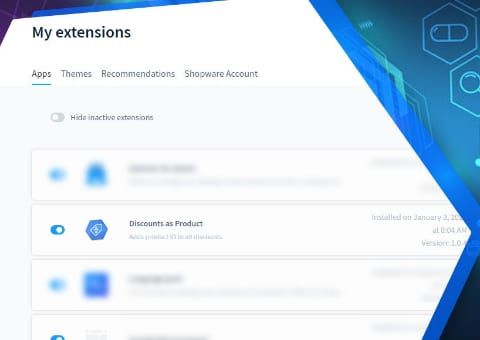
Discount as a Separate Line Item for ERP Import
Discounts from Shopware get a fixed product number, so your ERP can read them as a separate line item and the order total is correct.
-
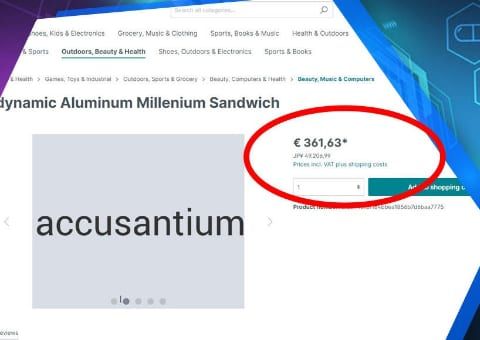
Live Currency Conversion
Visitors also see prices in their own currency, with daily ECB rates. Order and invoice remain in your shop currency.
-

OSS Delivery Country Selection with Price Correction
Visitors choose their delivery country and the shop recalculates every price from net with that country's VAT. Your margin stays the same everywhere.
-
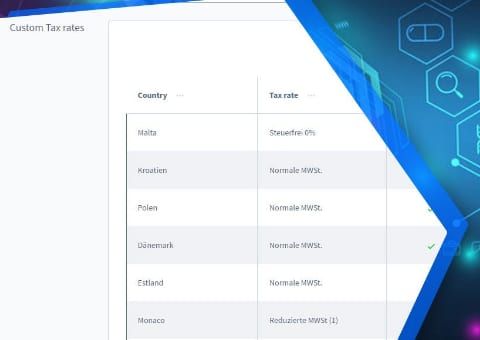
OSS Extended: Tax Rate per Country and Product
Set a separate tax rate per product and country when the destination country applies different reduced rates from Germany.
-
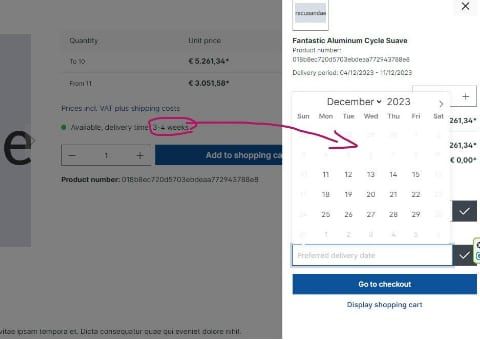
Preferred Delivery Date
Customers choose their delivery date at checkout. The earliest day is based on delivery times, buffer, public holidays and your closing days.
-
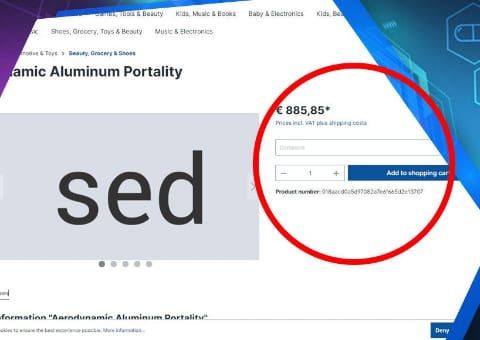
Reference text field per line item
Business customers add their own reference text to each product, for example for a project, branch or cost centre. Tiered prices still apply to the total quantity.
-
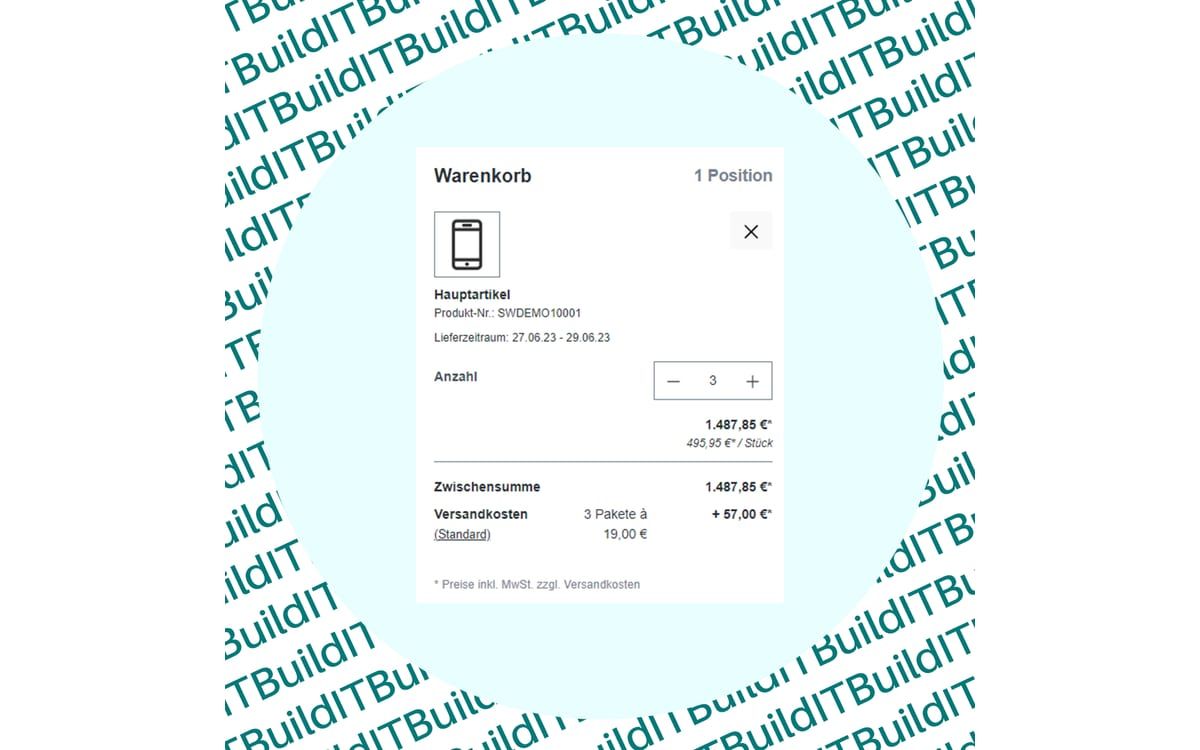
Shipping Costs per Parcel
Shopware calculates how many parcels an order needs and charges shipping costs for each parcel.
-
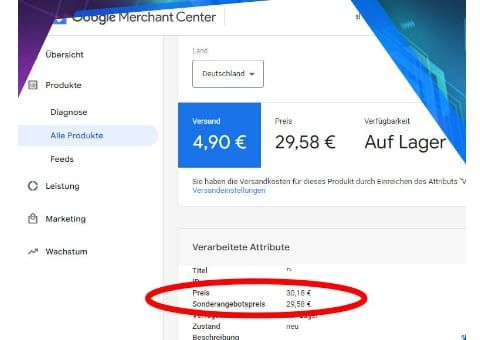
Shopping Feed with Unique Discounts
Visitors from price comparison sites get the discount only on the product they came for. All other products keep their normal price.
-
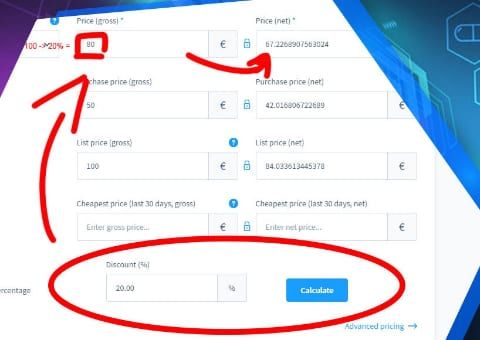
Strike-Through Prices by Percentage
Enter a percentage discount and the plugin calculates the selling price with the matching strike-through price.


Administration and reporting
A better overview in the Shopware admin and tracking per order.
-
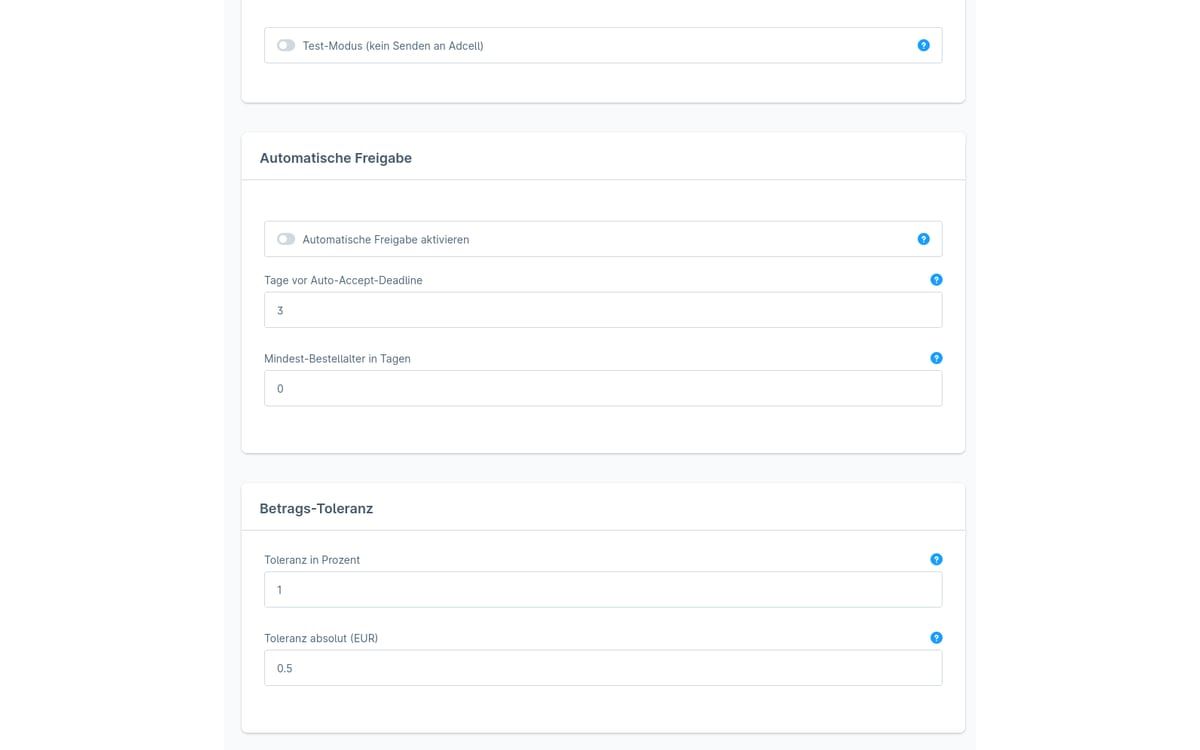
ADCELL commission approval
The plugin checks open ADCELL commissions against your Shopware orders and suggests whether to approve, cancel or adjust the amount.
-
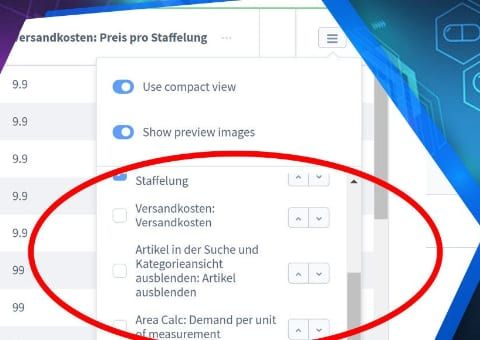
Admin product overview with custom fields
Show your product custom fields as separate columns in the product list of the Shopware administration, without opening each product.
-
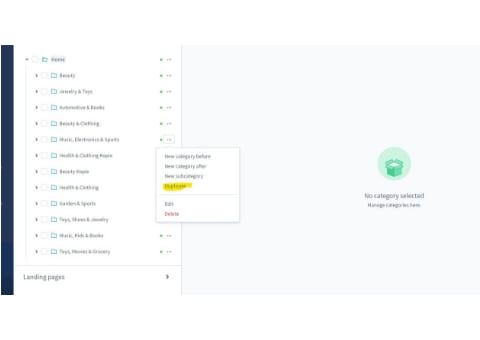
Duplicate categories and category trees
Copy categories or entire category trees in the administration instead of rebuilding similar structures level by level.
-
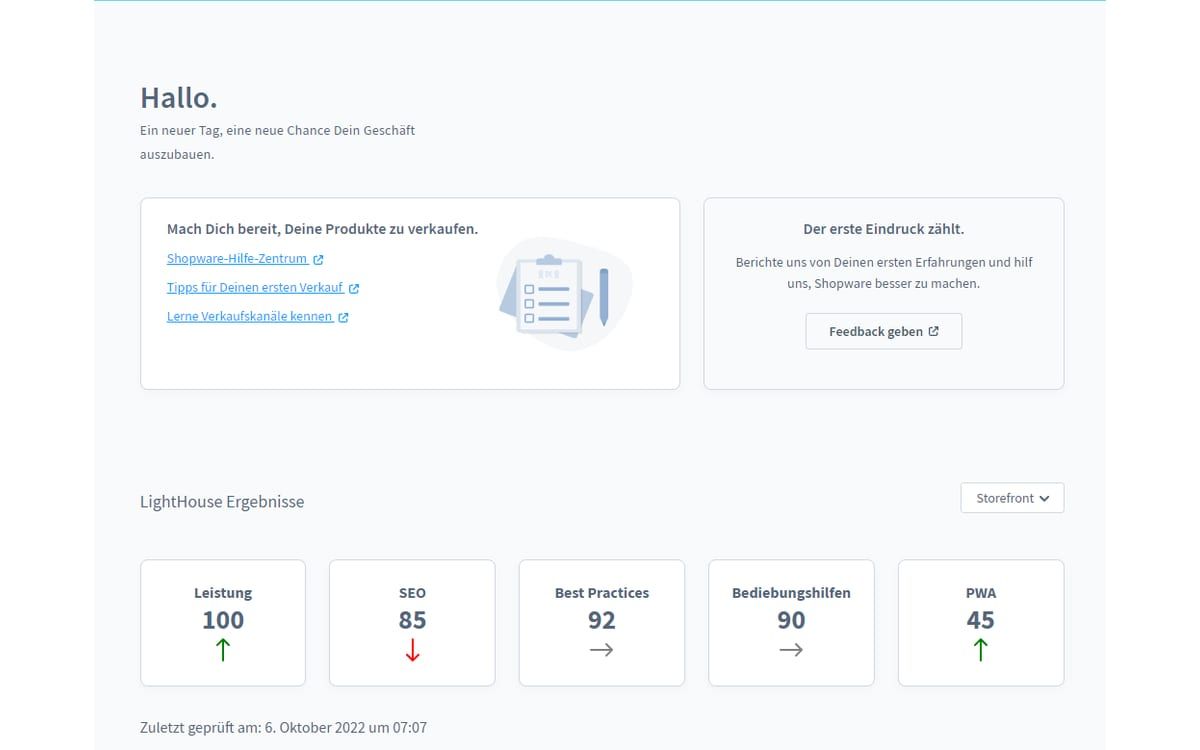
Google Lighthouse Monitor
Keep an eye on loading time and Lighthouse scores of all sales channels directly in the Shopware administration, with a history instead of one-off measurements.
-
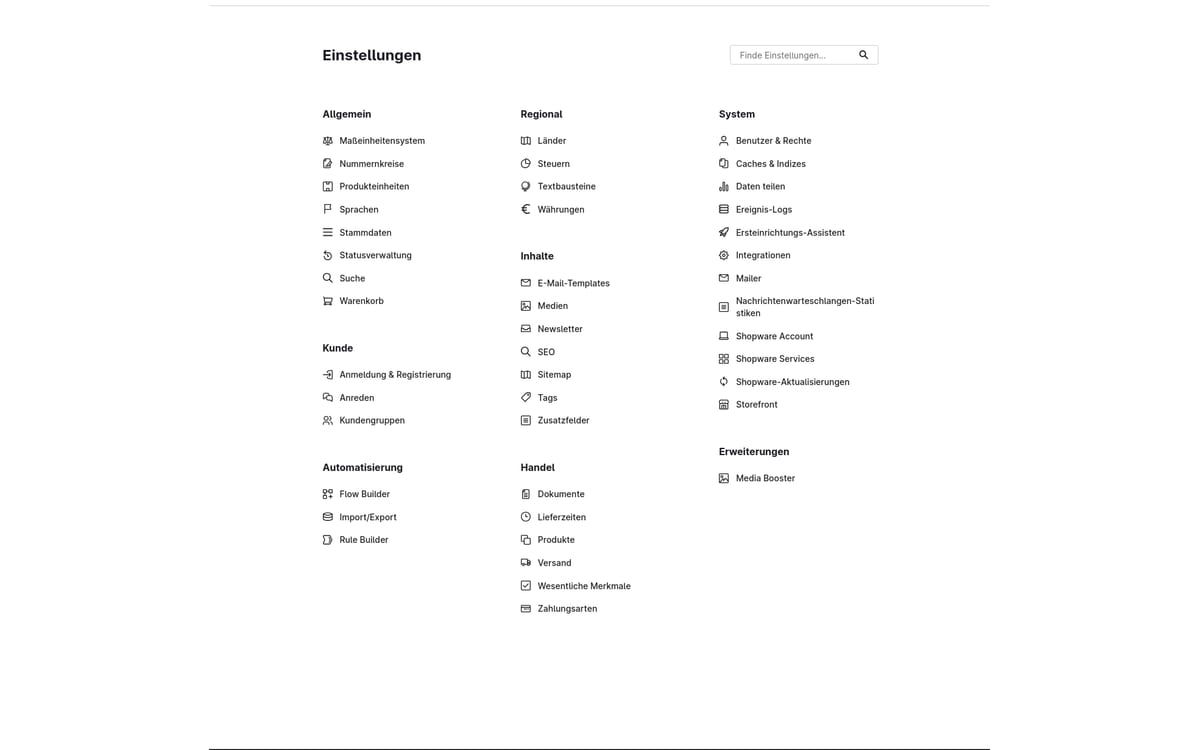
Media Booster
Automatically shrinks the images in your shop, converts them to WebP and AVIF and gives them alt texts and descriptive file names.
-
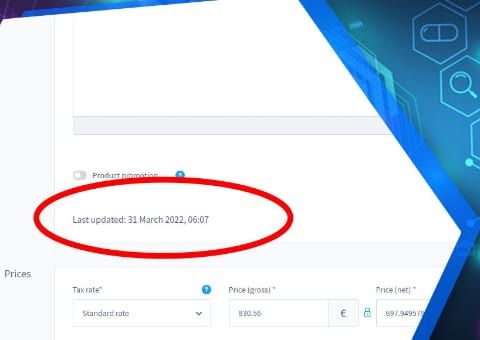
Show last product change
See on the product when it was last changed, and whether it was someone in the admin or an automatic sync from the ERP or an interface.
-

Show variant count in the admin
See at a glance in the administration product list how many variants belong to a product.
-
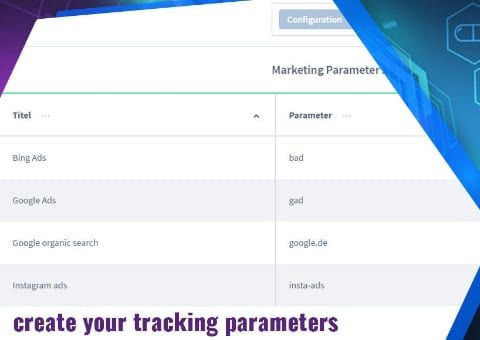
UTM Source Tracking: Referrer and Parameters
See for every order in the Administration which campaign, source and device the customer came from.


Missing a feature?
Many of our plugins only exist because a client asked for them. If your shop needs something that is not listed here, we will develop the right plugin for you.
For on-site search there is also Minofinder, our AI search and product advisor for Shopware 6.
A few sentences are enough to start. We will get back to you with questions or a suggested date.