
Plugin for Shopware 6
Disable Payment Methods in the Storefront for Shopware 6
Hide individual payment methods in the shop so they can only be used for orders your team creates in the Administration.

Some payment methods should only be used internally, for example for phone orders or for customers with special terms. In Shopware, however, active payment methods are always visible in the shop too.
With this plugin, you tick a box on the payment method and it disappears from the checkout. It remains available for orders your team creates in the Administration.
What you can use the plugin for
Phone and trade fair orders
For orders your team enters, you use internal payment methods such as cash or collective invoice.
Special terms
You offer purchase on account to selected key accounts only through your team, not publicly in the shop.
Set up in a few steps
- Create the payment method, activate it and assign it to the sales channel.
- In the payment method settings, enable hiding in the shop.
Frequently asked questions about Disable Payment Methods in the Storefront
Do customers see the payment method anywhere?
No. It does not appear in the shop. It is only available for orders created in the Administration.
Your contacts
Questions about Disable Payment Methods in the Storefront or need an adjustment?
Would you like to know whether the plugin suits your shop, or do you need an extension? Talk to us directly.

Our team for your questions
-

-

-

-

-

-

-

-

-

-

-

-

-

-

-

- Aleksej Werestschagin Web development
-

-



Related plugins
-
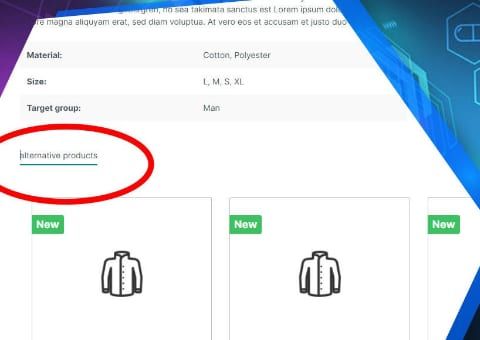
Intelligent cross-selling
Let Shopware find similar products itself: you weight the important properties, and the plugin creates matching recommendations from them.
-
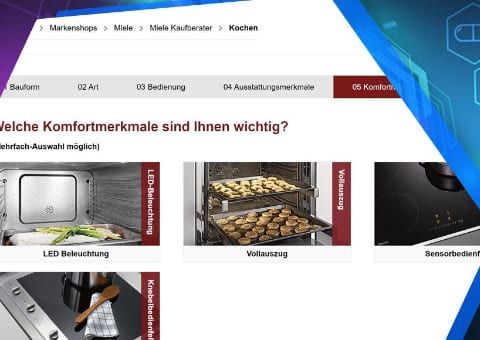
Intelligent product advisor
Guide customers to the right product with just a few questions. The answers are weighted, so close matches also appear in a sensible order.
-
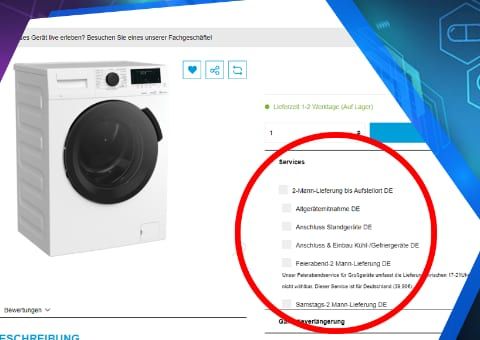
Product Add-ons
Sell warranty extensions, assembly or old appliance removal as add-ons directly on the product, and even later in the cart.


Many of our plugins only exist because a client asked for them. If your shop needs something that is not listed here, we will develop the right plugin for you.