
Plugin for Shopware 6
Product filters for custom fields for Shopware 6
Turn custom fields such as material, weight or base colour into filters in the category listing, without any coding.

Many shops keep product features in custom fields, often imported automatically from the ERP. Shopware cannot filter by them in the category listing, though, so the data stays invisible to customers.
This plugin turns selected custom fields into filters. For each field you choose the right display, from a dropdown to a slider for numeric values. Filters only appear where they return results, and colour values are shown as real colour swatches.
What you can use the plugin for
Using data from the ERP
Features that already land in custom fields via import become filterable for customers, without converting them into properties.
Narrowing down technical values
Customers filter weight, power or dimensions to the right range with a slider.
What it looks like in the shop
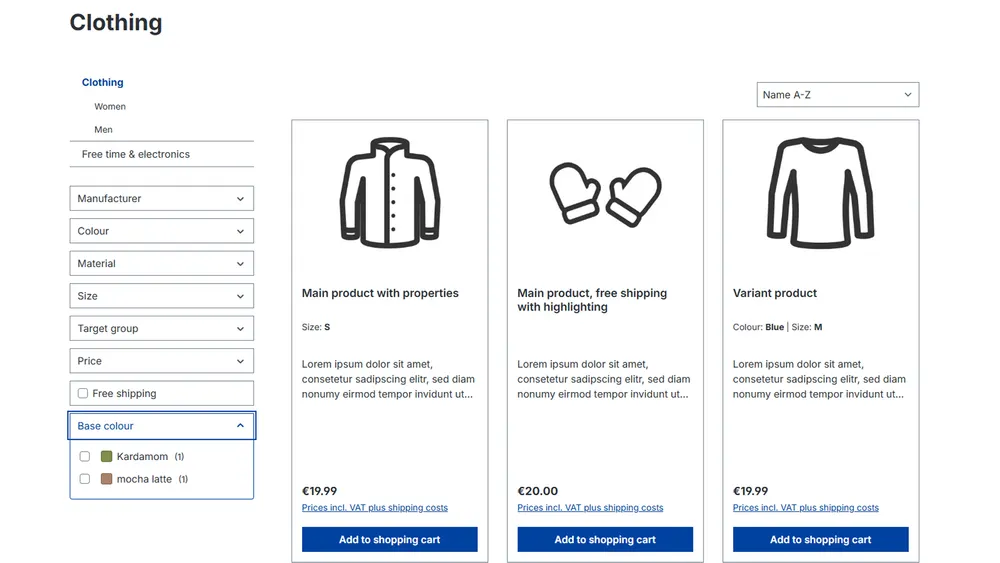
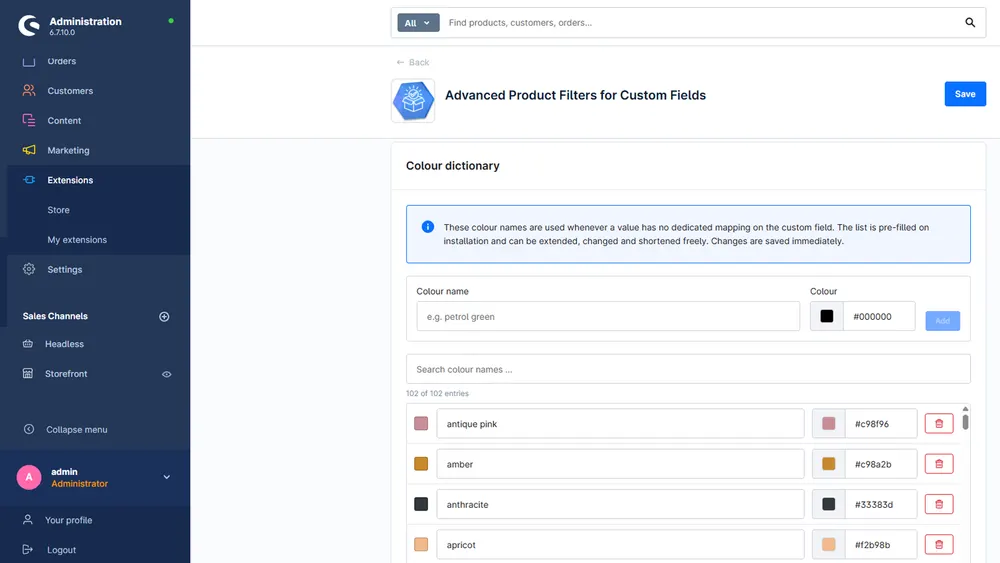
Set up in a few steps
- Install the plugin and select the custom fields that should serve as filters in the configuration.
- Set the display type, label and position for each field.
- For colour fields, check and complete the mapping of colour names.
Frequently asked questions about Product filters for custom fields
Do I have to assign filters to individual categories?
No. A filter automatically appears only in categories that contain products with this custom field.
How does the colour display work?
Colour names from your data are mapped to colours and shown as a swatch. Values such as black/silver are shown split.
Your contacts
Questions about Product filters for custom fields or need an adjustment?
Would you like to know whether the plugin suits your shop, or do you need an extension? Talk to us directly.

Our team for your questions
-

-

-

-

-

-

-

-

-

-

-

-

-

-

-

- Aleksej Werestschagin Web development
-

-



Related plugins
-

Property tooltips
Explain technical terms such as protection ratings or material details exactly where customers see them: in the filter, in the product table and when choosing variants.
-
Search Overlay
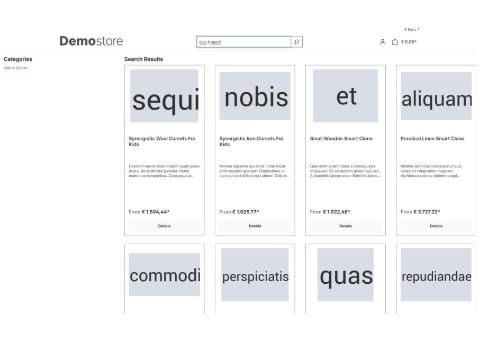
Search opens as a large overlay and shows products, categories, manufacturers and blog posts in separate tabs.
-
Search Statistics
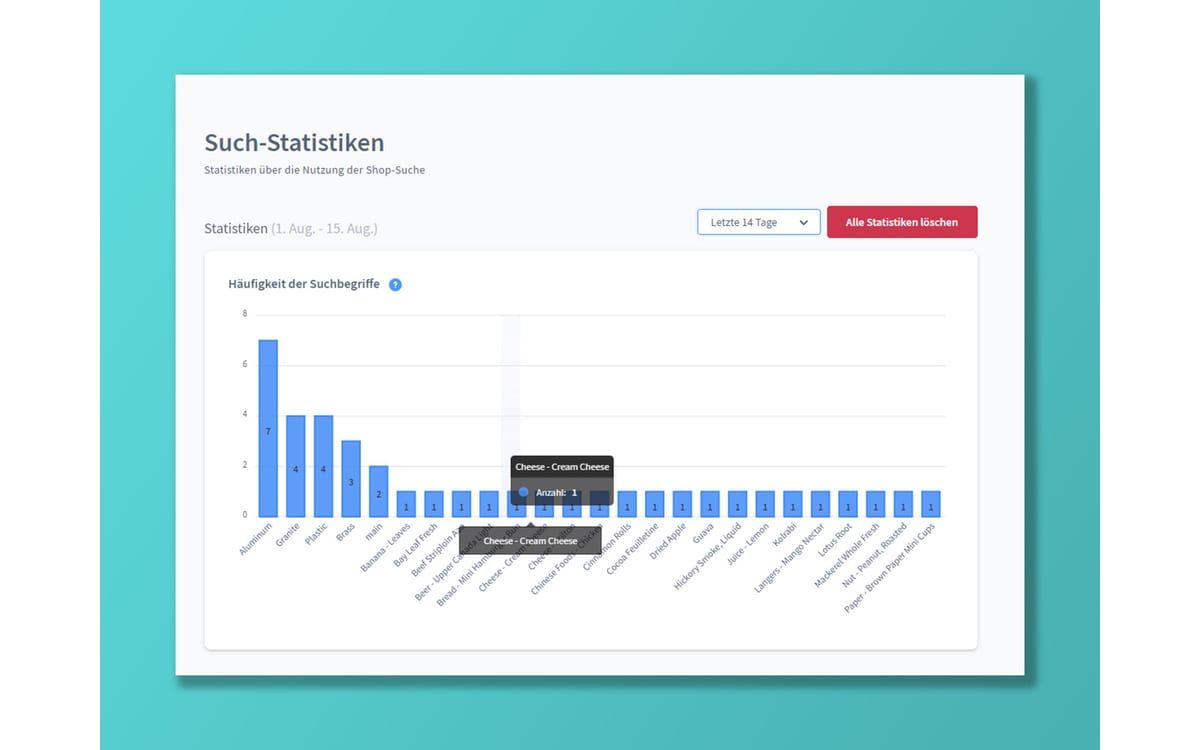
Find out what your customers search for in your shop, which terms return no results and which products are sold via search.


Many of our plugins only exist because a client asked for them. If your shop needs something that is not listed here, we will develop the right plugin for you.