
Plugin for Shopware 6
ADCELL commission approval for Shopware 6
The plugin checks open ADCELL commissions against your Shopware orders and suggests whether to approve, cancel or adjust the amount.

If you work with publishers via ADCELL, you have to confirm or reject open commissions regularly. With a high order volume this takes time, and mistakes quickly come out of your budget.
The plugin pulls open commissions straight into your shop and compares them with the real order data. If an order has been paid and shipped, it suggests approval. If it was cancelled or returned, it suggests rejection. If the basket value differs, it suggests a correction. You keep the final decision and can review every match later in the history.
What you can use the plugin for
Less manual work in your affiliate programme
Instead of checking each commission individually in the ADCELL portal, you see all suggestions together in the Shopware administration.
Correct billing for returns
Cancelled or returned orders are detected, so you do not pay commission on revenue that does not stay.
What it looks like in the shop
Set up in a few steps
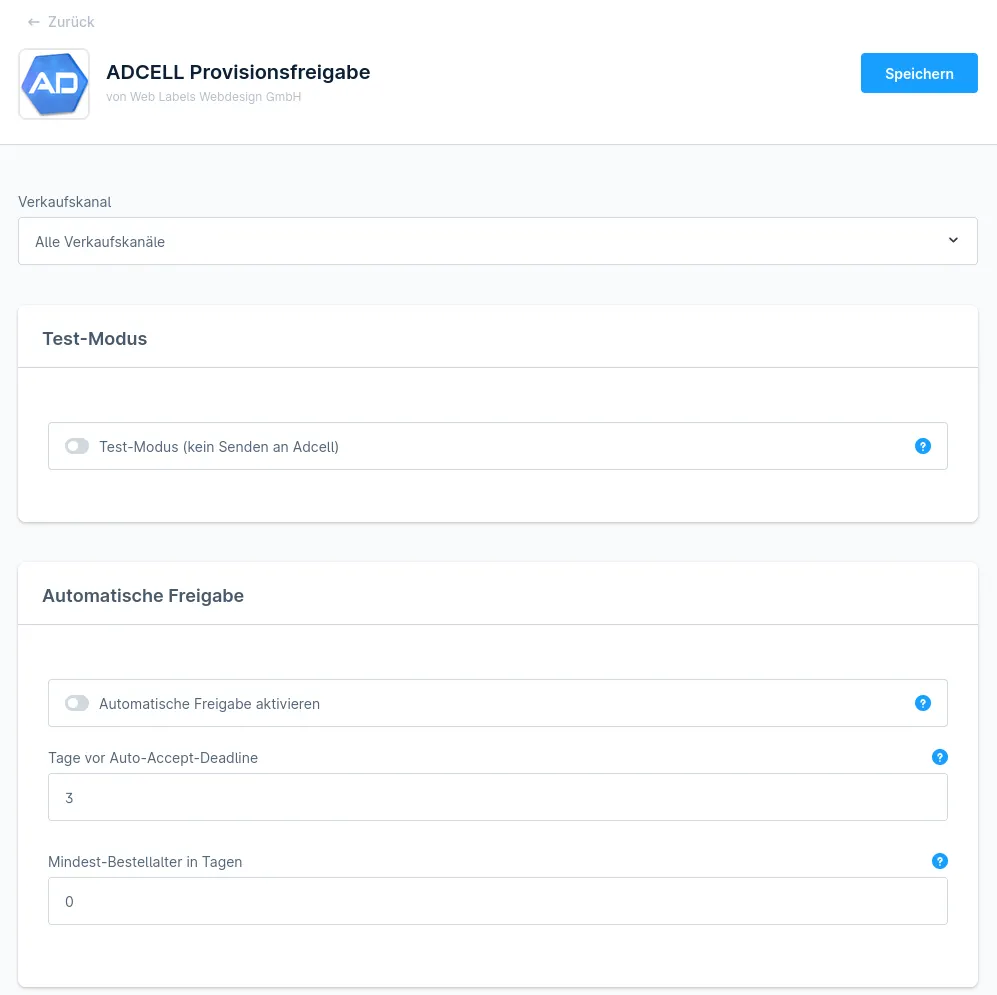
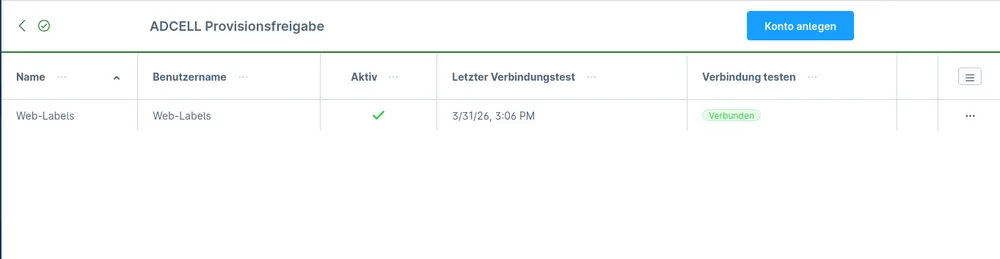
- Install the plugin and enter the credentials of your ADCELL account.
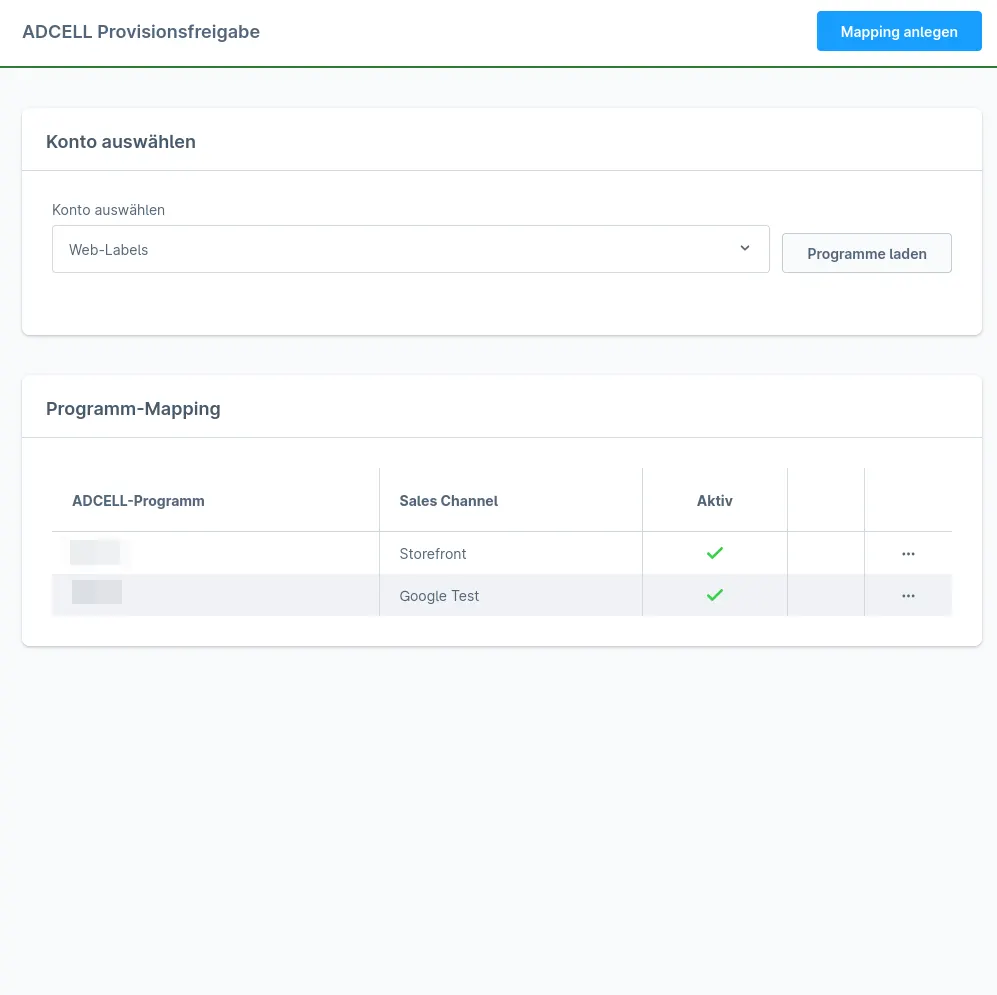
- Assign your ADCELL programmes to the matching sales channels.
- Run the first matches in test mode, then switch on the daily automatic run if required.
Frequently asked questions about ADCELL commission approval
Does the plugin replace ADCELL tracking?
No. Tracking continues through your existing ADCELL integration. This plugin only handles the approval of commissions.
Are decisions sent without my review?
Only if you deliberately switch on the automatic run. Otherwise all suggestions are prepared and you send them after checking.
Your contacts
Questions about ADCELL commission approval or need an adjustment?
Would you like to know whether the plugin suits your shop, or do you need an extension? Talk to us directly.

Our team for your questions
-

-

-

-

-

-

-

-

-

-

-

-

-

-

-

- Aleksej Werestschagin Web development
-

-



Related plugins
-
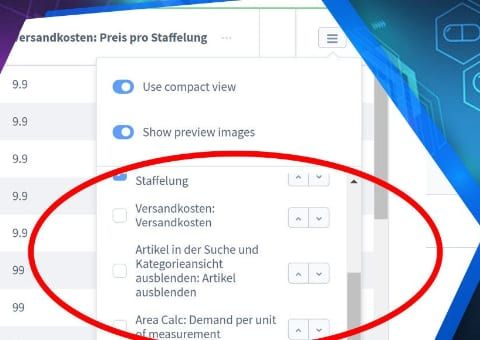
Admin product overview with custom fields
Show your product custom fields as separate columns in the product list of the Shopware administration, without opening each product.
-
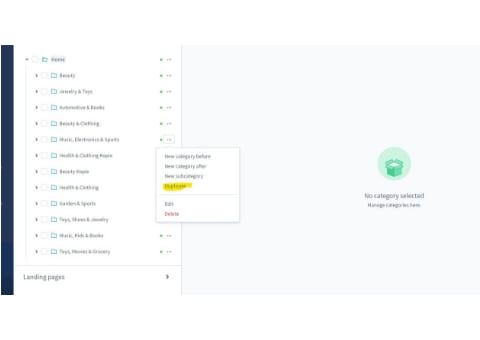
Duplicate categories and category trees
Copy categories or entire category trees in the administration instead of rebuilding similar structures level by level.
-
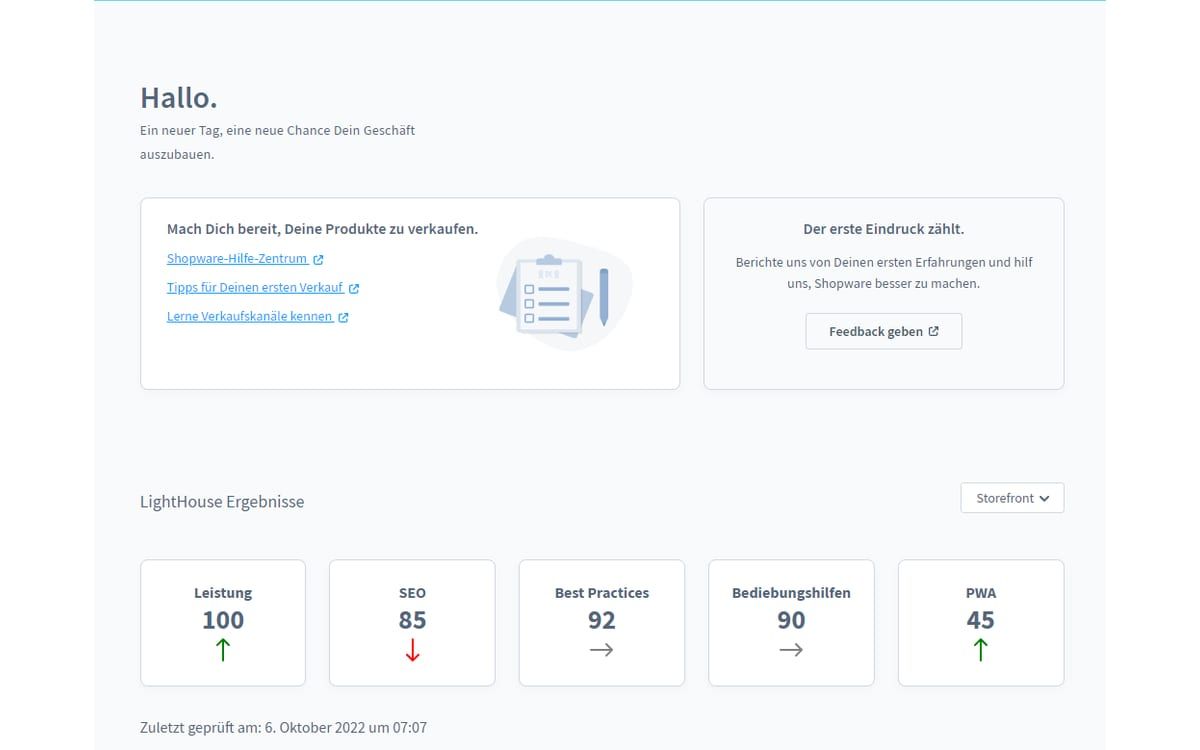
Google Lighthouse Monitor
Keep an eye on loading time and Lighthouse scores of all sales channels directly in the Shopware administration, with a history instead of one-off measurements.


Many of our plugins only exist because a client asked for them. If your shop needs something that is not listed here, we will develop the right plugin for you.