Mon–Thu 09:30–17:00, Fri until 15:00

Bargteheide 04532 408 99 95Göttingen 0551 890 64 000

Plugin for Shopware 6

Google Lighthouse Monitor for Shopware 6

Keep an eye on loading time and Lighthouse scores of all sales channels directly in the Shopware administration, with a history instead of one-off measurements.

Shopware 6 plugin Google Lighthouse Monitor by Web Labels: view from the Shopware Store

Loading time affects revenue and rankings. If you only check it occasionally in the browser, you often notice deterioration late, for example after an update or a new plugin.

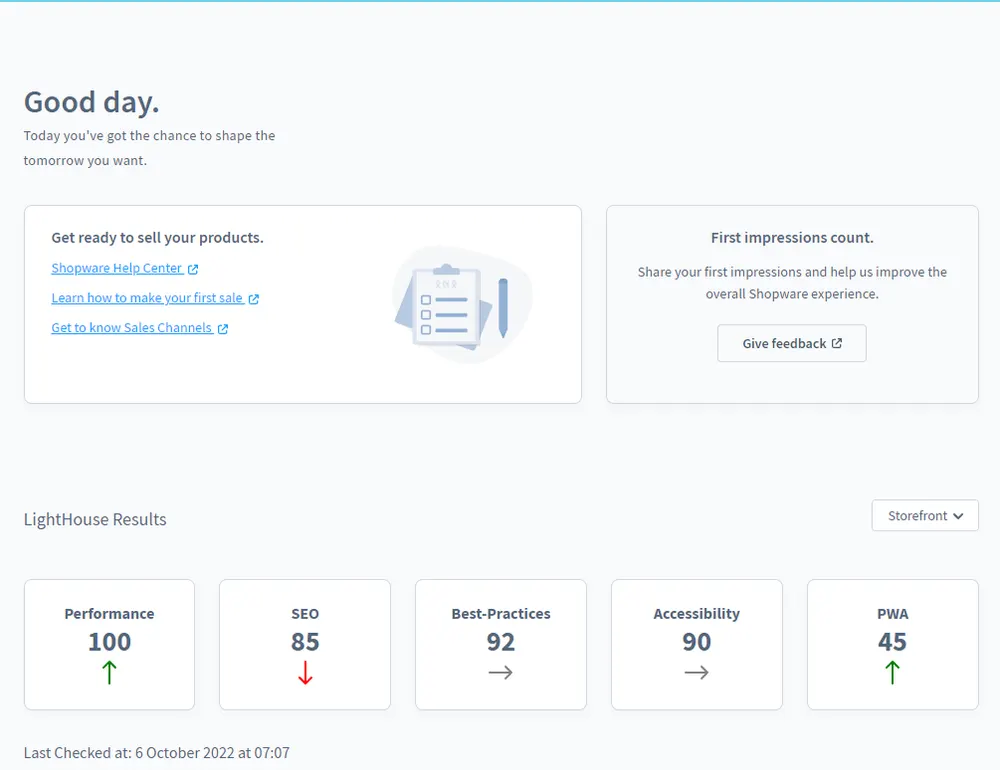
The Lighthouse Monitor measures your sales channels regularly via the Google API and stores the results. In the administration you see all scores and how they develop. This makes changes stand out, and you can respond in a targeted way.

What you can use the plugin for

  • After updates and plugin installations

    You see immediately whether a change has made loading times worse.

  • Several shops and domains

    All sales channels are collected in one overview instead of measuring each one in the browser.

What it looks like in the shop
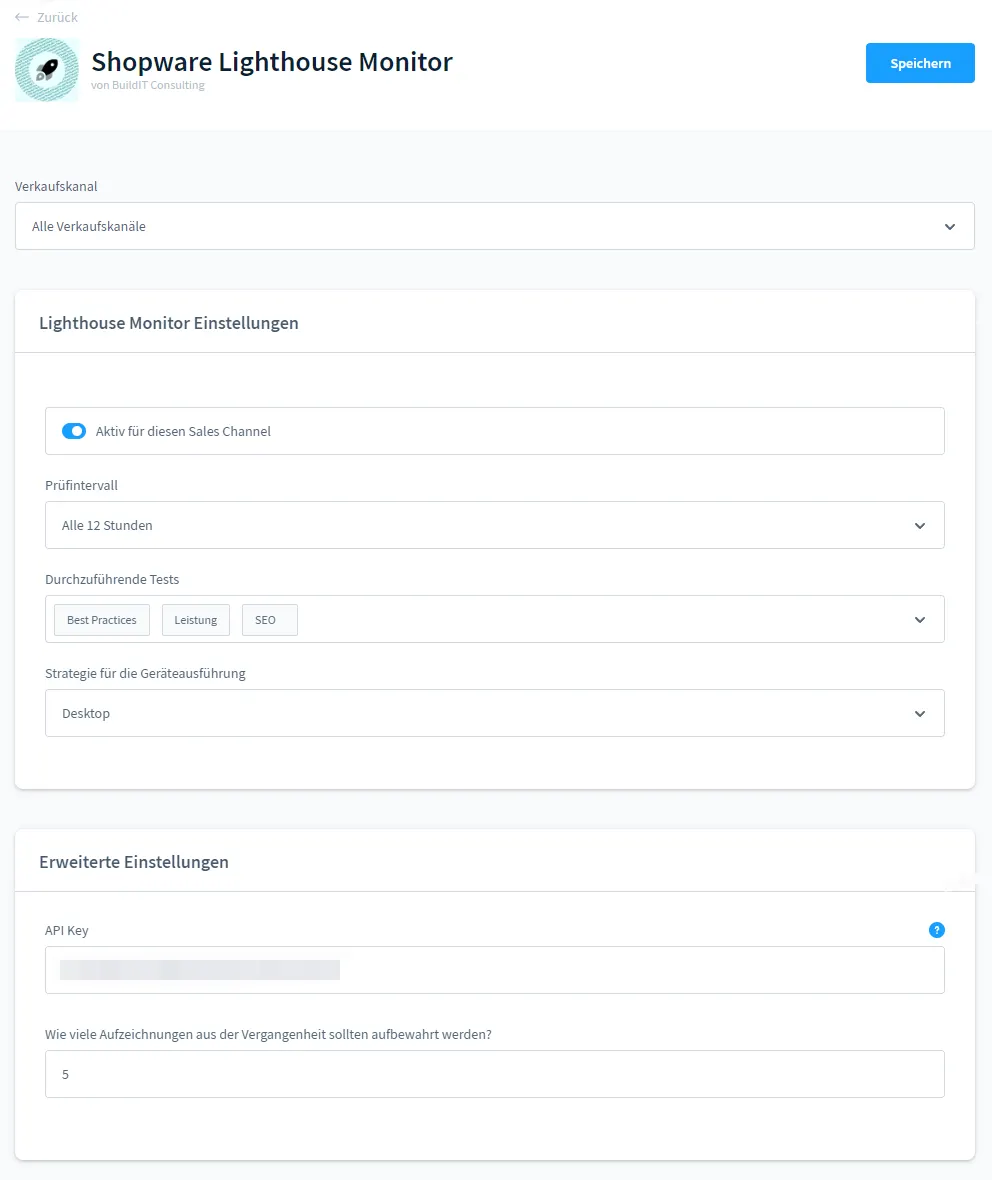
Screenshot Google Lighthouse Monitor for Shopware 6: view 1
Google Lighthouse Monitor: view 1
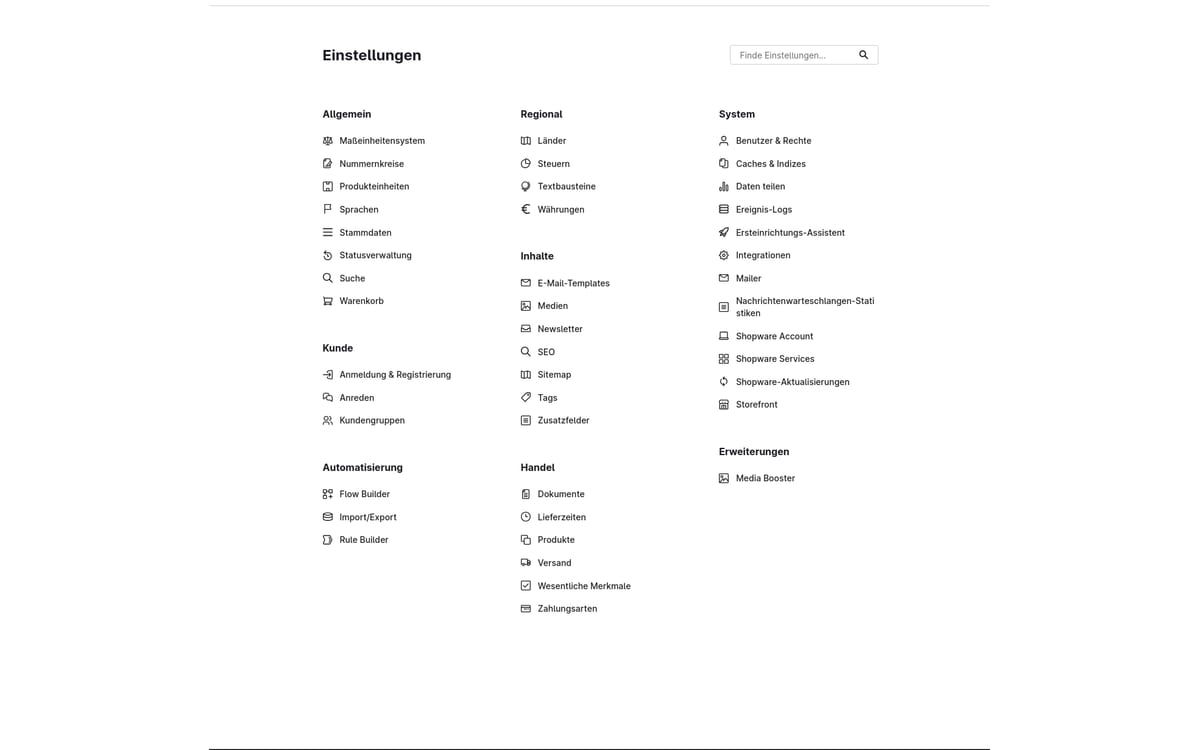
Screenshot Google Lighthouse Monitor for Shopware 6: view 2
Google Lighthouse Monitor: view 2

Set up in a few steps

  1. Install the plugin and enter a Google PageSpeed API key.
  2. Make sure the Shopware scheduled task runner is active.
  3. Follow the results in the administration.

Frequently asked questions about Google Lighthouse Monitor

Which page is measured?

The plugin measures the home page of every active sales channel via the Google PageSpeed Insights API.

Why do I need an API key?

With your own key the measurements run on your quota at Google and are not bound by the limits of anonymous requests.

Your contacts

Questions about Google Lighthouse Monitor or need an adjustment?

Would you like to know whether the plugin suits your shop, or do you need an extension? Talk to us directly.

Janis Rittmeier and Tim Schröder, Key Account Manager at Web Labels, your contact for Google Lighthouse Monitor

Our team for your questions

  • René Grosche, Managing Director at Web Labels René Grosche Managing Director
  • Marco Kreutzfeldt, Deputy Managing Director · Back office at Web Labels Marco Kreutzfeldt Deputy Managing Director · Back office
  • Tim Schröder, Key Account Manager at Web Labels Tim Schröder Key Account Manager · Consulting and quotes
  • Janis Rittmeier, Key Account Manager at Web Labels Janis Rittmeier Key Account Manager · Consulting and quotes
  • Lennart Albrecht, Head of Development at Web Labels Lennart Albrecht Head of Development
  • Tom Baustian, Web design · Performance marketing · Audio at Web Labels Tom Baustian Web design · Performance marketing · Audio
  • Tajara-Tabea Leonard, Web design · Content · SEO at Web Labels Tajara-Tabea Leonard Web design · Content · SEO
  • Ken Raupach, Web design · Performance marketing at Web Labels Ken Raupach Web design · Performance marketing
  • Muhammed Tay, Web development at Web Labels Muhammed Tay Web development
  • Alexander Folz, Web development at Web Labels Alexander Folz Web development
  • Aaron Griem, Web development at Web Labels Aaron Griem Web development
  • Leon Fischer, Web development at Web Labels Leon Fischer Web development
  • Patrick Heidl, Web development at Web Labels Patrick Heidl Web development
  • Tobias Schäfer, Web development at Web Labels Tobias Schäfer Web development · Complex development
  • Laura Schop, Web development at Web Labels Laura Schop Web development
  • Aleksej Werestschagin Web development
  • Julina Sievert, Apprentice at Web Labels Julina Sievert Apprentice
  • Rosa-Lee Biesterfeldt, Apprentice at Web Labels Rosa-Lee Biesterfeldt Apprentice

Related plugins

  • Shopware 6 plugin Media Booster by Web Labels: view from the Shopware Store

    Media Booster

    Automatically shrinks the images in your shop, converts them to WebP and AVIF and gives them alt texts and descriptive file names.

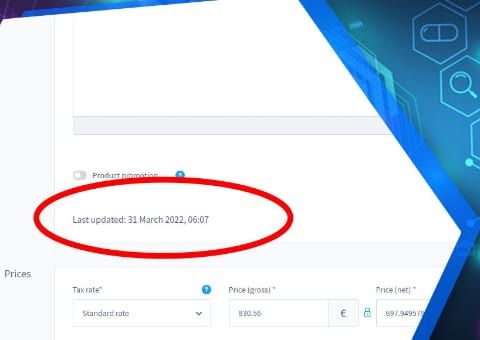
  • Shopware 6 plugin Show last product change by Web Labels: feature view

    Show last product change

    See on the product when it was last changed, and whether it was someone in the admin or an automatic sync from the ERP or an interface.

  • Shopware 6 plugin Show variant count in the admin by Web Labels: feature view

    Show variant count in the admin

    See at a glance in the administration product list how many variants belong to a product.

Need an adjustment or an extension of your own?

Many of our plugins only exist because a client asked for them. If your shop needs something that is not listed here, we will develop the right plugin for you.

Up to 80% government funding