
Plugin for Shopware 6
Closed shop and showcase mode for Shopware 6
Open your shop only to approved customers: completely behind a login page or as a showcase where prices and buying only appear after logging in.

Not every shop should be open to everyone. Wholesalers, distributors or members’ areas want to show prices and ordering only to selected customers.
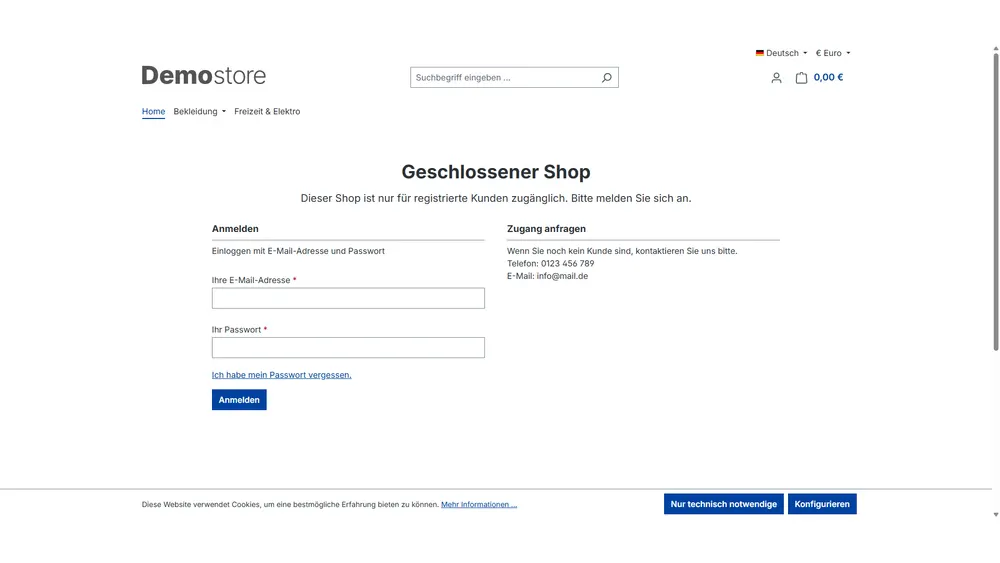
With this plugin you decide which customer groups have access. In locked mode everyone else lands on an entry page with login and registration, if required for several customer groups side by side. In showcase mode your range stays visible and findable, while prices and the cart only appear after approval.
What you can use the plugin for
B2B and dealer shops
Only verified business customers see your terms and can place orders.
Show your range, protect your prices
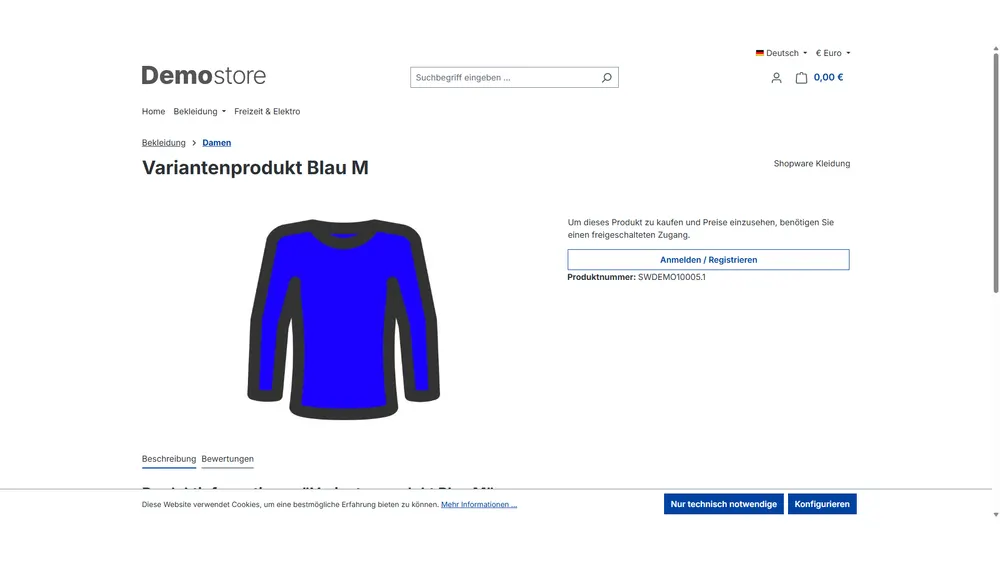
In showcase mode prospects find your products via Google but only see prices once they have been approved.
What it looks like in the shop
Set up in a few steps
- Install the plugin and select the sales channel.
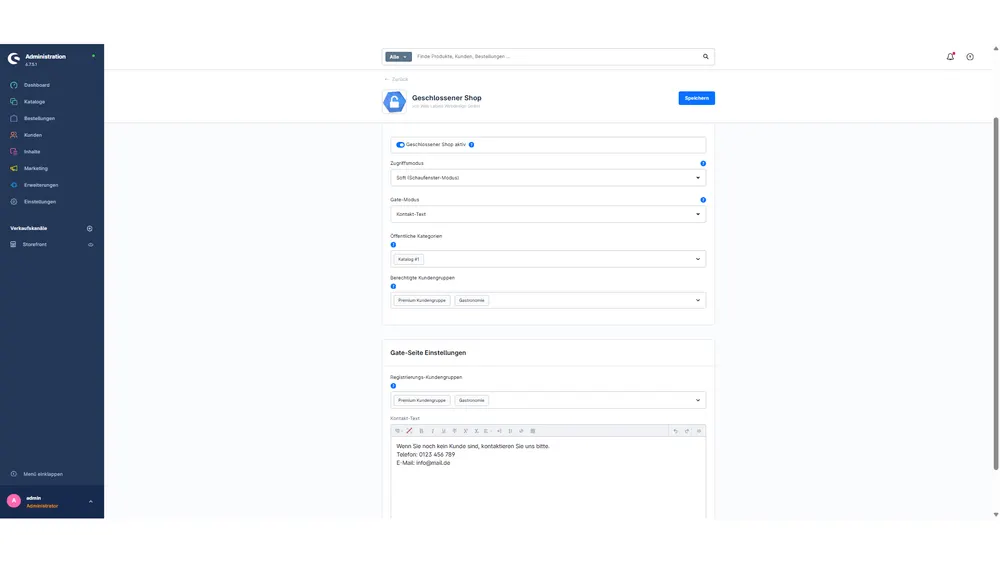
- Choose the mode and define the approved customer groups.
- Optionally open categories to all visitors and design the entry page.
Frequently asked questions about Closed shop and showcase mode
What is the difference between the two modes?
In locked mode, visitors without approval only see the login and registration page. In showcase mode products are visible, but prices and buying only appear after logging in.
Do prices show up in social media previews?
No. For visitors without approval the plugin also removes price information from the preview metadata.
Your contacts
Questions about Closed shop and showcase mode or need an adjustment?
Would you like to know whether the plugin suits your shop, or do you need an extension? Talk to us directly.

Our team for your questions
-

-

-

-

-

-

-

-

-

-

-

-

-

-

-

- Aleksej Werestschagin Web development
-

-



Related plugins
-

Cross-selling by product tags
Store recommendations once on a tag, and every product with that tag automatically shows them on its detail page.
-
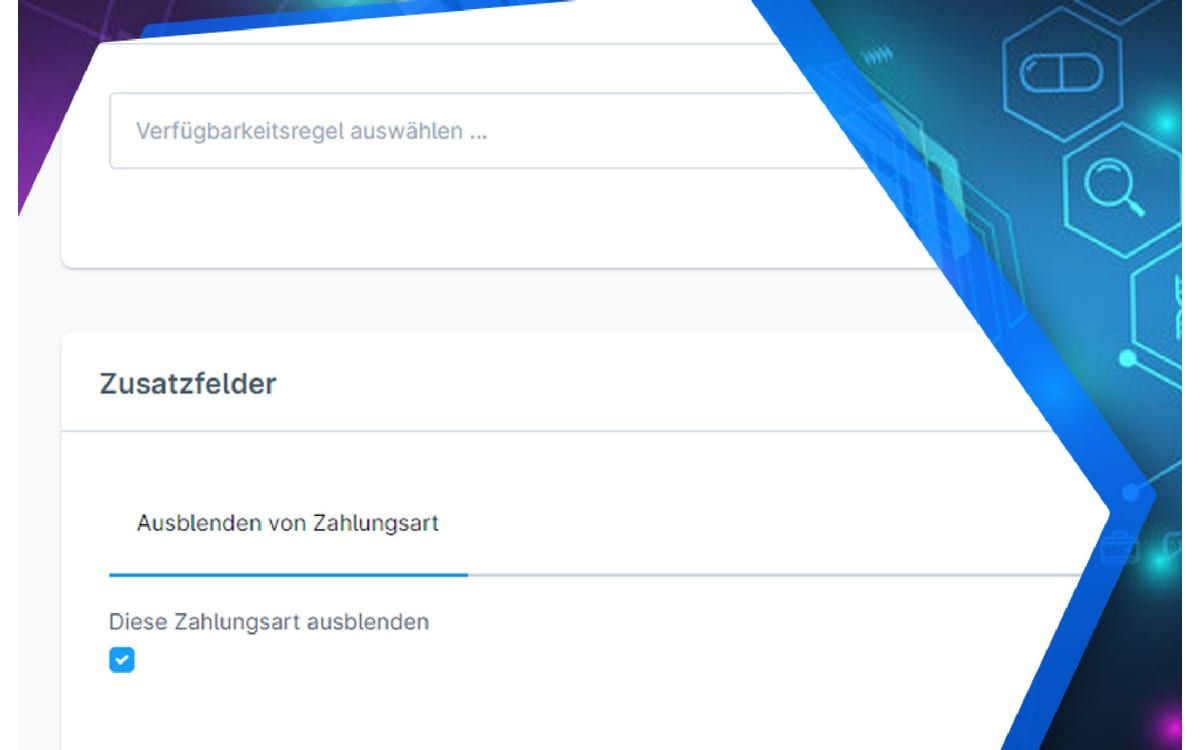
Disable Payment Methods in the Storefront
Hide individual payment methods in the shop so they can only be used for orders your team creates in the Administration.
-
Intelligent cross-selling
Let Shopware find similar products itself: you weight the important properties, and the plugin creates matching recommendations from them.


Many of our plugins only exist because a client asked for them. If your shop needs something that is not listed here, we will develop the right plugin for you.