Mon–Thu 09:30–17:00, Fri until 15:00

Bargteheide 04532 408 99 95Göttingen 0551 890 64 000

Plugin for Shopware 6

Share Cart for Shopware 6

Customers pass on their cart via link, email, WhatsApp or Facebook. The recipient adds all products with one click.

Shopware 6 plugin Share Cart by Web Labels: view from the Shopware Store

Many purchase decisions are not made alone. Until now, someone has had to send product links one by one, and the recipient rebuilds the cart from scratch.

With this plugin, customers share their complete cart with one click. The recipient opens the link, sees all products and adds them to their own cart. This creates orders that would otherwise have got stuck somewhere in a chat.

What you can use the plugin for

  • Decide together

    Families, couples or colleagues agree on an order before anyone pays.

  • Approval within a company

    Employees put the cart together, and the purchasing manager orders it with one click.

What it looks like in the shop
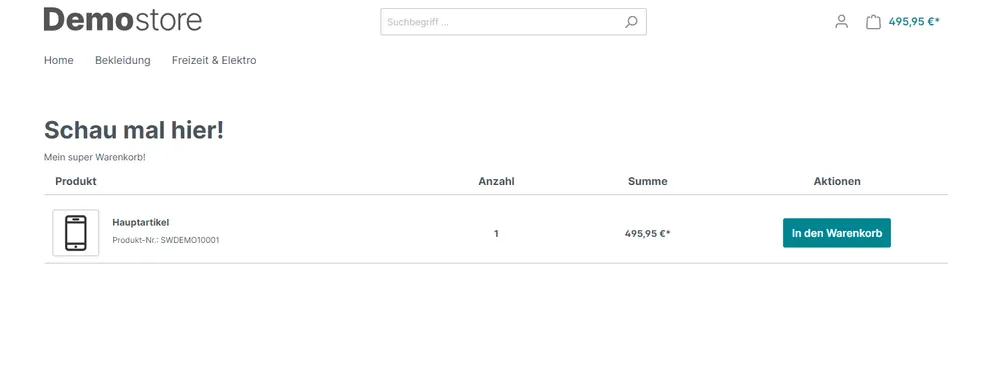
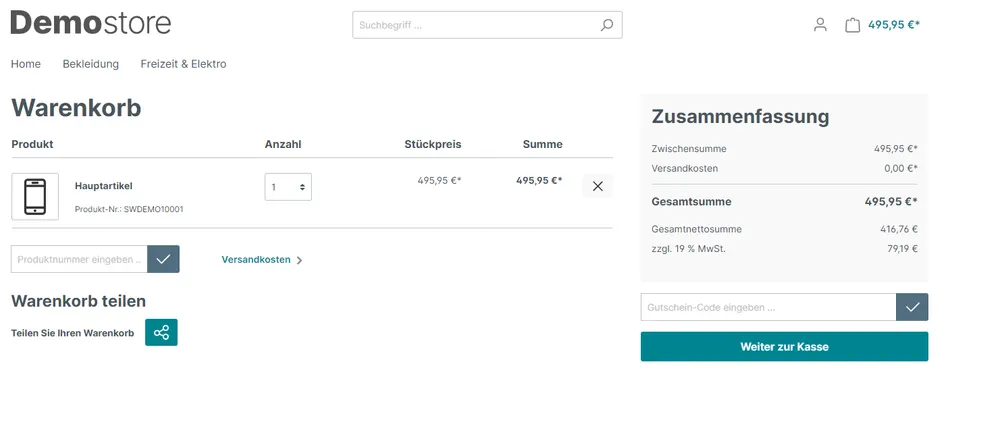
Screenshot of Share Cart for Shopware 6: view 1
Share Cart: view 1
Screenshot of Share Cart for Shopware 6: view 2
Share Cart: view 2

Set up in a few steps

  1. Install the plugin and activate the sharing options you want.
  2. Enter the App ID for Facebook.
  3. Define after how many days shared carts are deleted.

Frequently asked questions about Share Cart

What does the recipient see?

An overview of all products from the shared cart, which they can add individually or all at once.

Are shared carts stored permanently?

No. They are deleted automatically after the period you set.

Your contacts

Questions about Share Cart or need an adjustment?

Would you like to know whether the plugin suits your shop, or do you need an extension? Talk to us directly.

Janis Rittmeier and Tim Schröder, Key Account Manager at Web Labels, your contact for Share Cart

Our team for your questions

  • René Grosche, Managing Director at Web Labels René Grosche Managing Director
  • Marco Kreutzfeldt, Deputy Managing Director · Back office at Web Labels Marco Kreutzfeldt Deputy Managing Director · Back office
  • Tim Schröder, Key Account Manager at Web Labels Tim Schröder Key Account Manager · Consulting and quotes
  • Janis Rittmeier, Key Account Manager at Web Labels Janis Rittmeier Key Account Manager · Consulting and quotes
  • Lennart Albrecht, Head of Development at Web Labels Lennart Albrecht Head of Development
  • Tom Baustian, Web design · Performance marketing · Audio at Web Labels Tom Baustian Web design · Performance marketing · Audio
  • Tajara-Tabea Leonard, Web design · Content · SEO at Web Labels Tajara-Tabea Leonard Web design · Content · SEO
  • Ken Raupach, Web design · Performance marketing at Web Labels Ken Raupach Web design · Performance marketing
  • Muhammed Tay, Web development at Web Labels Muhammed Tay Web development
  • Alexander Folz, Web development at Web Labels Alexander Folz Web development
  • Aaron Griem, Web development at Web Labels Aaron Griem Web development
  • Leon Fischer, Web development at Web Labels Leon Fischer Web development
  • Patrick Heidl, Web development at Web Labels Patrick Heidl Web development
  • Tobias Schäfer, Web development at Web Labels Tobias Schäfer Web development · Complex development
  • Laura Schop, Web development at Web Labels Laura Schop Web development
  • Aleksej Werestschagin Web development
  • Julina Sievert, Apprentice at Web Labels Julina Sievert Apprentice
  • Rosa-Lee Biesterfeldt, Apprentice at Web Labels Rosa-Lee Biesterfeldt Apprentice

Related plugins

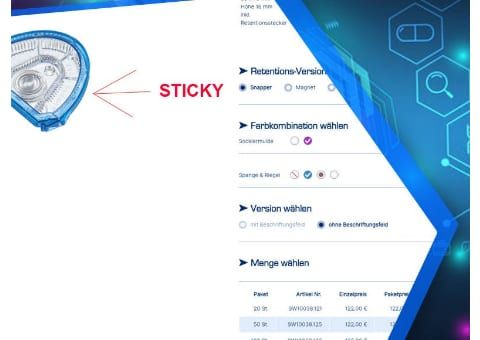
  • Shopware 6 plugin Sticky Product Image by Web Labels: feature view

    Sticky Product Image

    The product image scrolls along with the page. With tall images, the buy box with price and add-to-cart button stays visible instead.

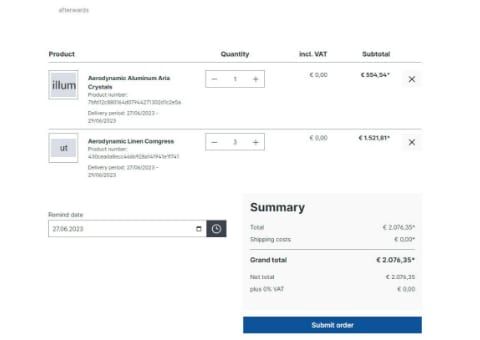
  • Shopware 6 plugin Subscription cart without commitment by Web Labels: feature view

    Subscription cart without commitment

    Your customers pick a date at checkout and then receive an email that lets them reorder the same cart in one click. No subscription contract is created.

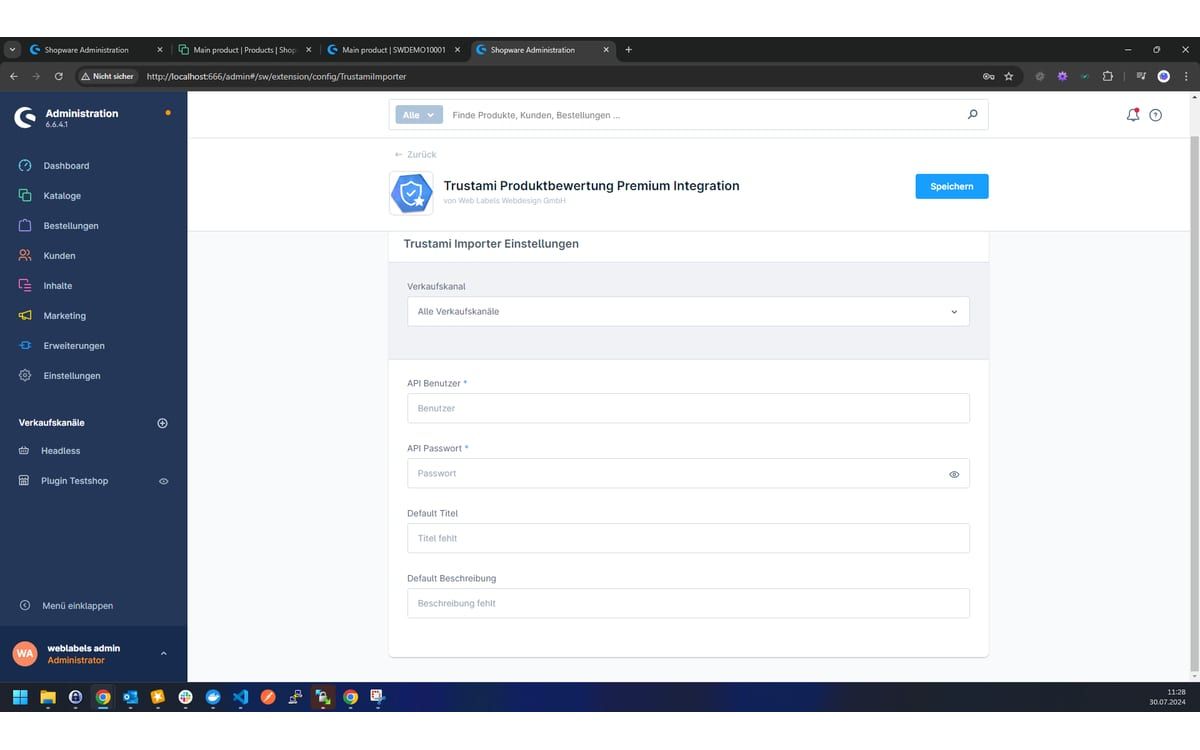
  • Shopware 6 plugin Trustami Product Reviews Premium by Web Labels: view from the Shopware Store

    Trustami Product Reviews Premium

    Imports your Trustami product reviews automatically into the standard Shopware reviews and keeps them up to date every night.

Need an adjustment or an extension of your own?

Many of our plugins only exist because a client asked for them. If your shop needs something that is not listed here, we will develop the right plugin for you.

Up to 80% government funding