Mon–Thu 09:30–17:00, Fri until 15:00

Bargteheide 04532 408 99 95Göttingen 0551 890 64 000

Plugin for Shopware 6

Trustami Product Reviews Premium for Shopware 6

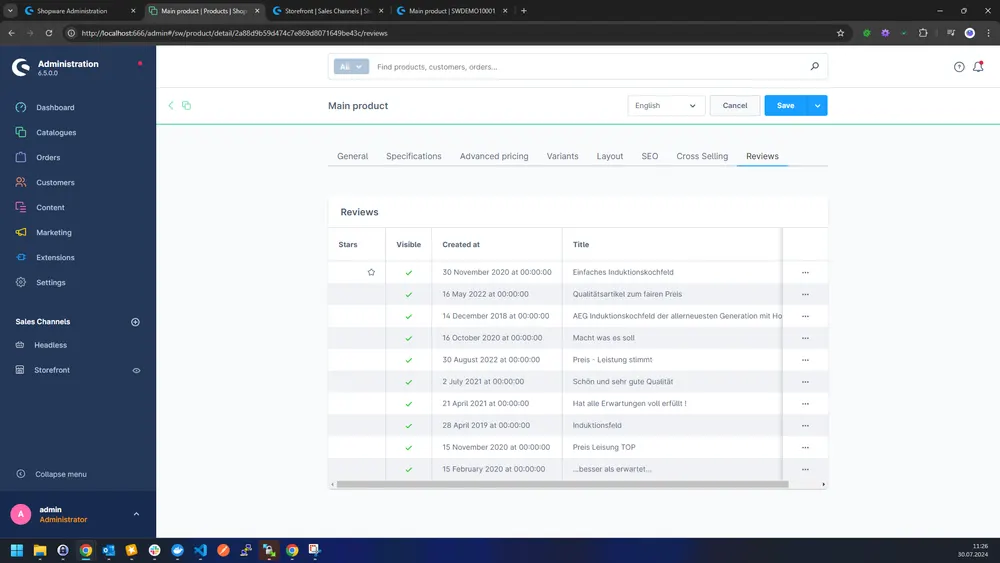
Imports your Trustami product reviews automatically into the standard Shopware reviews and keeps them up to date every night.

Shopware 6 plugin Trustami Product Reviews Premium by Web Labels: view from the Shopware Store

The classic Trustami integration shows reviews in a separate area. They do not mix with the reviews customers leave directly in Shopware.

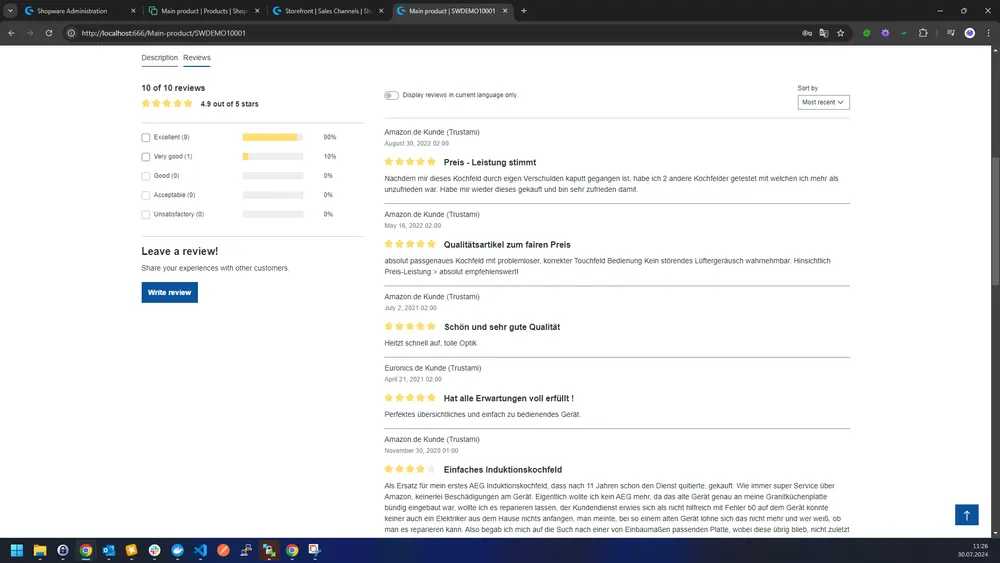
This plugin imports Trustami reviews into Shopware’s standard review system. A nightly sync keeps them up to date and removes entries that Trustami has blocked or deleted. This keeps the display consistent and in line with Trustami’s terms.

What you can use the plugin for

  • Reviews in the right place

    Trustami reviews sit among your other product reviews instead of in a separate widget.

  • Several shops

    Each sales channel uses its own Trustami account.

What it looks like in the shop
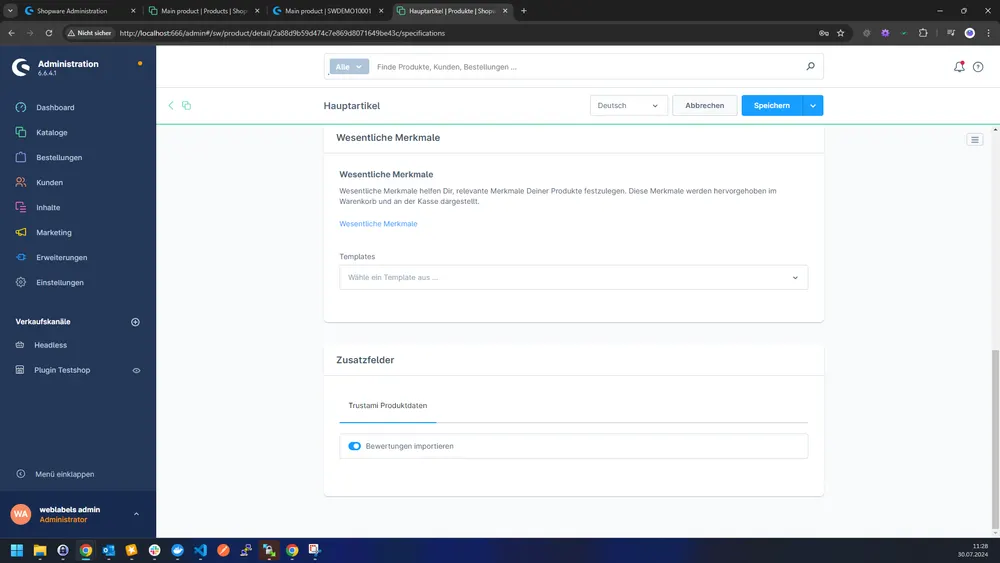
Screenshot of Trustami Product Reviews Premium for Shopware 6: view 1
Trustami Product Reviews Premium: view 1
Screenshot of Trustami Product Reviews Premium for Shopware 6: view 2
Trustami Product Reviews Premium: view 2
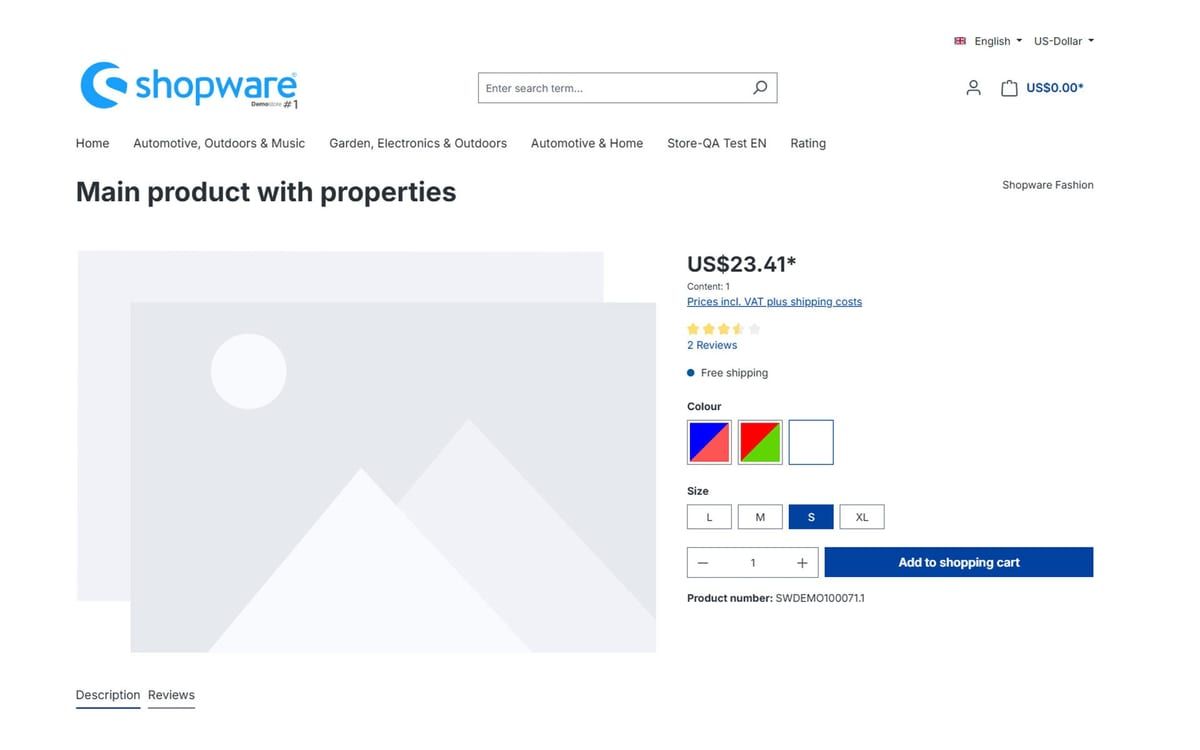
Screenshot of Trustami Product Reviews Premium for Shopware 6: view 3
Trustami Product Reviews Premium: view 3

Set up in a few steps

  1. Install the plugin and enter the Trustami credentials per sales channel.
  2. Set a default title and text for incomplete reviews.
  3. Check that products have a GTIN and wait for the nightly sync.

Frequently asked questions about Trustami Product Reviews Premium

When are the reviews updated?

Every night between midnight and 1 am server time. All reviews are reloaded so that blocked ones also disappear from the shop.

Why are some reviews not shown?

Only reviews whose GTIN matches a product in the shop are imported.

Your contacts

Questions about Trustami Product Reviews Premium or need an adjustment?

Would you like to know whether the plugin suits your shop, or do you need an extension? Talk to us directly.

Janis Rittmeier and Tim Schröder, Key Account Manager at Web Labels, your contact for Trustami Product Reviews Premium

Our team for your questions

  • René Grosche, Managing Director at Web Labels René Grosche Managing Director
  • Marco Kreutzfeldt, Deputy Managing Director · Back office at Web Labels Marco Kreutzfeldt Deputy Managing Director · Back office
  • Tim Schröder, Key Account Manager at Web Labels Tim Schröder Key Account Manager · Consulting and quotes
  • Janis Rittmeier, Key Account Manager at Web Labels Janis Rittmeier Key Account Manager · Consulting and quotes
  • Lennart Albrecht, Head of Development at Web Labels Lennart Albrecht Head of Development
  • Tom Baustian, Web design · Performance marketing · Audio at Web Labels Tom Baustian Web design · Performance marketing · Audio
  • Tajara-Tabea Leonard, Web design · Content · SEO at Web Labels Tajara-Tabea Leonard Web design · Content · SEO
  • Ken Raupach, Web design · Performance marketing at Web Labels Ken Raupach Web design · Performance marketing
  • Muhammed Tay, Web development at Web Labels Muhammed Tay Web development
  • Alexander Folz, Web development at Web Labels Alexander Folz Web development
  • Aaron Griem, Web development at Web Labels Aaron Griem Web development
  • Leon Fischer, Web development at Web Labels Leon Fischer Web development
  • Patrick Heidl, Web development at Web Labels Patrick Heidl Web development
  • Tobias Schäfer, Web development at Web Labels Tobias Schäfer Web development · Complex development
  • Laura Schop, Web development at Web Labels Laura Schop Web development
  • Aleksej Werestschagin Web development
  • Julina Sievert, Apprentice at Web Labels Julina Sievert Apprentice
  • Rosa-Lee Biesterfeldt, Apprentice at Web Labels Rosa-Lee Biesterfeldt Apprentice

Related plugins

  • Shopware 6 plugin Two-colour properties by Web Labels: view from the Shopware Store

    Two-colour properties

    Show two-coloured products such as blue and yellow in a single colour swatch instead of having to choose one colour.

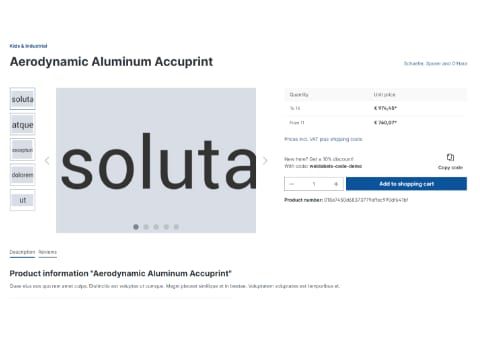
  • Shopware 6 plugin Vouchers on the product detail page by Web Labels: feature view

    Vouchers on the product detail page

    Your product pages automatically show the best valid voucher code that applies to the product, so customers do not have to go looking for it.

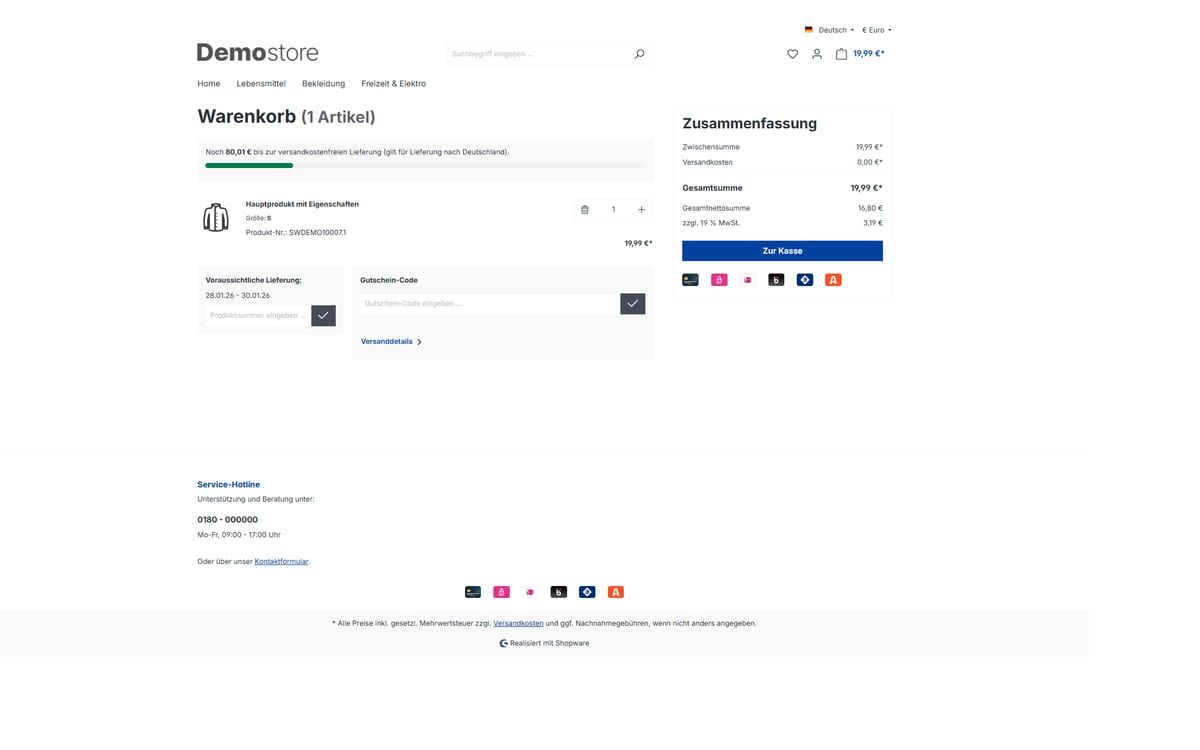
  • Shopware 6 plugin Beautified Checkout by Web Labels: view from the Shopware Store

    Beautified Checkout

    Adjust the cart and checkout of your Shopware shop through settings: free shipping bar, delivery time, payment icons, tidier product rows and more.

Need an adjustment or an extension of your own?

Many of our plugins only exist because a client asked for them. If your shop needs something that is not listed here, we will develop the right plugin for you.

Up to 80% government funding