
Plugin for Shopware 6
UTM Source Tracking: Referrer and Parameters for Shopware 6
See for every order in the Administration which campaign, source and device the customer came from.

Many shops invest in advertising but do not know exactly which campaign generates revenue. Click figures from ad accounts say little about who actually placed an order in the end.
This plugin attaches the source directly to every order: campaign parameters, referring page and device. You can see in the Administration which channels really sell and allocate budgets in a more targeted way.
What you can use the plugin for
Evaluate your marketing
You see not just clicks, but which campaign actually led to orders.
Measure price comparison sites without consent
In cookie-free mode, you also capture the source for visitors who do not allow cookies.
What it looks like in the shop
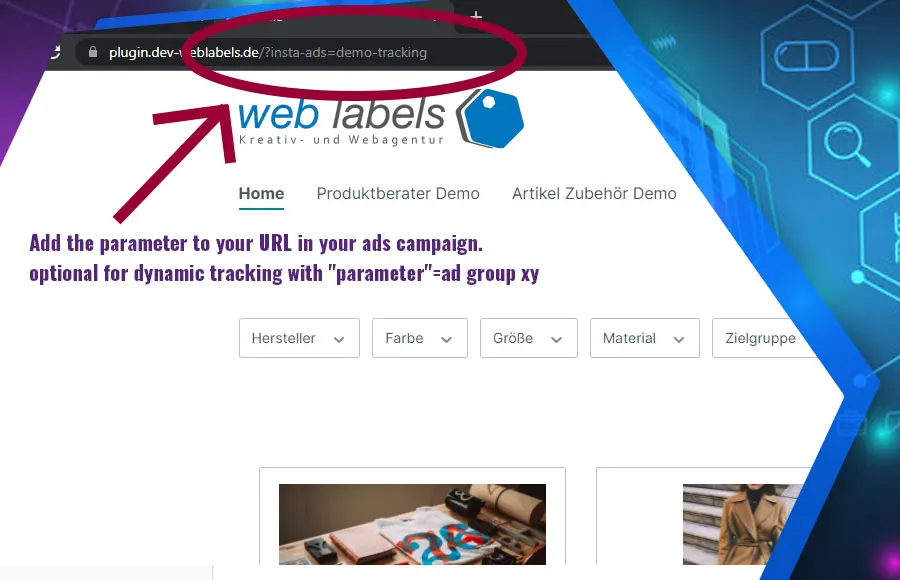
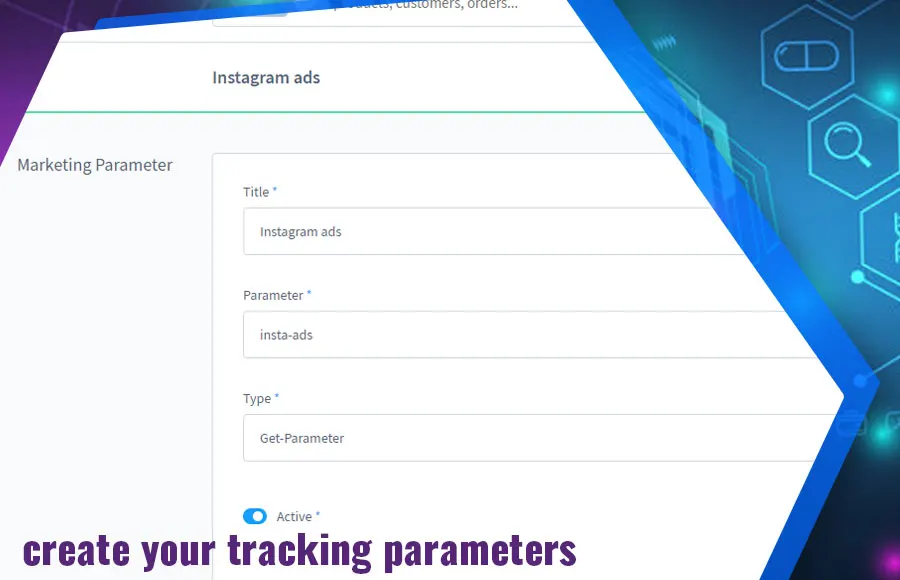
Set up in a few steps
- Install the plugin and define the parameters to track in the Administration.
- Choose the mode with or without cookies and set the retention period.
- Check the source on a test order.
Frequently asked questions about UTM Source Tracking: Referrer and Parameters
Do I need a developer to set it up?
No. You make all settings in the Administration.
Is the cookie-free mode allowed without consent?
It stores the data in the server-side session instead of in cookies. Please check with your legal adviser how to reflect this in your privacy policy.
Your contacts
Questions about UTM Source Tracking: Referrer and Parameters or need an adjustment?
Would you like to know whether the plugin suits your shop, or do you need an extension? Talk to us directly.

Our team for your questions
-

-

-

-

-

-

-

-

-

-

-

-

-

-

-

- Aleksej Werestschagin Web development
-

-



Related plugins
-
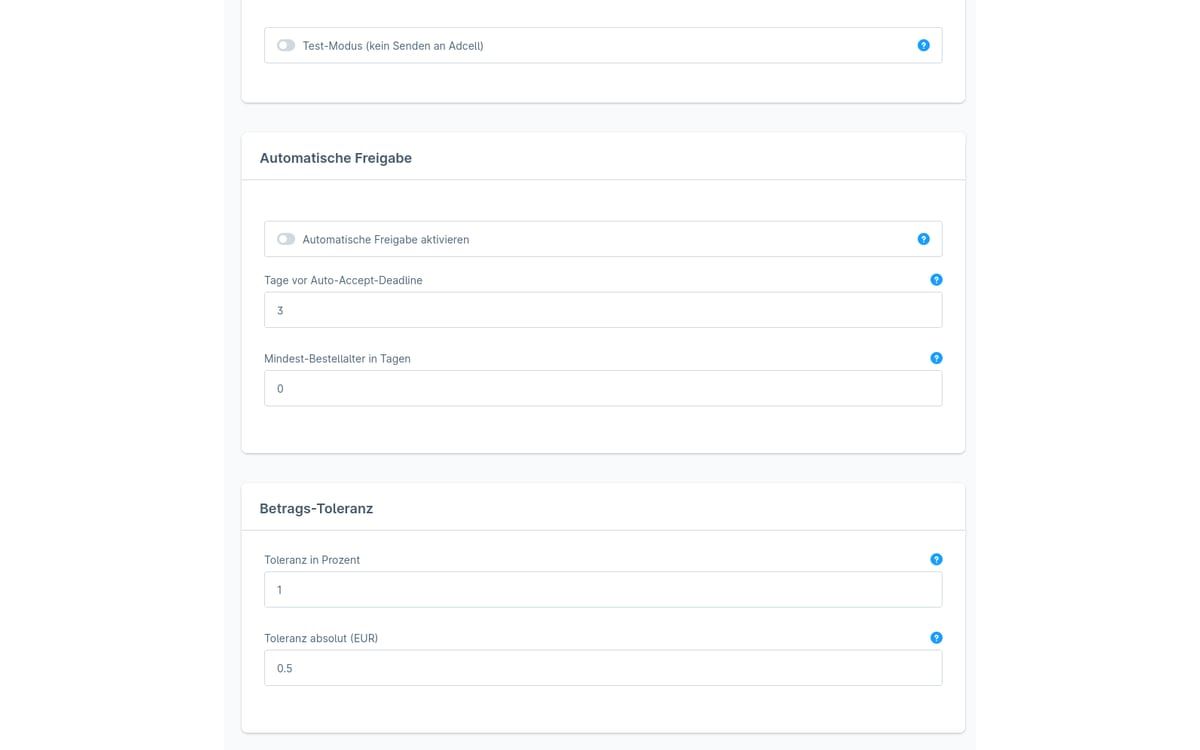
ADCELL commission approval
The plugin checks open ADCELL commissions against your Shopware orders and suggests whether to approve, cancel or adjust the amount.
-
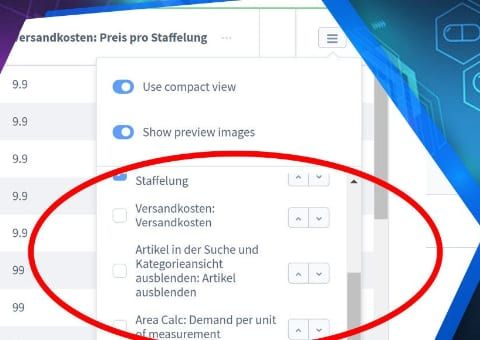
Admin product overview with custom fields
Show your product custom fields as separate columns in the product list of the Shopware administration, without opening each product.
-
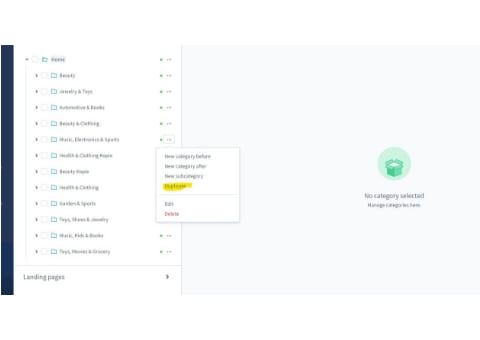
Duplicate categories and category trees
Copy categories or entire category trees in the administration instead of rebuilding similar structures level by level.


Many of our plugins only exist because a client asked for them. If your shop needs something that is not listed here, we will develop the right plugin for you.