
Plugin for Shopware 6
Beautified Checkout for Shopware 6
Adjust the cart and checkout of your Shopware shop through settings: free shipping bar, delivery time, payment icons, tidier product rows and more.

The cart and checkout decide whether a visit turns into an order. Unclear shipping costs, missing delivery times or confusing selection fields often lead to abandoned purchases there.
Beautified Checkout bundles many small improvements in one plugin. You show customers how much is missing for free delivery, when the goods will arrive and which payment methods are available. On smartphones the important buttons always stay within reach. You decide in the settings which of these you use.
What you can use the plugin for
Higher basket values
The shipping bar shows how little is missing for free delivery and encourages customers to add more.
Fewer delivery problems
The house number check catches incomplete addresses before the order is placed.
What it looks like in the shop
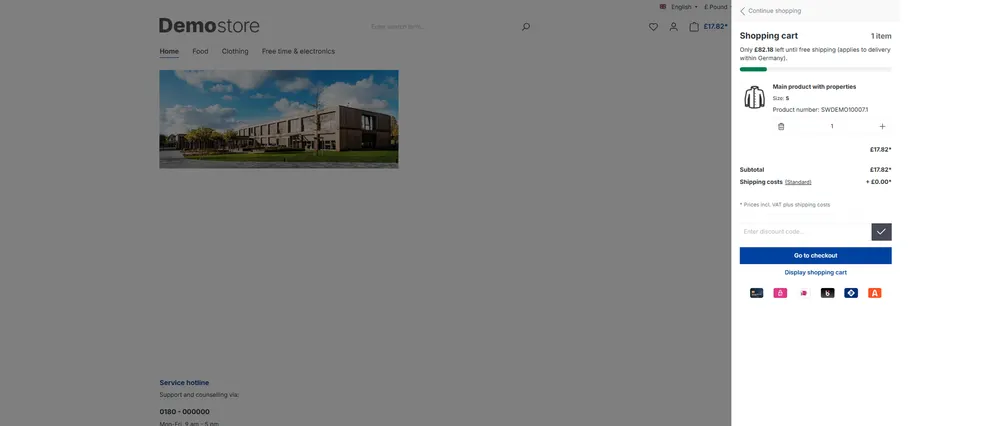
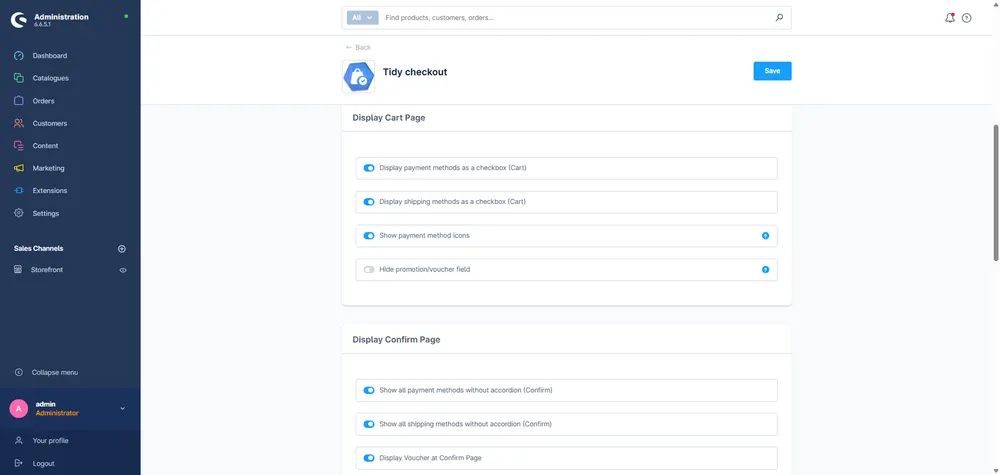
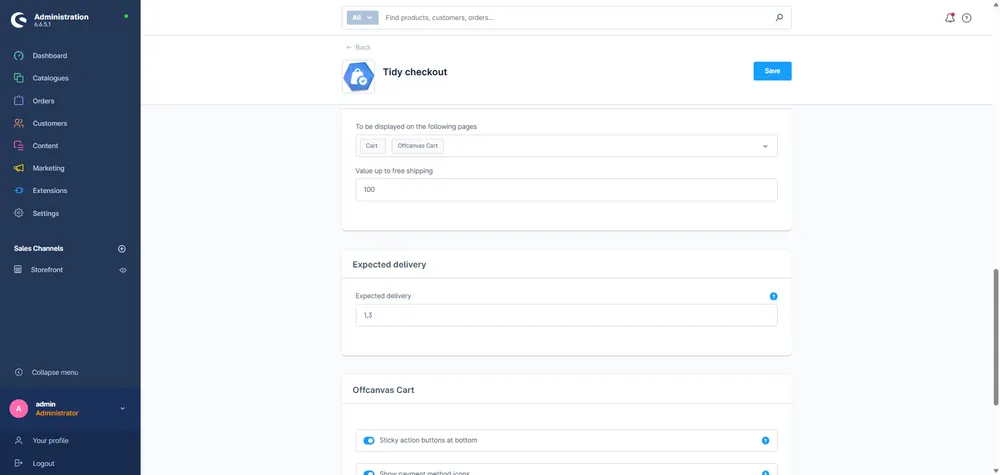
Set up in a few steps
- Install and activate the plugin.
- Switch on the options you want in the plugin settings, also per sales channel.
- Check the cart and checkout on a smartphone and on desktop.
Frequently asked questions about Beautified Checkout
Do I need programming skills?
No. You switch every adjustment on or off in the plugin settings.
Does the plugin change the order process?
The Shopware order process stays the same. The plugin changes how the cart and checkout look and work.
Your contacts
Questions about Beautified Checkout or need an adjustment?
Would you like to know whether the plugin suits your shop, or do you need an extension? Talk to us directly.

Our team for your questions
-

-

-

-

-

-

-

-

-

-

-

-

-

-

-

- Aleksej Werestschagin Web development
-

-



Related plugins
-
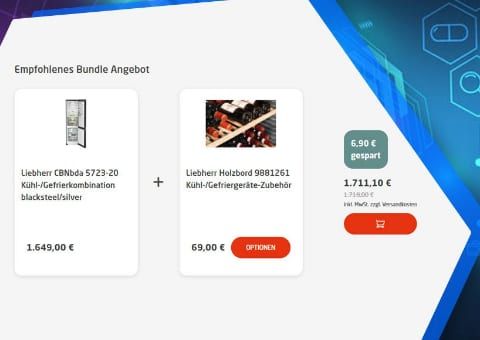
Bundle Plugin with Automatic Bundle Creation
Create bundles for entire product groups at once. Customers choose accessories from groups, and you decide what the discount applies to.
-
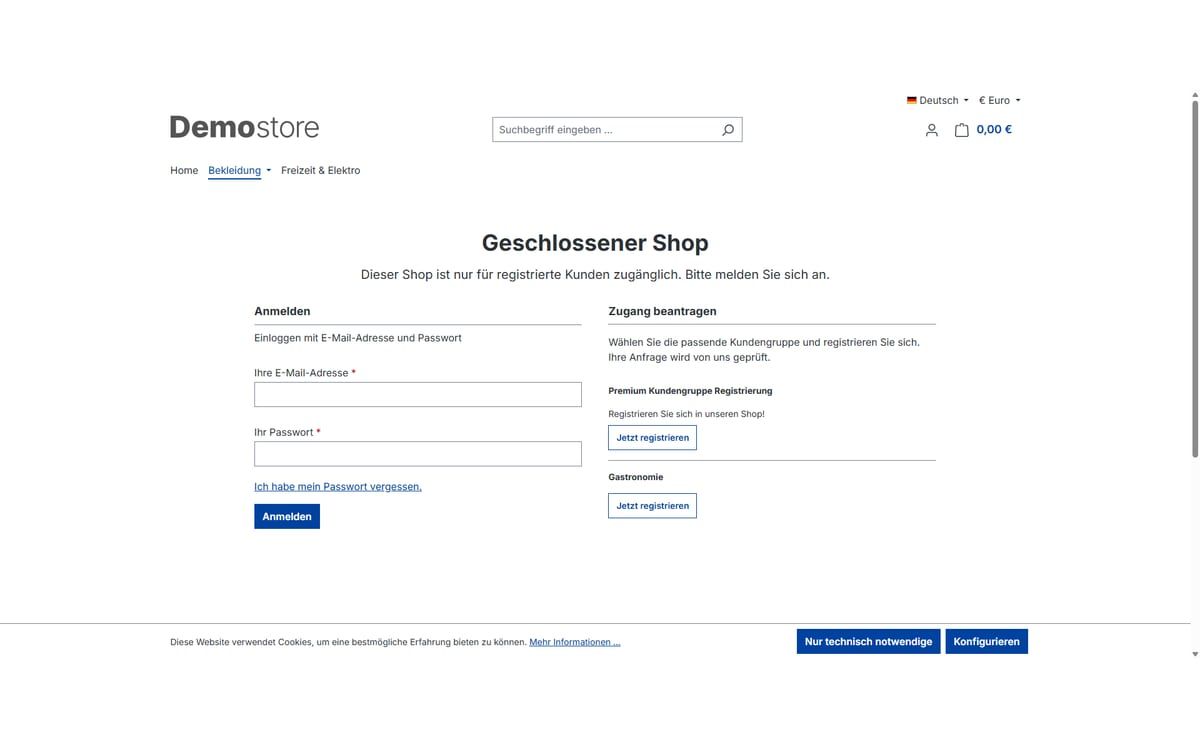
Closed shop and showcase mode
Open your shop only to approved customers: completely behind a login page or as a showcase where prices and buying only appear after logging in.
-

Cross-selling by product tags
Store recommendations once on a tag, and every product with that tag automatically shows them on its detail page.


Many of our plugins only exist because a client asked for them. If your shop needs something that is not listed here, we will develop the right plugin for you.