
Plugin for Shopware 6
Grouped properties for Shopware 6
Bundle product properties into topic groups and show exactly the details that matter in each category in listings, on product pages and in cross-selling.

Shopware displays properties in a simple list. For products with many features the important details get lost in it, and in the category listing they are missing entirely.
With this plugin you combine properties into groups and decide where and how they appear. In a category for drills, power and battery are shown first, while the accessories category shows other values. Customers find what they want to compare more quickly.
What you can use the plugin for
Technical products
Dimensions, performance and connections are grouped together instead of sitting in one long unsorted list.
Comparison in the listing
The key features are already shown in the product box, so customers compare without opening every detail page.
What it looks like in the shop
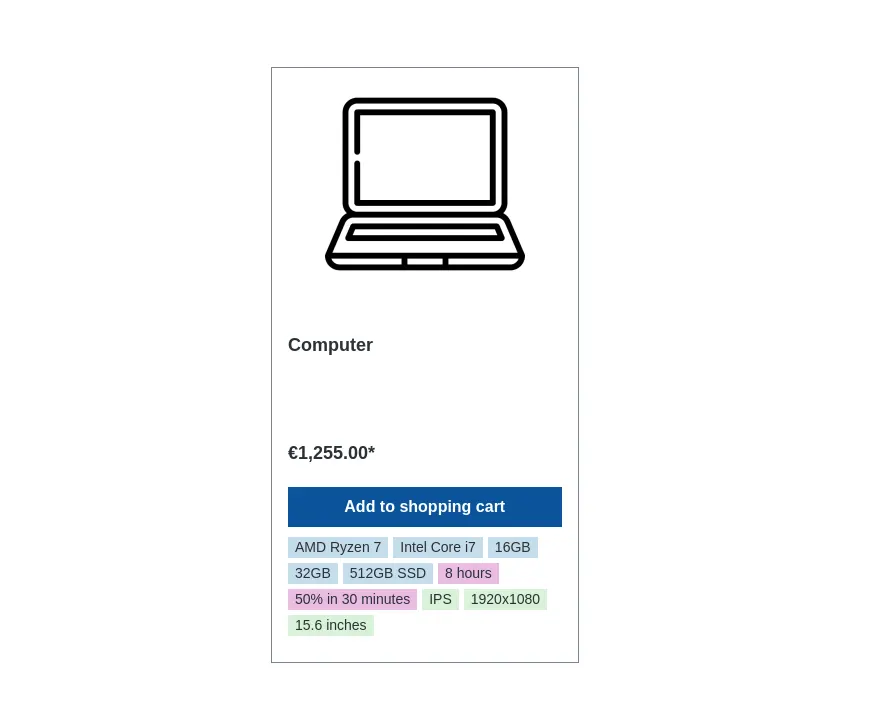
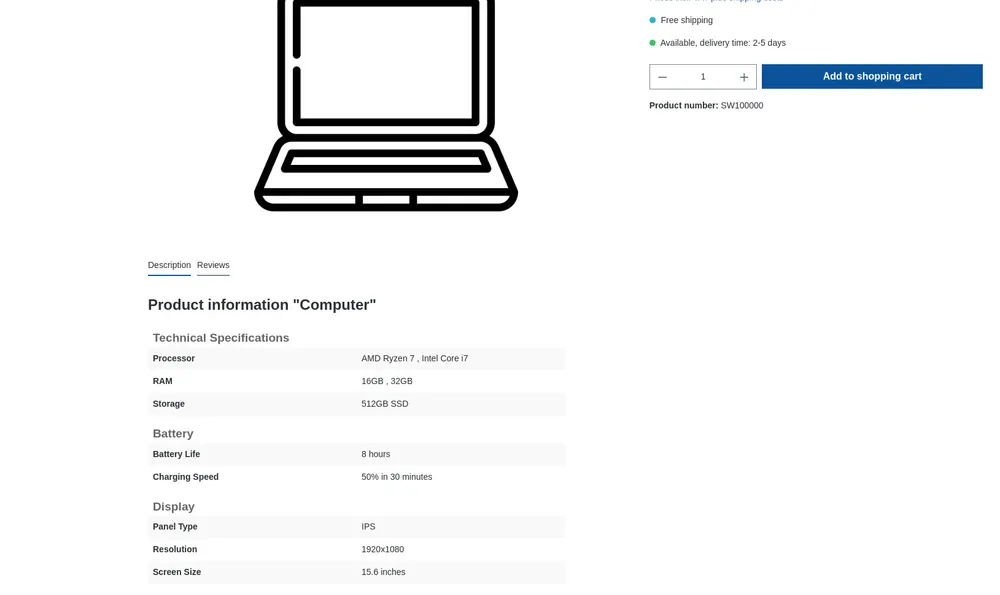
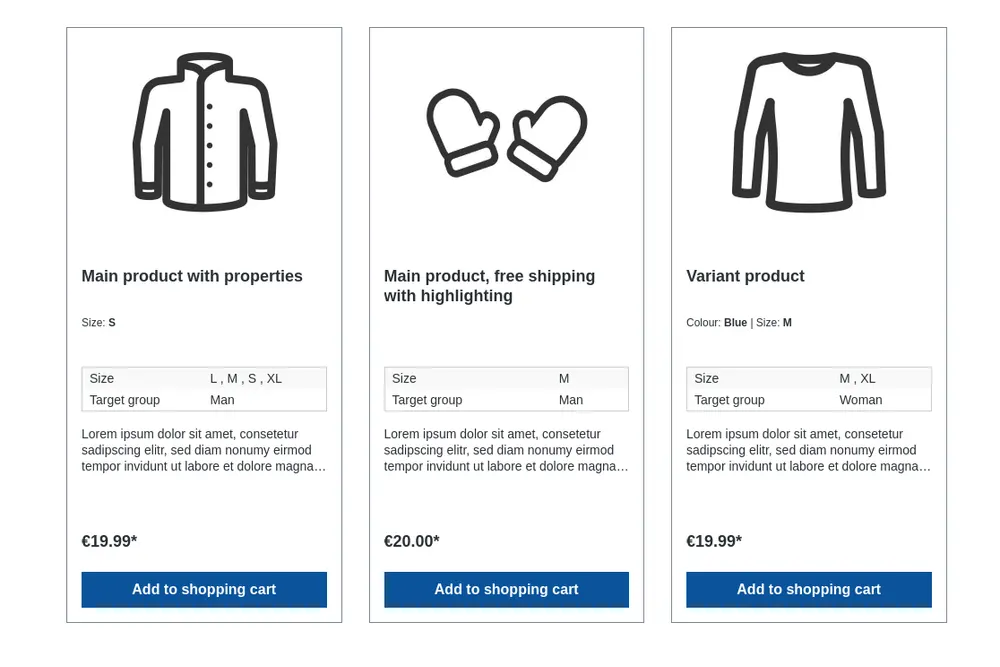
Set up in a few steps
- Install the plugin and create property groups in the administration.
- Assign the groups to the matching categories and set priorities.
- Decide whether each group appears in the listing, on the detail page or in both places.
Frequently asked questions about Grouped properties
Can each category show different properties?
Yes. You assign each category the groups that matter for the buying decision there.
Your contacts
Questions about Grouped properties or need an adjustment?
Would you like to know whether the plugin suits your shop, or do you need an extension? Talk to us directly.

Our team for your questions
-

-

-

-

-

-

-

-

-

-

-

-

-

-

-

- Aleksej Werestschagin Web development
-

-



Related plugins
-
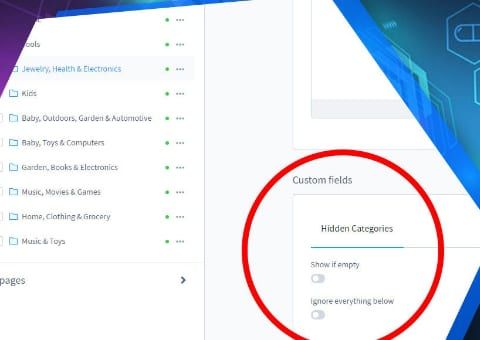
Hide Empty Categories
Empty categories disappear from the menu automatically but stay active, and therefore in the sitemap and search index.
-

Hide out-of-stock products
Products without stock disappear automatically from listings, search and manufacturer pages but stay active. This way they keep their URL and their Google ranking.
-
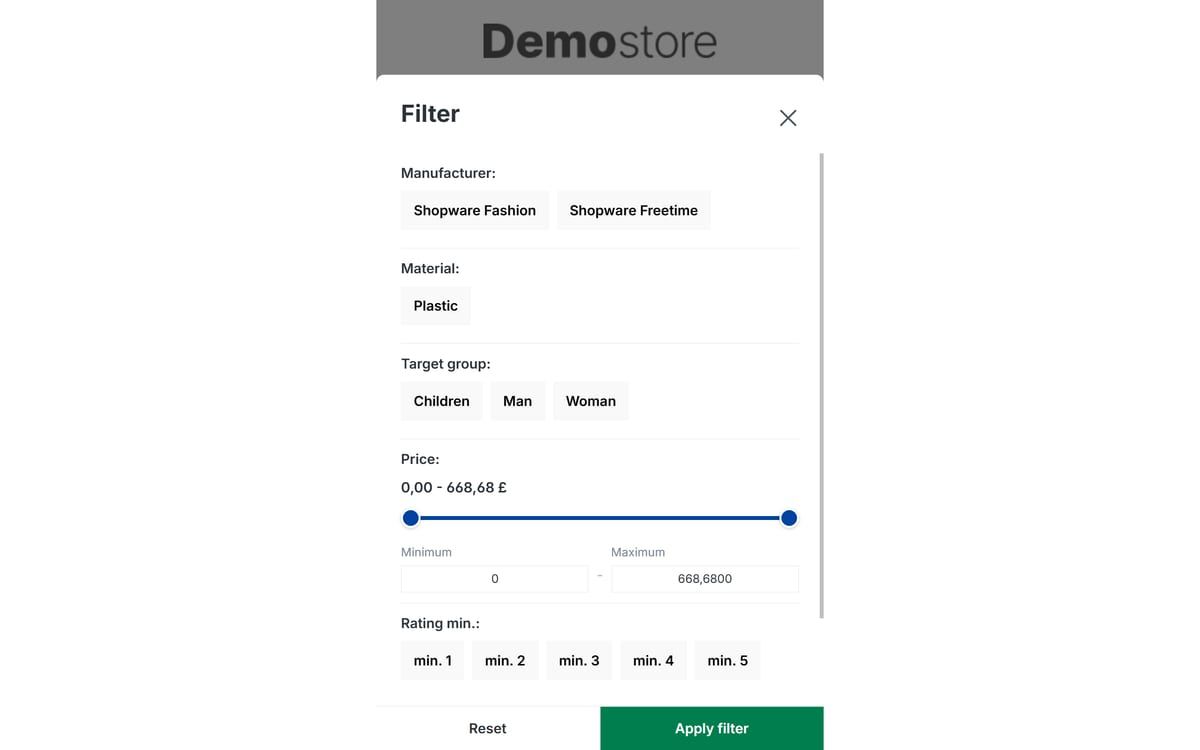
Mobile filter and sorting
Makes filtering and sorting usable on smartphones: large buttons instead of small dropdowns, a sticky filter button and a clear price slider.


Many of our plugins only exist because a client asked for them. If your shop needs something that is not listed here, we will develop the right plugin for you.