
Plugin for Shopware 6
Hide Empty Categories for Shopware 6
Empty categories disappear from the menu automatically but stay active, and therefore in the sitemap and search index.

Empty categories in the menu look unfinished and lead nowhere. If you deactivate them, however, they also disappear from the index and have to rebuild their ranking later.
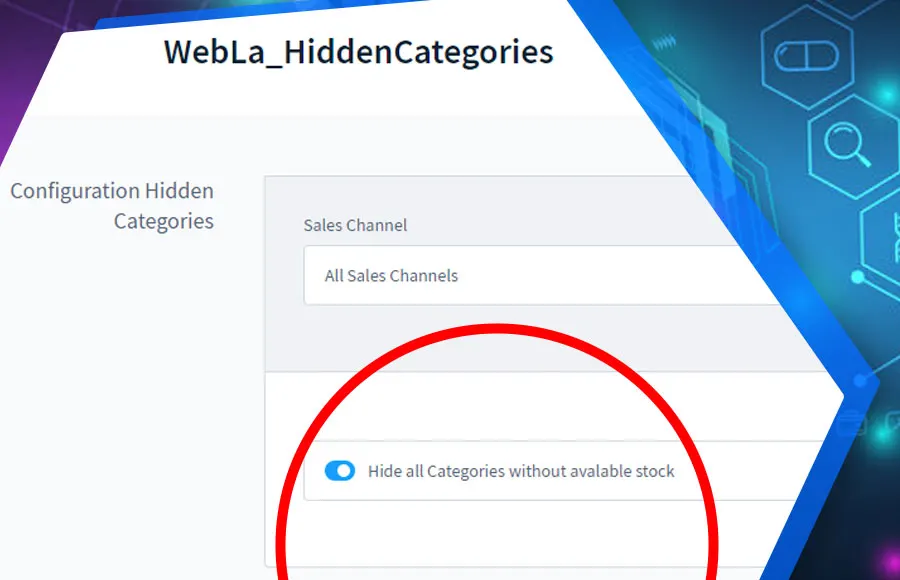
The plugin automatically removes empty categories from the navigation and otherwise leaves them active. A cron job checks the category tree regularly. For individual categories, you control the behaviour with checkboxes in the Administration.
What you can use the plugin for
Seasonal ranges
Categories without current stock do not appear in the menu but keep their rankings for the next season.
Tidy navigation
Customers no longer click into empty pages.
What it looks like in the shop
Set up in a few steps
- Install and activate the plugin.
- If needed, exclude individual categories using the checkboxes in the Administration.
- Optionally enable hiding when stock is unavailable.
Frequently asked questions about Hide Empty Categories
Will I lose rankings if a category is hidden?
No. The category stays active and in the sitemap; it is only missing from the menu.
Can I protect content pages in the category tree?
Yes. With the subtree option, pure content pages, for example, stay visible.
Your contacts
Questions about Hide Empty Categories or need an adjustment?
Would you like to know whether the plugin suits your shop, or do you need an extension? Talk to us directly.

Our team for your questions
-

-

-

-

-

-

-

-

-

-

-

-

-

-

-

- Aleksej Werestschagin Web development
-

-



Related plugins
-

Hide out-of-stock products
Products without stock disappear automatically from listings, search and manufacturer pages but stay active. This way they keep their URL and their Google ranking.
-
Mobile filter and sorting
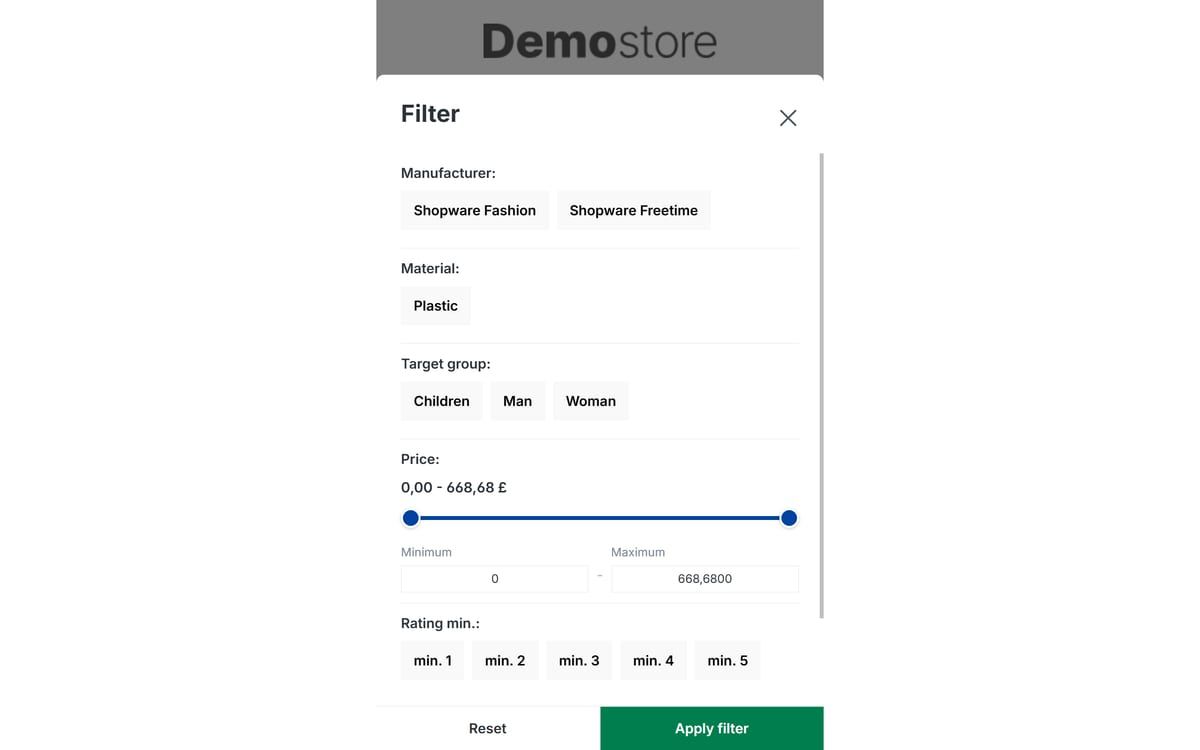
Makes filtering and sorting usable on smartphones: large buttons instead of small dropdowns, a sticky filter button and a clear price slider.
-
Product filters for custom fields
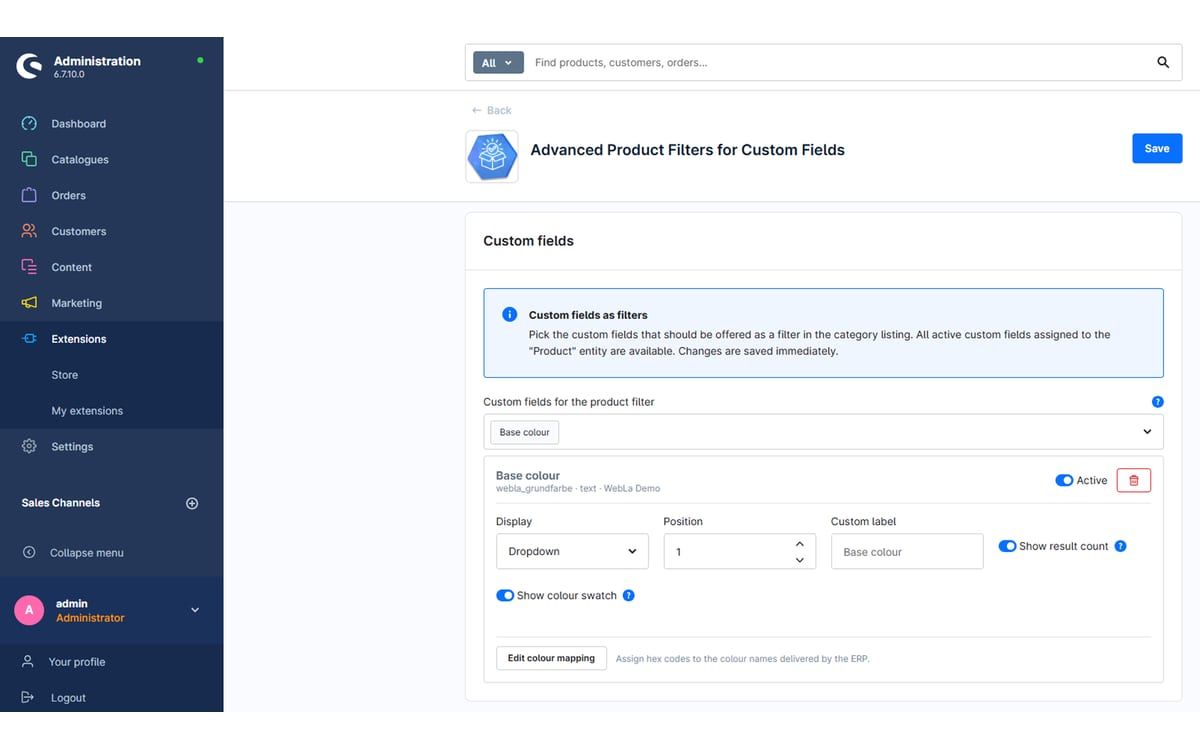
Turn custom fields such as material, weight or base colour into filters in the category listing, without any coding.


Many of our plugins only exist because a client asked for them. If your shop needs something that is not listed here, we will develop the right plugin for you.