
Plugin for Shopware 6
Live Currency Conversion for Shopware 6
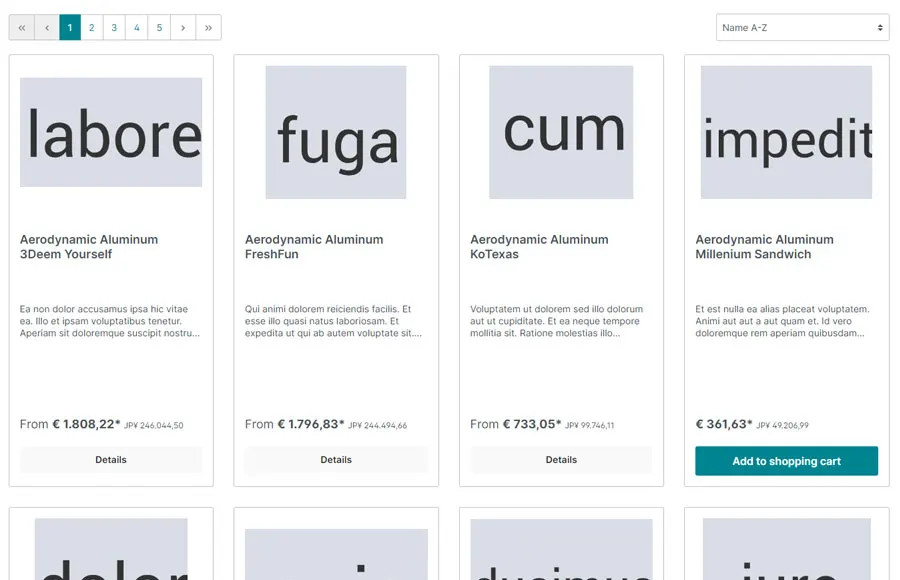
Visitors also see prices in their own currency, with daily ECB rates. Order and invoice remain in your shop currency.

International visitors are more hesitant to buy if they have to convert prices first. A genuine multi-currency shop, however, brings extra effort in accounting and tax.
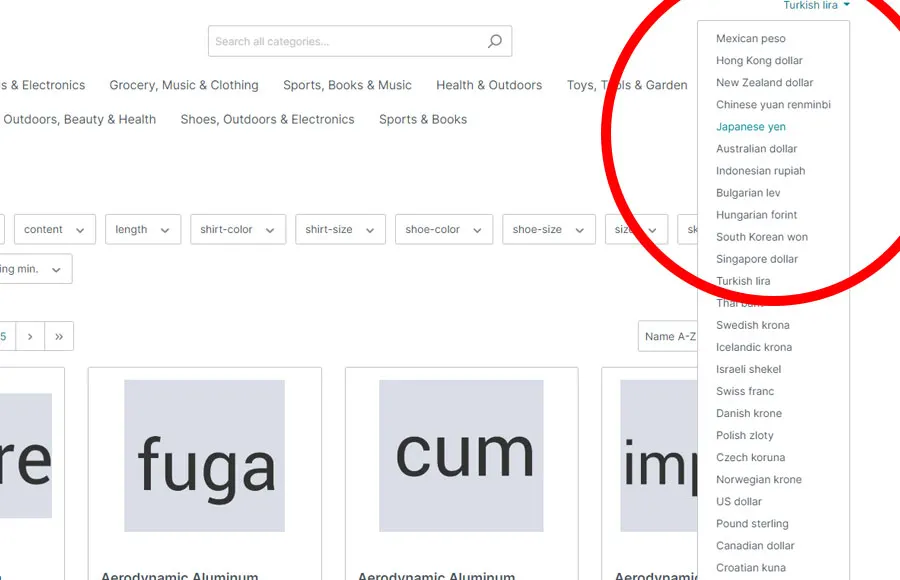
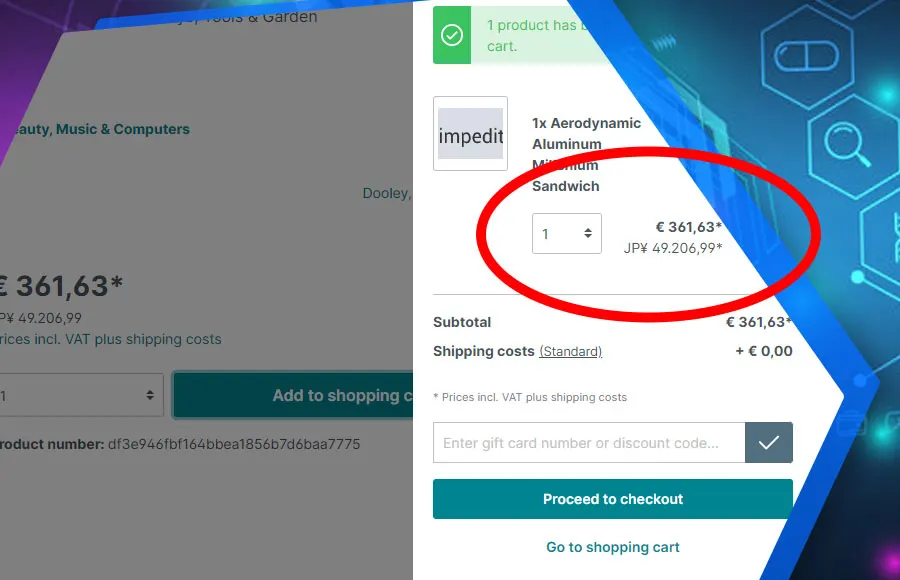
This plugin shows a second currency alongside your prices, from the product page to the checkout. The rates come daily from the European Central Bank. Order, payment and invoice continue in your shop currency, so nothing changes in your processes.
What you can use the plugin for
Customers from Switzerland or the UK
Customers who think in francs or pounds see the price without doing the maths and buy more easily.
International without a multi-currency setup
You show prices in foreign currencies without switching accounting and tax to several currencies.
What it looks like in the shop
Set up in a few steps
- Install the plugin and choose the second currencies you want.
- Define how the selector appears in the top bar.
- Check rates and display in the shop.
Frequently asked questions about Live Currency Conversion
Which currency is used for billing?
Always your default currency. The second currency is for customer orientation only.
Do I have to maintain exchange rates?
No. The rates are fetched automatically every day from the European Central Bank.
Your contacts
Questions about Live Currency Conversion or need an adjustment?
Would you like to know whether the plugin suits your shop, or do you need an extension? Talk to us directly.

Our team for your questions
-

-

-

-

-

-

-

-

-

-

-

-

-

-

-

- Aleksej Werestschagin Web development
-

-



Related plugins
-
OSS Delivery Country Selection with Price Correction
Visitors choose their delivery country and the shop recalculates every price from net with that country's VAT. Your margin stays the same everywhere.
-
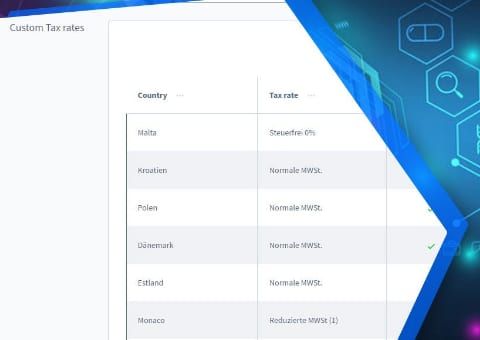
OSS Extended: Tax Rate per Country and Product
Set a separate tax rate per product and country when the destination country applies different reduced rates from Germany.
-
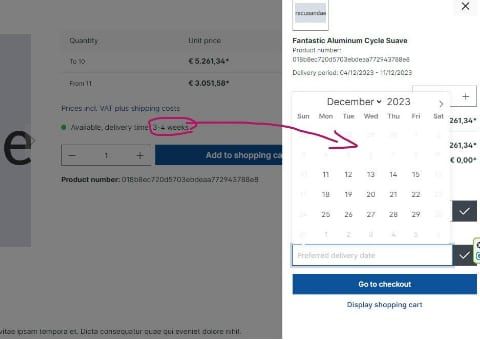
Preferred Delivery Date
Customers choose their delivery date at checkout. The earliest day is based on delivery times, buffer, public holidays and your closing days.


Many of our plugins only exist because a client asked for them. If your shop needs something that is not listed here, we will develop the right plugin for you.