
Plugin for Shopware 6
OSS Extended: Tax Rate per Country and Product for Shopware 6
Set a separate tax rate per product and country when the destination country applies different reduced rates from Germany.

Since the OSS rules came into force, VAT for deliveries to consumers in the EU is charged at the rate of the destination country. Many countries, however, have more reduced rates than Germany. Shopware can only assign one substitute rate per country, so a product can easily end up with the wrong value.
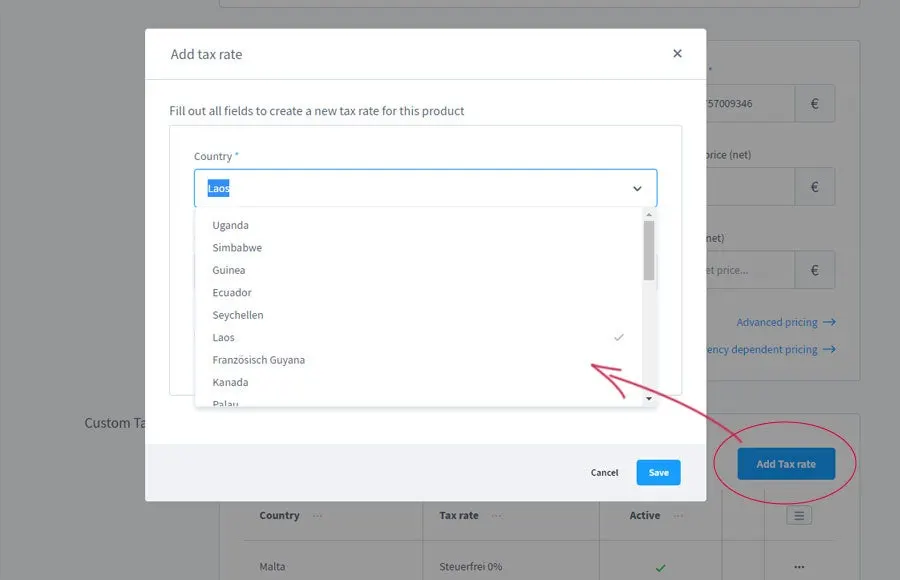
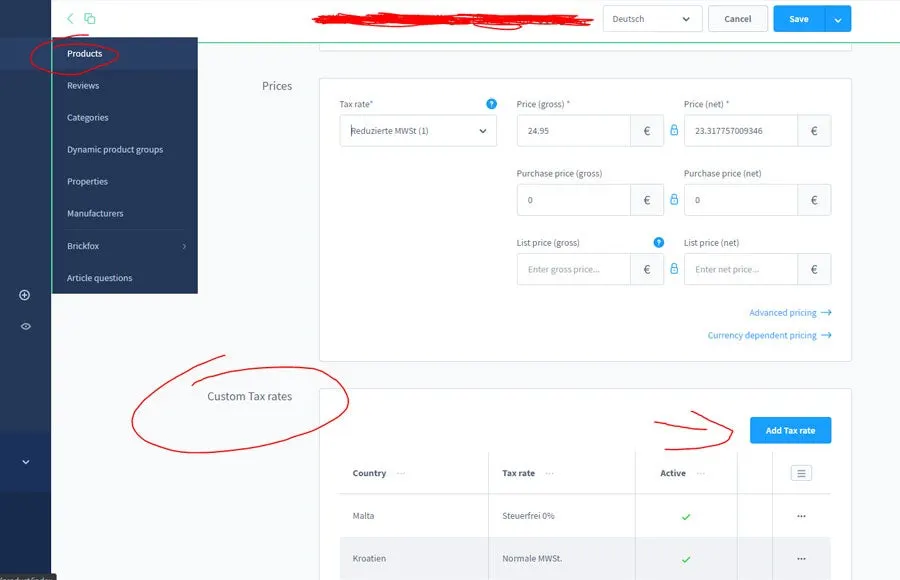
This plugin adds a tax setting directly on the product. For every country in which a product is treated differently, you enter the appropriate rate. All other products continue to follow Shopware’s rules unchanged.
What you can use the plugin for
Food, books, plants
Product groups that carry a lower reduced rate in some EU countries are charged at the correct rate.
Selling under the OSS scheme
If you deliver to consumers in several EU countries, you can map the rates of each destination country more precisely.
What it looks like in the shop
Set up in a few steps
- Install and activate the plugin.
- On the product, enter the different tax rate for the countries concerned.
- Agree the tax rates with your tax adviser.
Frequently asked questions about OSS Extended: Tax Rate per Country and Product
What happens to products without a separate setting?
Shopware calculates as usual with the tax rules you have set up for that country.
Does the plugin check the tax treatment for me?
No. It applies the rates you enter. Please clarify with your tax adviser which rates apply to your products.
Your contacts
Questions about OSS Extended: Tax Rate per Country and Product or need an adjustment?
Would you like to know whether the plugin suits your shop, or do you need an extension? Talk to us directly.

Our team for your questions
-

-

-

-

-

-

-

-

-

-

-

-

-

-

-

- Aleksej Werestschagin Web development
-

-



Related plugins
-
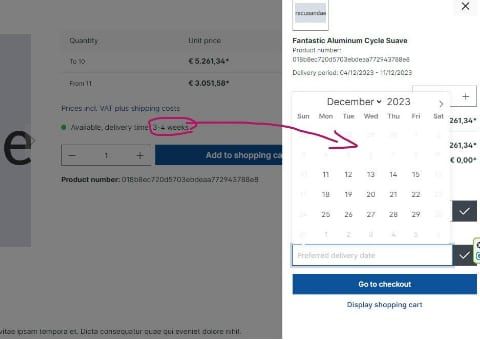
Preferred Delivery Date
Customers choose their delivery date at checkout. The earliest day is based on delivery times, buffer, public holidays and your closing days.
-
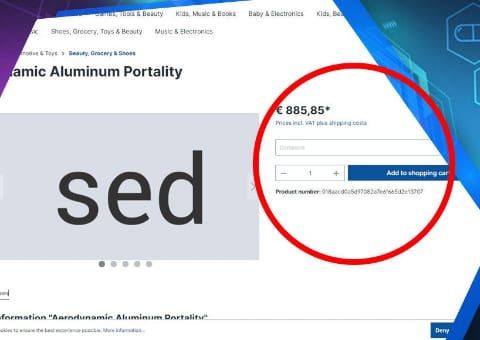
Reference text field per line item
Business customers add their own reference text to each product, for example for a project, branch or cost centre. Tiered prices still apply to the total quantity.
-
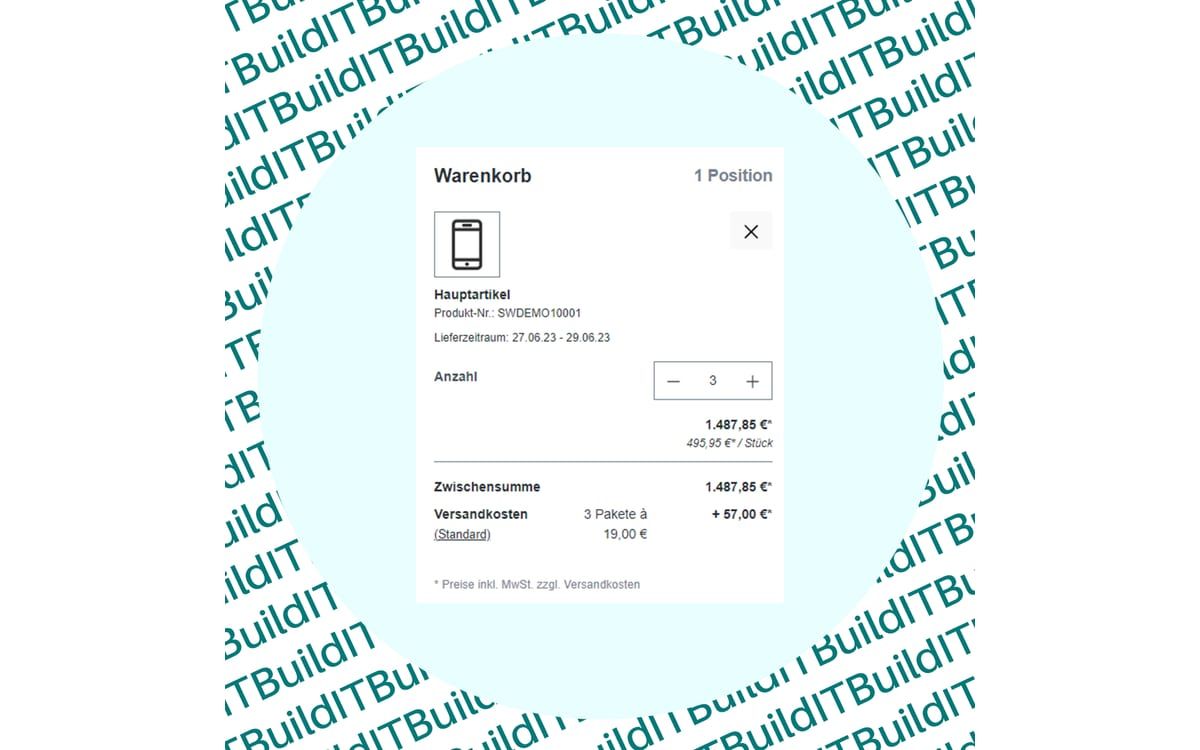
Shipping Costs per Parcel
Shopware calculates how many parcels an order needs and charges shipping costs for each parcel.


Many of our plugins only exist because a client asked for them. If your shop needs something that is not listed here, we will develop the right plugin for you.