
Plugin for Shopware 6
Scheduled Shopping Experiences per Customer Group for Shopware 6
Your home page switches automatically by date, time, weekday or customer group, for example right on time for the start of a promotion.

Promotions often start at times when nobody is at their desk. And B2B customers need a different home page from consumers, which Shopware cannot do on its own.
This plugin automatically replaces the home page with another shopping experience as soon as your rules apply. You combine date range, time, weekdays and customer groups and assign priorities for parallel promotions. The cache stays active throughout.
What you can use the plugin for
Promotions without a night shift
The Easter promotion starts at 6 am without anyone being in the office.
A separate home page for resellers
Logged-in B2B customers see a different home page from consumers.
What it looks like in the shop
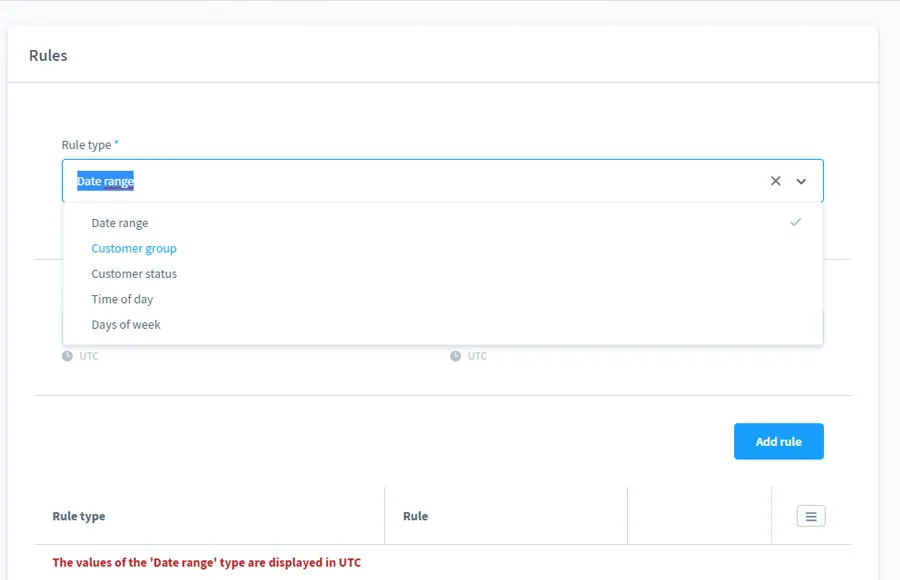
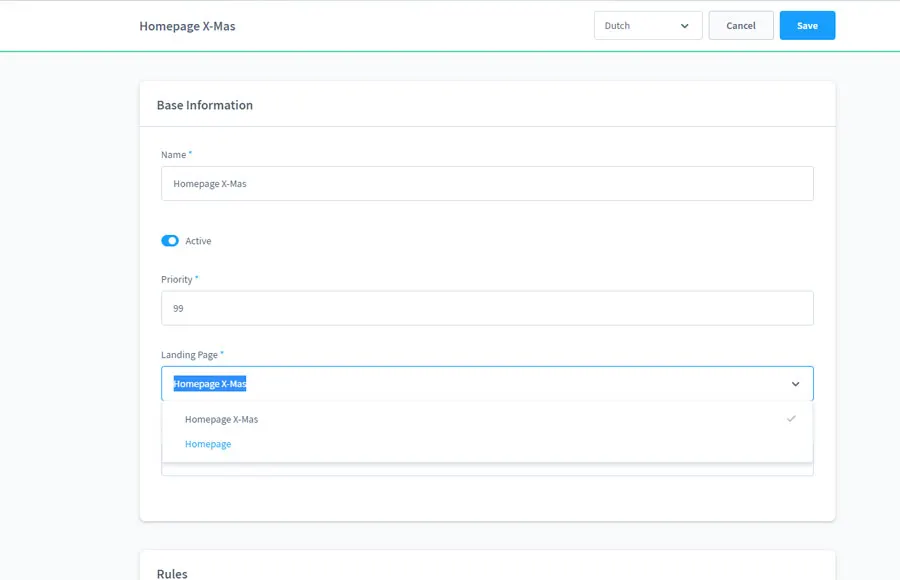
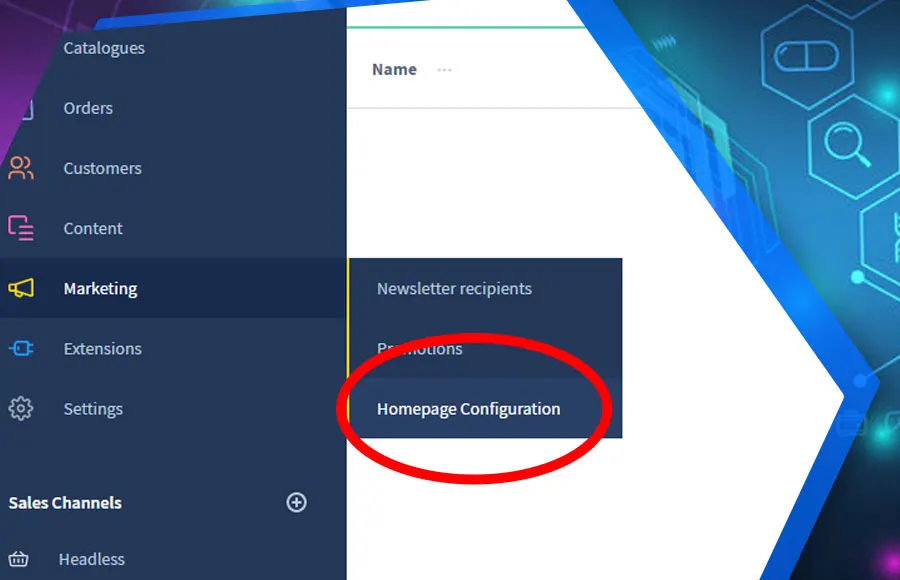
Set up in a few steps
- Install the plugin and create a configuration with a shopping experience.
- Define rules and priority.
- Check that the scheduled task for cache updates is running.
Frequently asked questions about Scheduled Shopping Experiences per Customer Group
What happens if several rules apply at the same time?
The configuration with the highest priority wins. A time-limited promotion can override a permanent home page this way.
Do I need to switch off the cache?
No. The plugin uses a scheduled task to make sure the cache is refreshed when the page switches.
Your contacts
Questions about Scheduled Shopping Experiences per Customer Group or need an adjustment?
Would you like to know whether the plugin suits your shop, or do you need an extension? Talk to us directly.

Our team for your questions
-

-

-

-

-

-

-

-

-

-

-

-

-

-

-

- Aleksej Werestschagin Web development
-

-



Related plugins
-
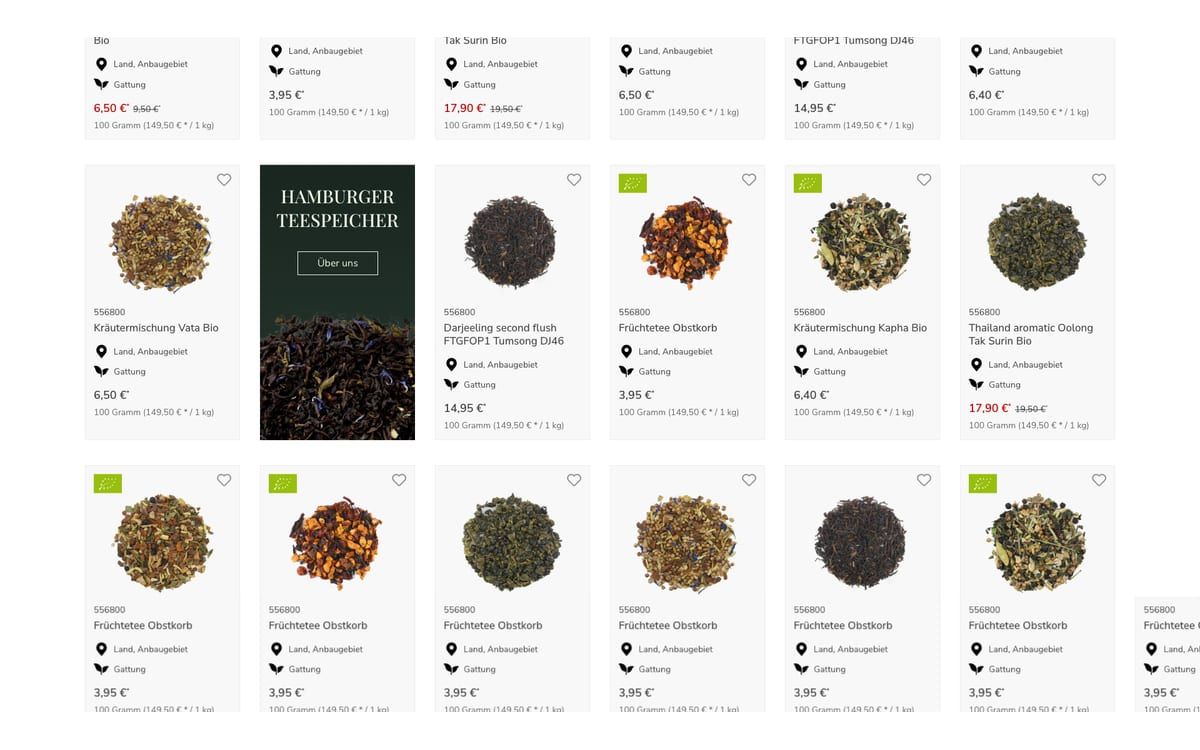
Advertising Banner in Listing
Show advertising banners directly between the products in the category listing, scheduled and per category.
-
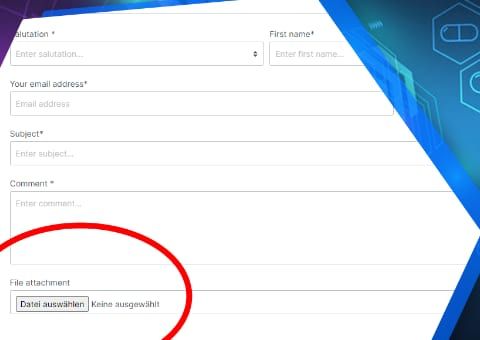
Contact form upload field
Customers attach photos, drawings or documents directly to the contact form, by drag and drop and several at once if you wish.
-
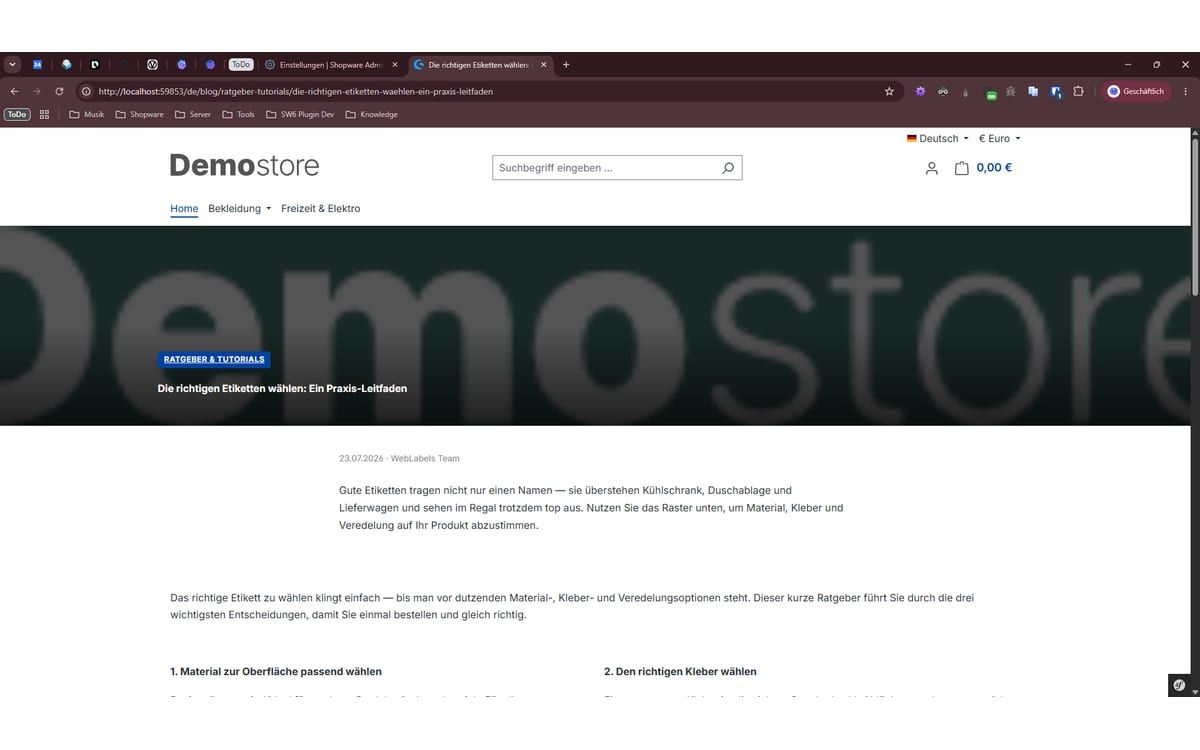
My Smart Blog
A complete blog directly in Shopware: posts and categories as separate modules, with a content builder, product sliders and clean SEO.


Many of our plugins only exist because a client asked for them. If your shop needs something that is not listed here, we will develop the right plugin for you.