
Plugin for Shopware 6
Show variant count in the admin for Shopware 6
See at a glance in the administration product list how many variants belong to a product.

In the administration product list, Shopware does not show how many variants sit behind a parent product. With large ranges this means you lose track, for example after a data import or when cleaning up old products.
The plugin adds this number to the overview. You immediately see which products have many options and find inconsistencies faster.
What you can use the plugin for
Large variant catalogues
For fashion, spare parts or configurable products you can immediately see which items have a particularly large number of options.
Checks after imports
After an import from the ERP you can quickly see whether all variants have arrived.
What it looks like in the shop
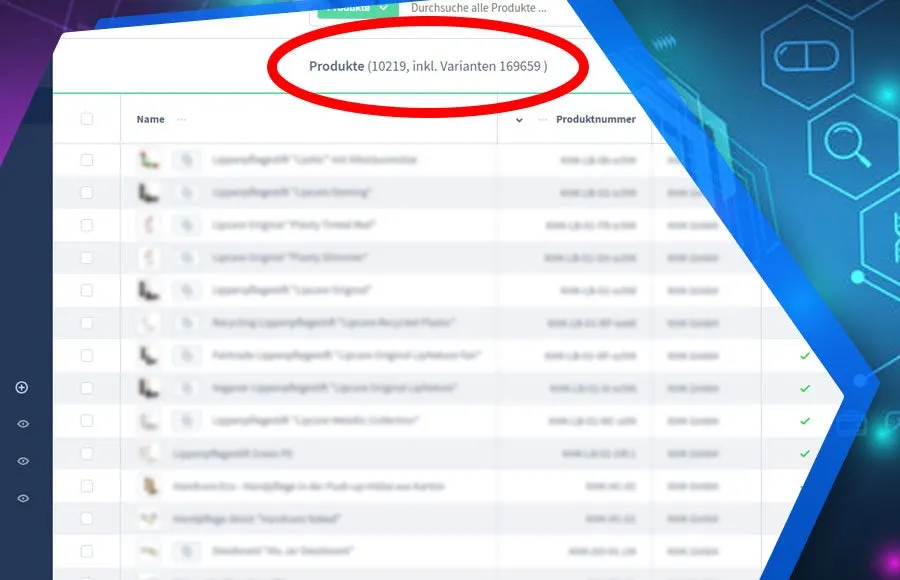
Set up in a few steps
- Install and activate the plugin.
- Open the product overview under Catalogues and Products, the count appears straight away.
Frequently asked questions about Show variant count in the admin
Where can I see the variant count?
In the product overview of the administration under Catalogues and Products, without having to open the product.
Your contacts
Questions about Show variant count in the admin or need an adjustment?
Would you like to know whether the plugin suits your shop, or do you need an extension? Talk to us directly.

Our team for your questions
-

-

-

-

-

-

-

-

-

-

-

-

-

-

-

- Aleksej Werestschagin Web development
-

-



Related plugins
-
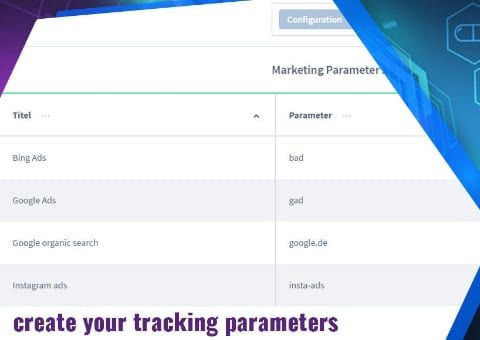
UTM Source Tracking: Referrer and Parameters
See for every order in the Administration which campaign, source and device the customer came from.
-
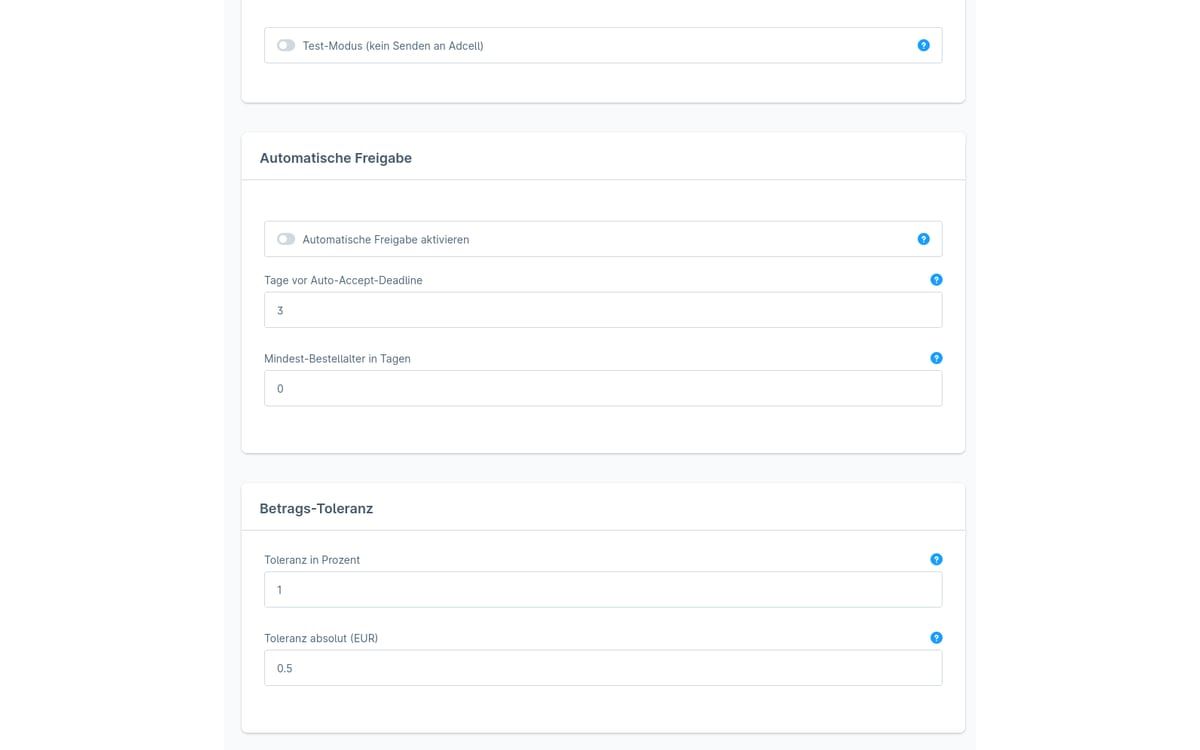
ADCELL commission approval
The plugin checks open ADCELL commissions against your Shopware orders and suggests whether to approve, cancel or adjust the amount.
-
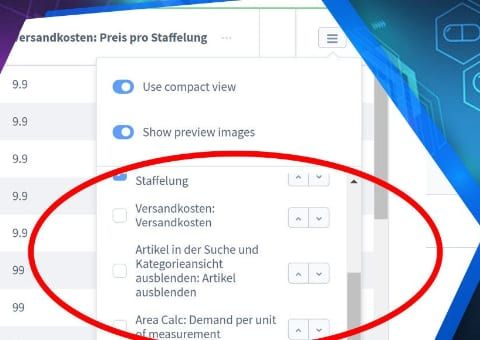
Admin product overview with custom fields
Show your product custom fields as separate columns in the product list of the Shopware administration, without opening each product.


Many of our plugins only exist because a client asked for them. If your shop needs something that is not listed here, we will develop the right plugin for you.