Mon–Thu 09:30–17:00, Fri until 15:00

Bargteheide 04532 408 99 95Göttingen 0551 890 64 000

Plugin for Shopware 6

Strike-Through Prices by Percentage for Shopware 6

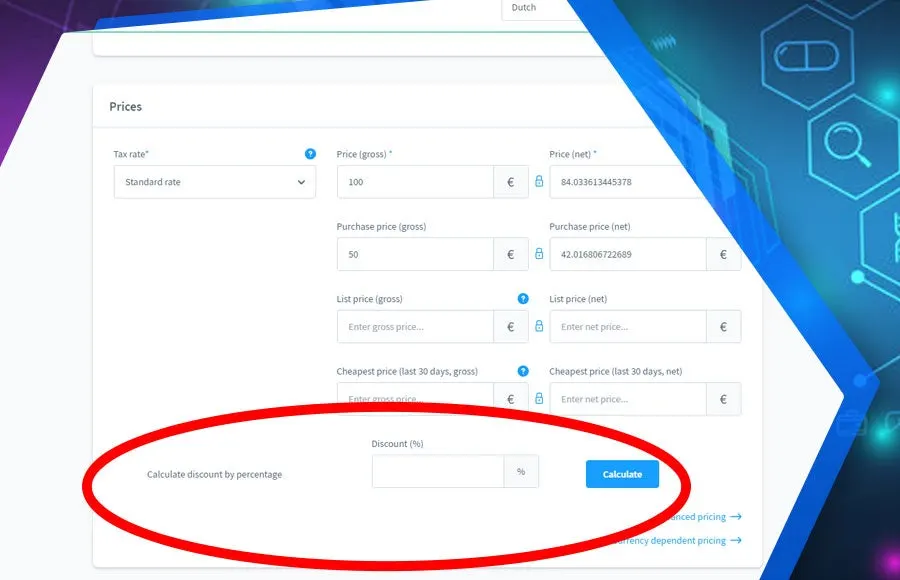
Enter a percentage discount and the plugin calculates the selling price with the matching strike-through price.

Shopware 6 plugin Strike-Through Prices by Percentage by Web Labels: feature view

If you want to create strike-through prices in Shopware, you usually work out the new price by hand. With many products, that is tedious and error-prone.

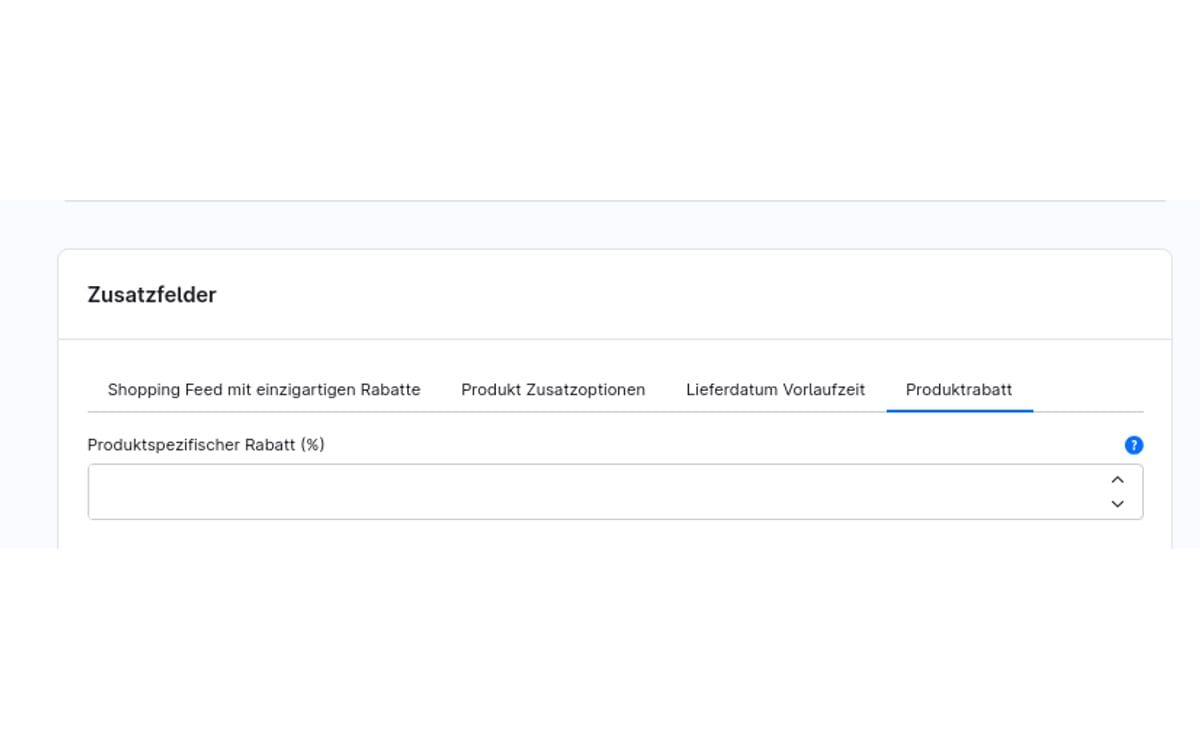
With this plugin, you only enter the discount as a percentage. Selling price and strike-through price are set automatically, for all products of a manufacturer if you wish. The plugin was developed together with BuildIT Consulting.

What you can use the plugin for

  • Preparing promotions

    For a sale, you only enter the percentage instead of calculating each price individually.

  • Manufacturer promotions

    When a manufacturer grants a reduction, you apply it to all of their products in one go.

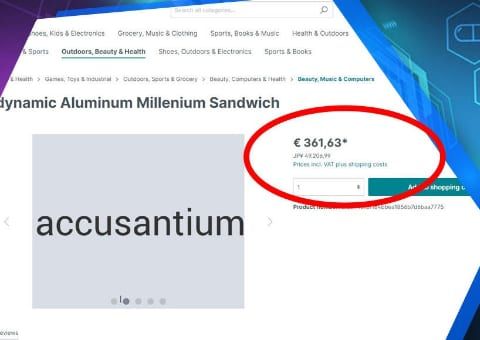
What it looks like in the shop
Screenshot of Strike-Through Prices by Percentage for Shopware 6: view 1
Strike-Through Prices by Percentage: view 1

Set up in a few steps

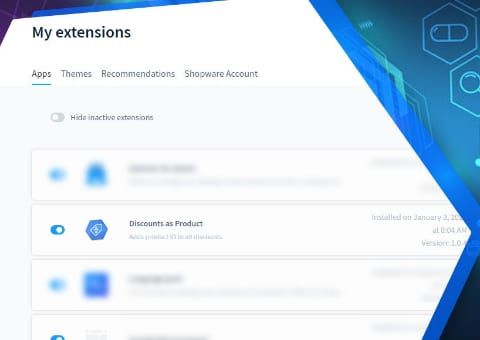
  1. Install and activate the plugin.
  2. Enter the percentage discount on the product or manufacturer and save.

Frequently asked questions about Strike-Through Prices by Percentage

Do I need to back up the old price first?

No. The previous price becomes the strike-through price, and the new selling price is calculated from it.

Your contacts

Questions about Strike-Through Prices by Percentage or need an adjustment?

Would you like to know whether the plugin suits your shop, or do you need an extension? Talk to us directly.

Janis Rittmeier and Tim Schröder, Key Account Manager at Web Labels, your contact for Strike-Through Prices by Percentage

Our team for your questions

  • René Grosche, Managing Director at Web Labels René Grosche Managing Director
  • Marco Kreutzfeldt, Deputy Managing Director · Back office at Web Labels Marco Kreutzfeldt Deputy Managing Director · Back office
  • Tim Schröder, Key Account Manager at Web Labels Tim Schröder Key Account Manager · Consulting and quotes
  • Janis Rittmeier, Key Account Manager at Web Labels Janis Rittmeier Key Account Manager · Consulting and quotes
  • Lennart Albrecht, Head of Development at Web Labels Lennart Albrecht Head of Development
  • Tom Baustian, Web design · Performance marketing · Audio at Web Labels Tom Baustian Web design · Performance marketing · Audio
  • Tajara-Tabea Leonard, Web design · Content · SEO at Web Labels Tajara-Tabea Leonard Web design · Content · SEO
  • Ken Raupach, Web design · Performance marketing at Web Labels Ken Raupach Web design · Performance marketing
  • Muhammed Tay, Web development at Web Labels Muhammed Tay Web development
  • Alexander Folz, Web development at Web Labels Alexander Folz Web development
  • Aaron Griem, Web development at Web Labels Aaron Griem Web development
  • Leon Fischer, Web development at Web Labels Leon Fischer Web development
  • Patrick Heidl, Web development at Web Labels Patrick Heidl Web development
  • Tobias Schäfer, Web development at Web Labels Tobias Schäfer Web development · Complex development
  • Laura Schop, Web development at Web Labels Laura Schop Web development
  • Aleksej Werestschagin Web development
  • Julina Sievert, Apprentice at Web Labels Julina Sievert Apprentice
  • Rosa-Lee Biesterfeldt, Apprentice at Web Labels Rosa-Lee Biesterfeldt Apprentice

Related plugins

  • Shopware 6 plugin Customer-specific discounts by Web Labels: view from the Shopware Store

    Customer-specific discounts

    Give individual customers their own discounts on categories, product groups or the entire range, and define which discount applies when they overlap.

  • Shopware 6 plugin Discount as a Separate Line Item for ERP Import by Web Labels: feature view

    Discount as a Separate Line Item for ERP Import

    Discounts from Shopware get a fixed product number, so your ERP can read them as a separate line item and the order total is correct.

  • Shopware 6 plugin Live Currency Conversion by Web Labels: feature view

    Live Currency Conversion

    Visitors also see prices in their own currency, with daily ECB rates. Order and invoice remain in your shop currency.

Need an adjustment or an extension of your own?

Many of our plugins only exist because a client asked for them. If your shop needs something that is not listed here, we will develop the right plugin for you.

Up to 80% government funding