
Plugin for Shopware 6
Vouchers on the product detail page for Shopware 6
Your product pages automatically show the best valid voucher code that applies to the product, so customers do not have to go looking for it.

Discount promotions only work if customers know about them. If the code is in the newsletter or on a promotion page, many people never see it, or they leave the shop to look for one elsewhere.
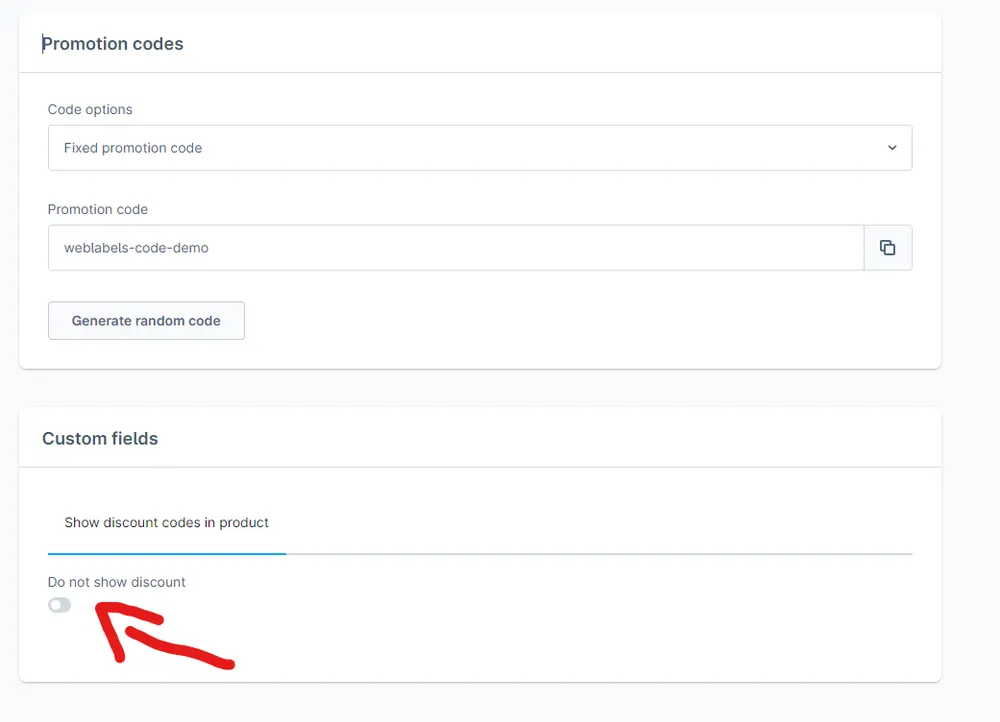
The plugin checks for every product which vouchers apply and shows the best of them directly on the product page. The conditions from the Rule Builder are taken into account, and promotions that should not be public can be excluded with a tick.
What you can use the plugin for
Making promotions visible
A running discount code appears exactly where the buying decision is made.
Less hunting for codes
Customers do not leave the shop to search voucher portals for a discount.
What it looks like in the shop
Set up in a few steps
- Install and activate the plugin.
- Check in your promotions which vouchers should be shown and exclude the others via the checkbox.
Frequently asked questions about Vouchers on the product detail page
Which vouchers are displayed?
Global promotions with a code that apply to the product. If several meet the conditions, the best one is shown.
Can personal codes become visible?
No. Individual codes are never shown on the product page.
Your contacts
Questions about Vouchers on the product detail page or need an adjustment?
Would you like to know whether the plugin suits your shop, or do you need an extension? Talk to us directly.

Our team for your questions
-

-

-

-

-

-

-

-

-

-

-

-

-

-

-

- Aleksej Werestschagin Web development
-

-



Related plugins
-
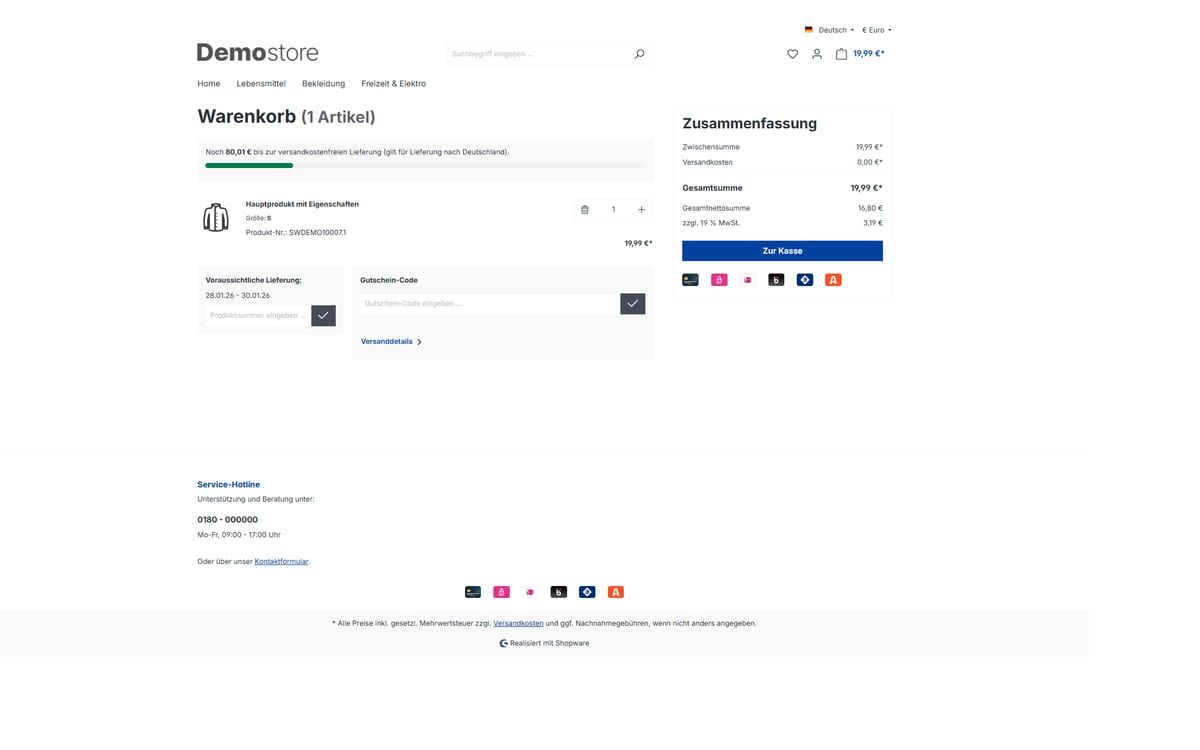
Beautified Checkout
Adjust the cart and checkout of your Shopware shop through settings: free shipping bar, delivery time, payment icons, tidier product rows and more.
-
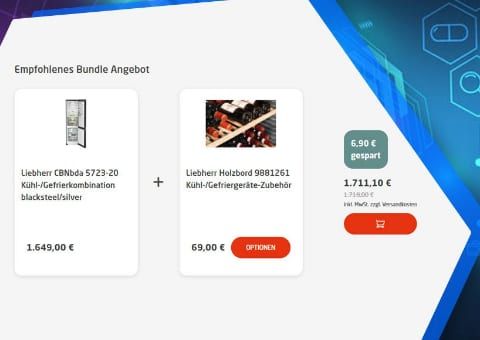
Bundle Plugin with Automatic Bundle Creation
Create bundles for entire product groups at once. Customers choose accessories from groups, and you decide what the discount applies to.
-
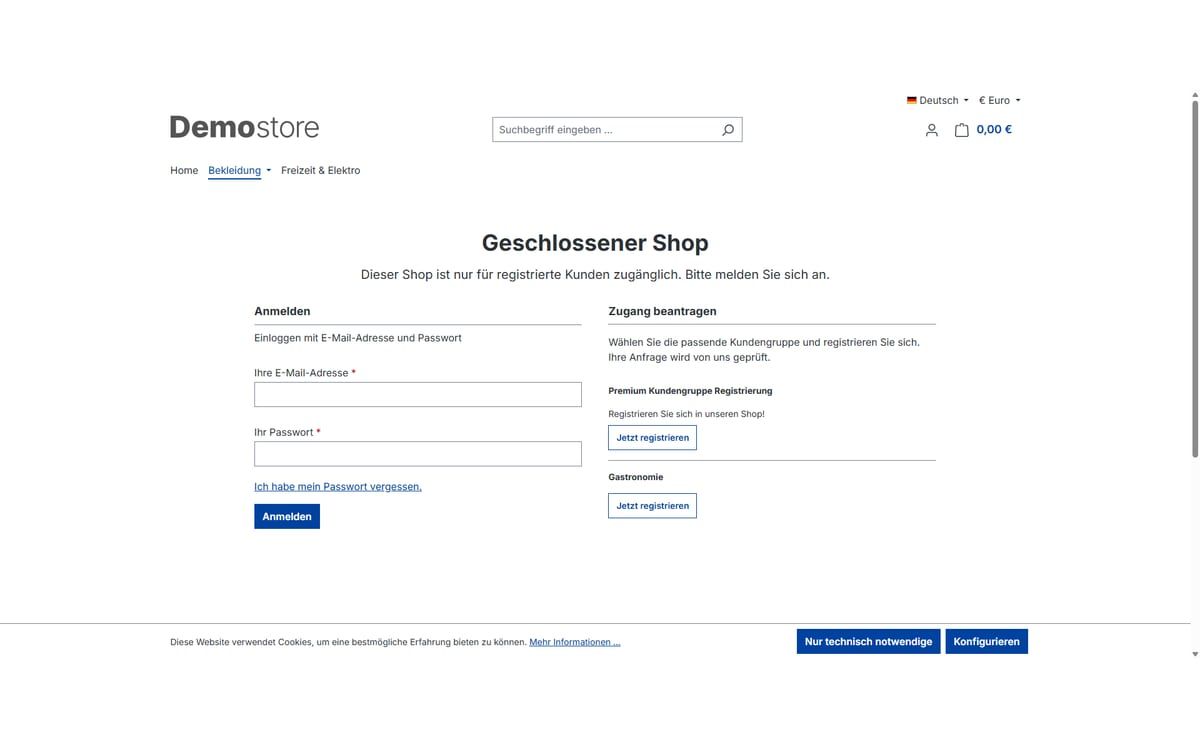
Closed shop and showcase mode
Open your shop only to approved customers: completely behind a login page or as a showcase where prices and buying only appear after logging in.


Many of our plugins only exist because a client asked for them. If your shop needs something that is not listed here, we will develop the right plugin for you.