Mon–Thu 09:30–17:00, Fri until 15:00

Bargteheide 04532 408 99 95Göttingen 0551 890 64 000

Plugin for Shopware 6

Extended manufacturer overview for Shopware 6

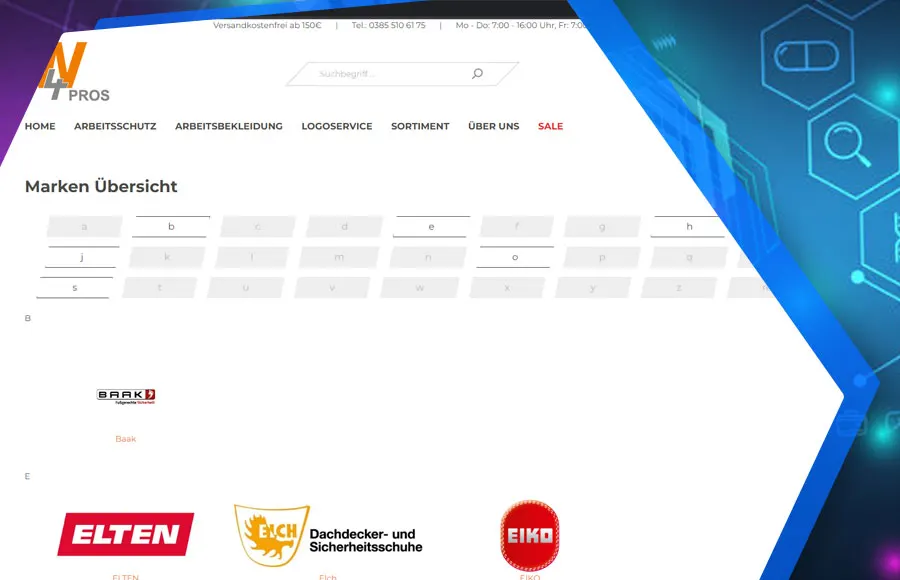
Every manufacturer automatically gets its own page with a product listing and filters, plus an A to Z brand overview.

Shopware 6 plugin Extended manufacturer overview by Web Labels: feature view

Many customers search specifically for brands. Shopware does not come with real manufacturer pages, though, and creating separate landing pages for every brand takes time.

The plugin generates them automatically: every manufacturer gets a page with the familiar product listing, filters and its own URL. On top of that there is an overview of all brands, with highlighted top brands if you wish. The solution is designed for large catalogues and stays fast there too.

What you can use the plugin for

  • Brand-driven ranges

    Customers searching for a specific brand land directly on a matching page with all its products.

  • Visibility on Google

    Every manufacturer page has its own URL, its own text and is listed in the sitemap.

What it looks like in the shop
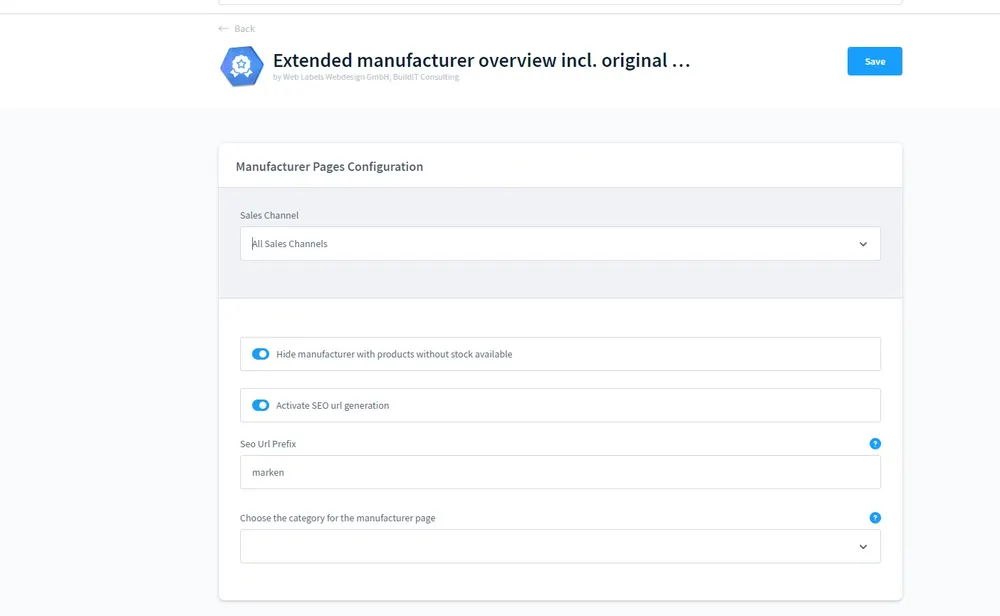
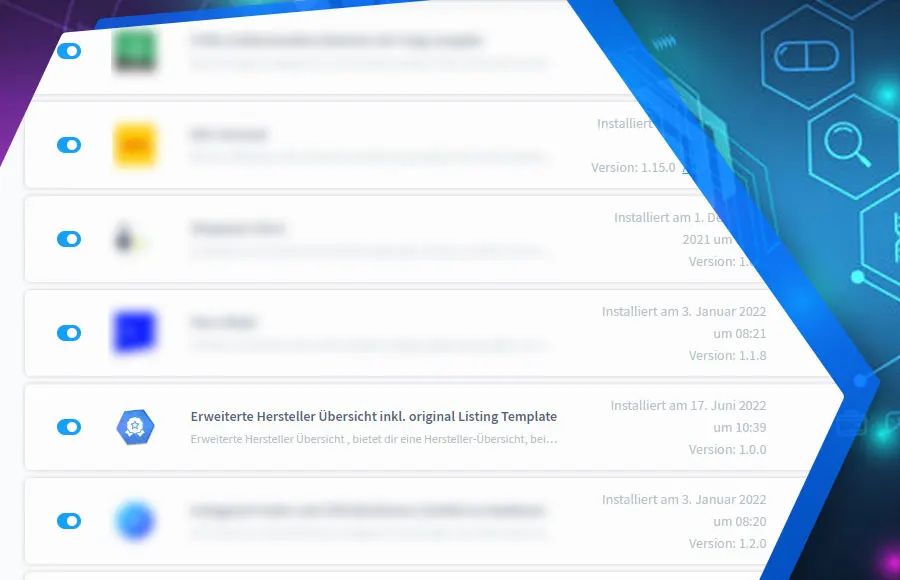
Screenshot Extended manufacturer overview for Shopware 6: view 1
Extended manufacturer overview: view 1
Screenshot Extended manufacturer overview for Shopware 6: view 2
Extended manufacturer overview: view 2
Screenshot Extended manufacturer overview for Shopware 6: view 3
Extended manufacturer overview: view 3

Set up in a few steps

  1. Install the plugin, manufacturer pages are generated automatically.
  2. Add the brand overview as an element to a Shopping Experiences layout.
  3. Set the URL prefix per language and mark your top brands.

Frequently asked questions about Extended manufacturer overview

Do my filters and listing plugins work on the manufacturer pages?

The pages use the standard Shopware product listing. Filters and sorting work, as do many listing extensions.

Do I have to create a page for each manufacturer?

No. Every manufacturer with assigned products gets its page automatically.

Your contacts

Questions about Extended manufacturer overview or need an adjustment?

Would you like to know whether the plugin suits your shop, or do you need an extension? Talk to us directly.

Janis Rittmeier and Tim Schröder, Key Account Manager at Web Labels, your contact for Extended manufacturer overview

Our team for your questions

  • René Grosche, Managing Director at Web Labels René Grosche Managing Director
  • Marco Kreutzfeldt, Deputy Managing Director · Back office at Web Labels Marco Kreutzfeldt Deputy Managing Director · Back office
  • Tim Schröder, Key Account Manager at Web Labels Tim Schröder Key Account Manager · Consulting and quotes
  • Janis Rittmeier, Key Account Manager at Web Labels Janis Rittmeier Key Account Manager · Consulting and quotes
  • Lennart Albrecht, Head of Development at Web Labels Lennart Albrecht Head of Development
  • Tom Baustian, Web design · Performance marketing · Audio at Web Labels Tom Baustian Web design · Performance marketing · Audio
  • Tajara-Tabea Leonard, Web design · Content · SEO at Web Labels Tajara-Tabea Leonard Web design · Content · SEO
  • Ken Raupach, Web design · Performance marketing at Web Labels Ken Raupach Web design · Performance marketing
  • Muhammed Tay, Web development at Web Labels Muhammed Tay Web development
  • Alexander Folz, Web development at Web Labels Alexander Folz Web development
  • Aaron Griem, Web development at Web Labels Aaron Griem Web development
  • Leon Fischer, Web development at Web Labels Leon Fischer Web development
  • Patrick Heidl, Web development at Web Labels Patrick Heidl Web development
  • Tobias Schäfer, Web development at Web Labels Tobias Schäfer Web development · Complex development
  • Laura Schop, Web development at Web Labels Laura Schop Web development
  • Aleksej Werestschagin Web development
  • Julina Sievert, Apprentice at Web Labels Julina Sievert Apprentice
  • Rosa-Lee Biesterfeldt, Apprentice at Web Labels Rosa-Lee Biesterfeldt Apprentice

Related plugins

  • Shopware 6 plugin Flyout navigation and mega menu by Web Labels: view from the Shopware Store

    Flyout navigation and mega menu

    Replace the standard menu with a multi-level flyout in which customers quickly find the right category, even in deep category trees.

  • Shopware 6 plugin Grouped properties by Web Labels: view from the Shopware Store

    Grouped properties

    Bundle product properties into topic groups and show exactly the details that matter in each category in listings, on product pages and in cross-selling.

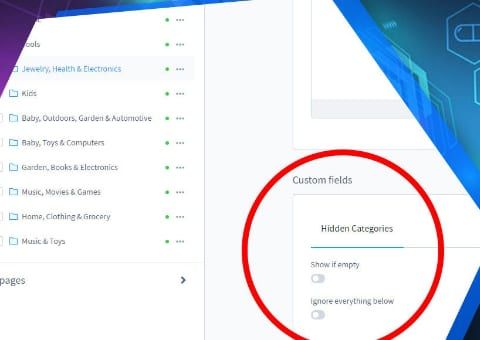
  • Shopware 6 plugin Hide Empty Categories by Web Labels: feature view

    Hide Empty Categories

    Empty categories disappear from the menu automatically but stay active, and therefore in the sitemap and search index.

Need an adjustment or an extension of your own?

Many of our plugins only exist because a client asked for them. If your shop needs something that is not listed here, we will develop the right plugin for you.

Up to 80% government funding