
Plugin for Shopware 6
Show last product change for Shopware 6
See on the product when it was last changed, and whether it was someone in the admin or an automatic sync from the ERP or an interface.

If you maintain products by hand while an ERP also supplies data, it is easy to lose track of who changed what last. Shopware does not show this information in the admin.
The plugin displays the date and time of the last change, split into edits in the admin and automatic updates. This helps above all when troubleshooting interfaces. It was developed together with BuildIT Consulting.
What you can use the plugin for
Troubleshooting interfaces
You see immediately whether an incorrect price came from a manual edit or from the ERP sync.
Several people in the team
It stays traceable when a product was last saved in the admin.
What it looks like in the shop
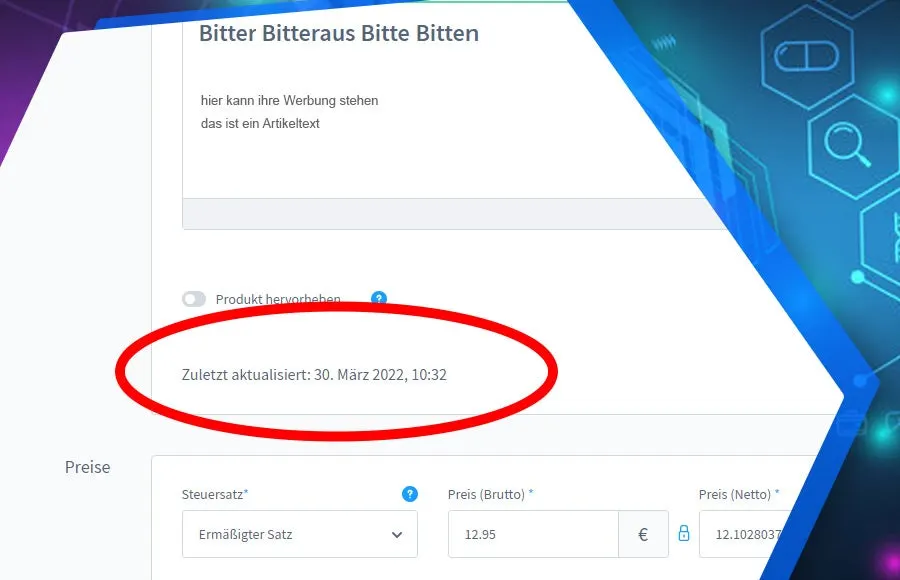
Set up in a few steps
- Install and activate the plugin.
- The change date appears on the product and in the product overview.
Frequently asked questions about Show last product change
How does the plugin tell the admin and the ERP apart?
It records saving via the button in the admin separately. All other changes, for example via cron job or API, count as automatic updates.
Your contacts
Questions about Show last product change or need an adjustment?
Would you like to know whether the plugin suits your shop, or do you need an extension? Talk to us directly.

Our team for your questions
-

-

-

-

-

-

-

-

-

-

-

-

-

-

-

- Aleksej Werestschagin Web development
-

-



Related plugins
-

Show variant count in the admin
See at a glance in the administration product list how many variants belong to a product.
-
UTM Source Tracking: Referrer and Parameters
See for every order in the Administration which campaign, source and device the customer came from.
-
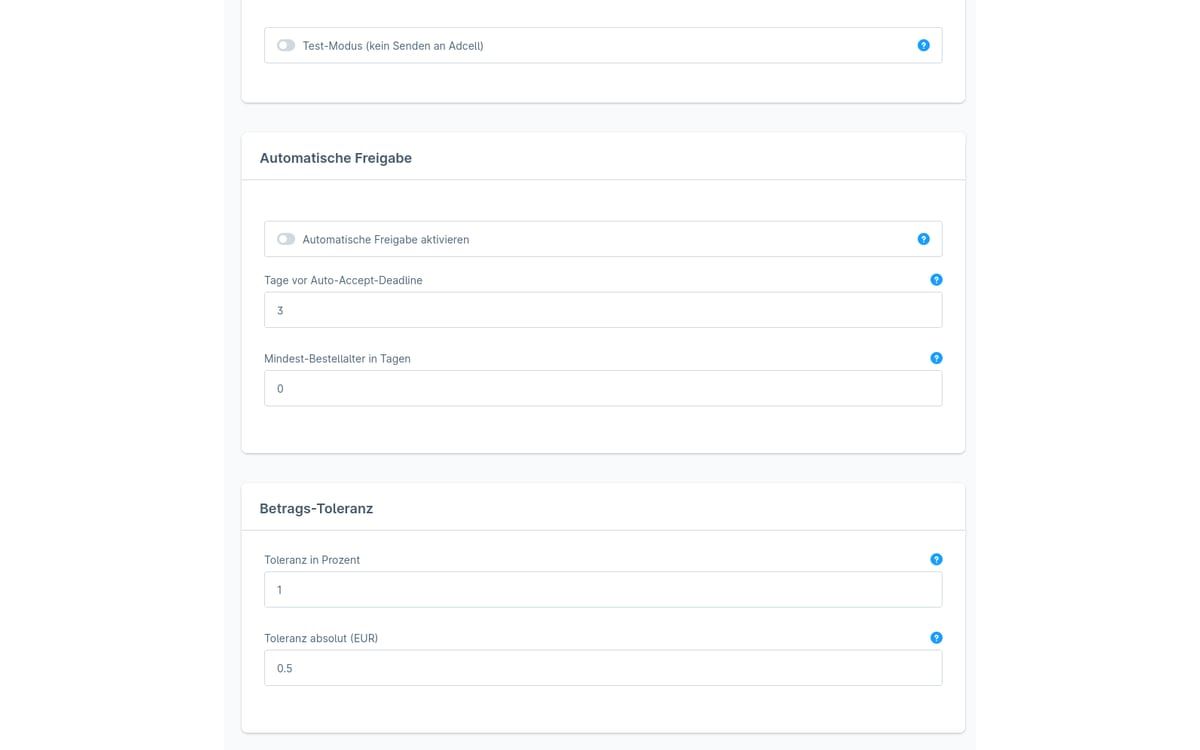
ADCELL commission approval
The plugin checks open ADCELL commissions against your Shopware orders and suggests whether to approve, cancel or adjust the amount.


Many of our plugins only exist because a client asked for them. If your shop needs something that is not listed here, we will develop the right plugin for you.