
Plugin for Shopware 6
Media Booster for Shopware 6
Automatically shrinks the images in your shop, converts them to WebP and AVIF and gives them alt texts and descriptive file names.

Product photos are often larger than necessary. They slow down loading times, and with file names like IMG_1234 and empty alt texts you also give away visibility on Google.
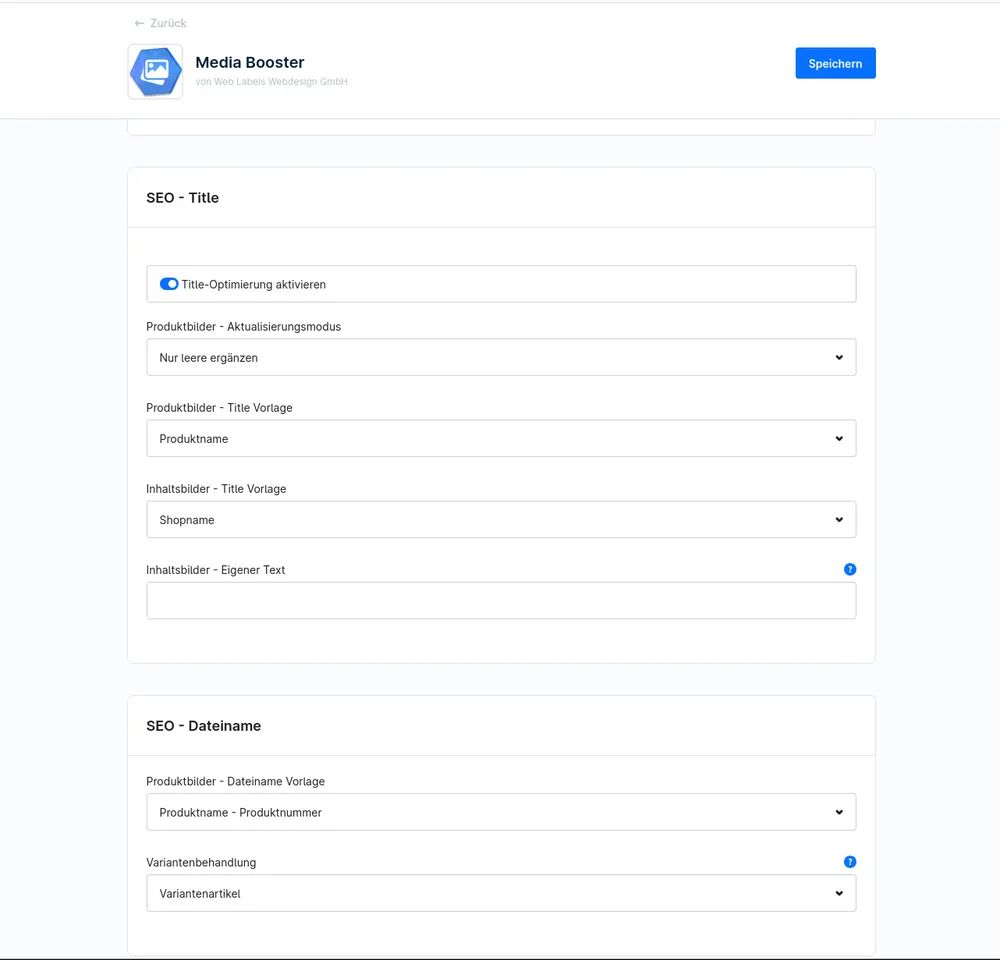
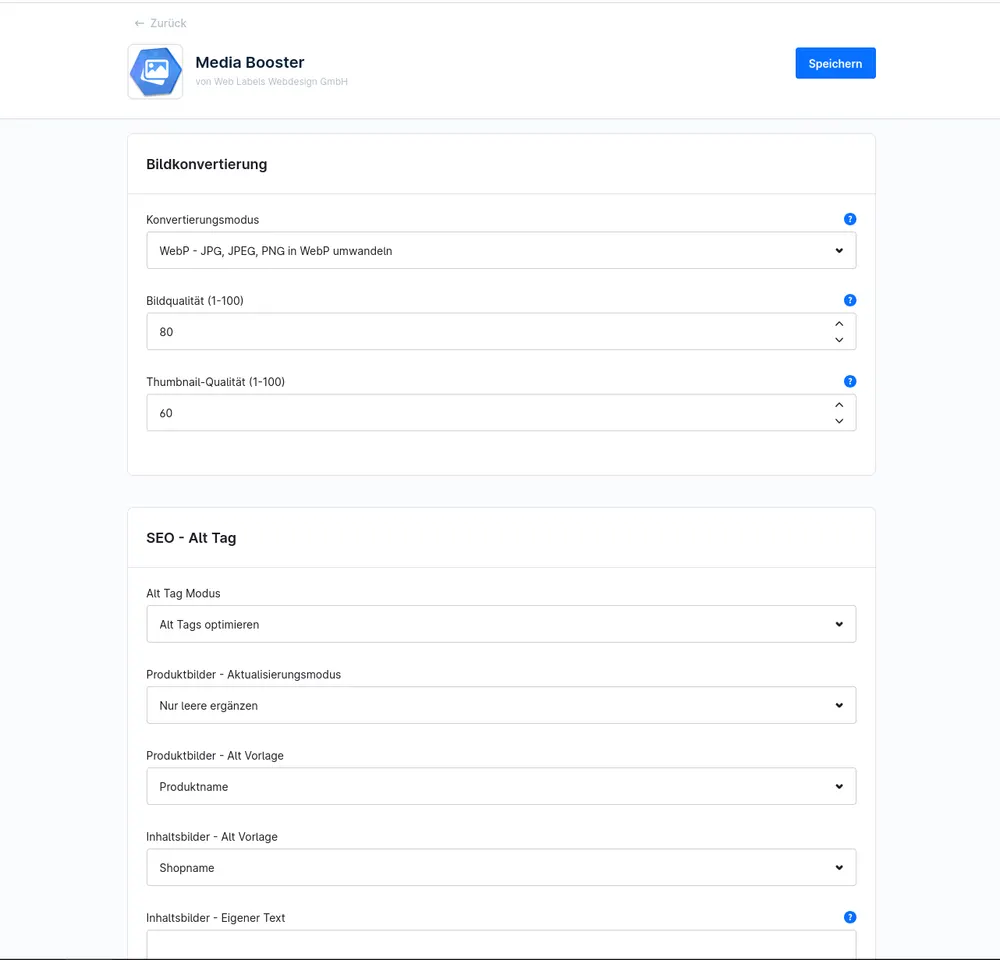
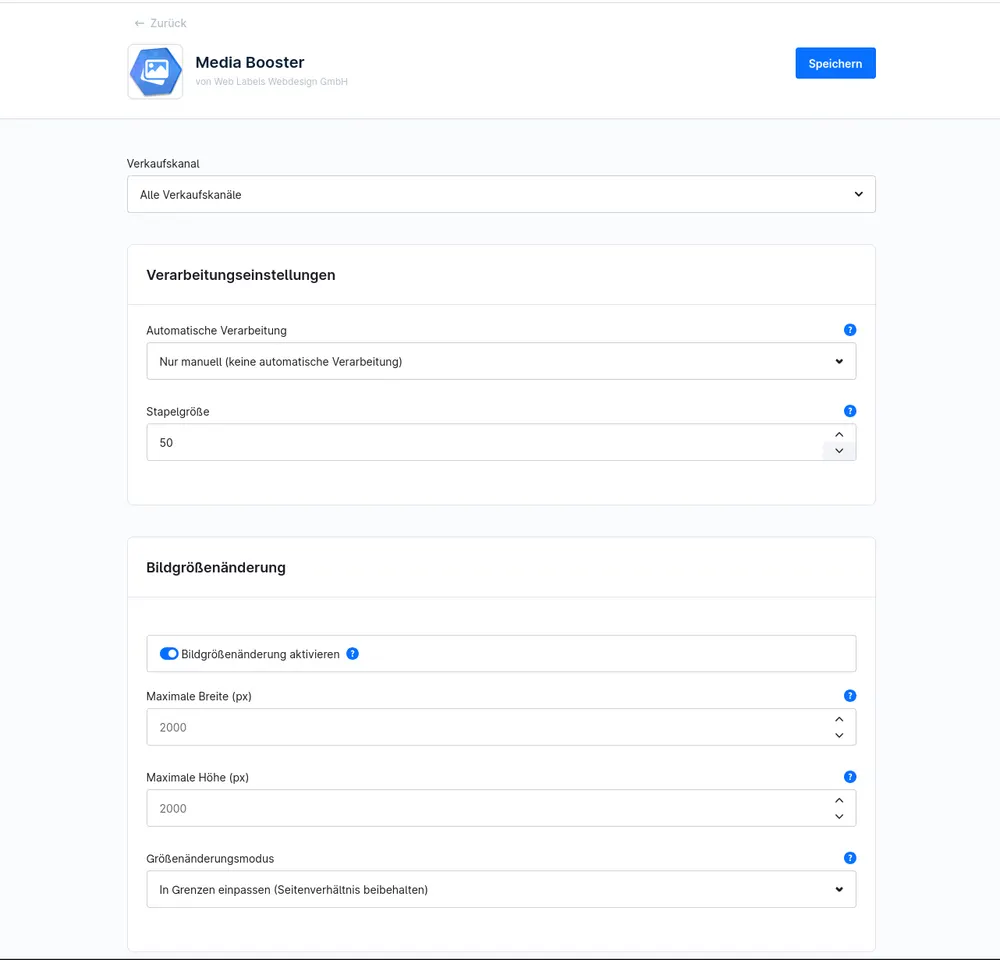
The Media Booster takes care of both: it shrinks images, creates modern formats such as WebP and AVIF and assigns alt text, title and file name based on the product name. New images are processed on upload, existing ones in a batch at the push of a button.
What you can use the plugin for
Faster pages
Smaller images shorten loading times, especially on smartphones and in categories with many products.
Image search and accessibility
Meaningful alt texts and file names help Google and people using screen readers.
What it looks like in the shop
Set up in a few steps
- Install the plugin and run the server check.
- Set the quality and target formats.
- Optimise existing images once in a batch, new ones are then processed automatically.
Frequently asked questions about Media Booster
Are images already in the shop optimised too?
Yes. With batch processing you handle all existing media and can follow the progress in the administration.
What happens with browsers that do not support AVIF?
The other formats remain available for them. The conversion only adds modern versions.
Your contacts
Questions about Media Booster or need an adjustment?
Would you like to know whether the plugin suits your shop, or do you need an extension? Talk to us directly.

Our team for your questions
-

-

-

-

-

-

-

-

-

-

-

-

-

-

-

- Aleksej Werestschagin Web development
-

-



Related plugins
-
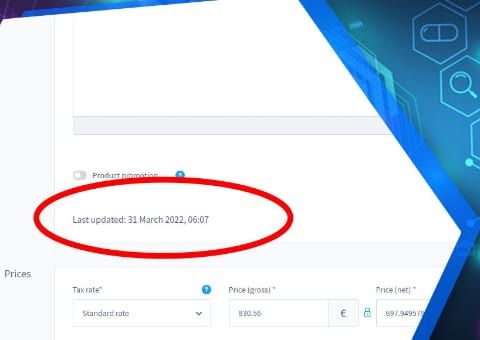
Show last product change
See on the product when it was last changed, and whether it was someone in the admin or an automatic sync from the ERP or an interface.
-

Show variant count in the admin
See at a glance in the administration product list how many variants belong to a product.
-
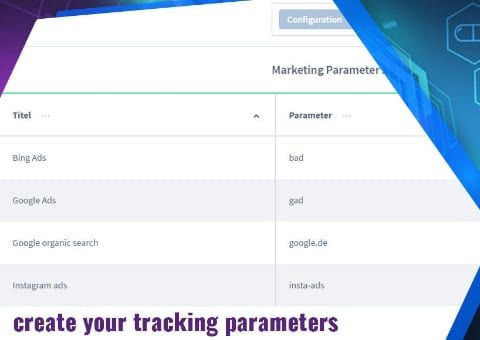
UTM Source Tracking: Referrer and Parameters
See for every order in the Administration which campaign, source and device the customer came from.


Many of our plugins only exist because a client asked for them. If your shop needs something that is not listed here, we will develop the right plugin for you.