Mon–Thu 09:30–17:00, Fri until 15:00

Bargteheide 04532 408 99 95Göttingen 0551 890 64 000

Reference / Lucky-Pet / Pet supplies

Lucky-Pet: pet supplies online shop with Shopware 6

Shopware 6 shop for food, treats, accessories and care products for dogs and cats, with a specialist store in Reinfeld.

Lucky-Pet homepage, online shop built by Web Labels

Lucky-Pet sells online and in its own specialist store in Reinfeld. Web Labels built a custom interface for the shop.

  • Shopware 6
  • Online shop and physical store
  • Custom interface

Plugins

Plugins used

For Lucky-Pet we used these Shopware plugins of our own, among others.

  • Shopware 6 plugin Cross-selling by product tags by Web Labels: view from the Shopware Store Cross-selling by product tags Store recommendations once on a tag, and every product with that tag automatically shows them on its detail page.
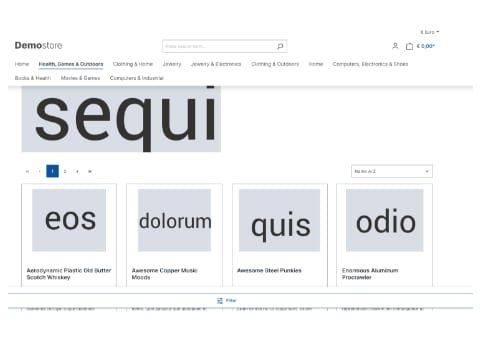
  • Shopware 6 plugin Deluxe sticky navigation and filter by Web Labels: feature view Deluxe sticky navigation and filter The main navigation and the filter button stay visible while scrolling, so customers can switch or filter at any time, on desktop and on smartphones.
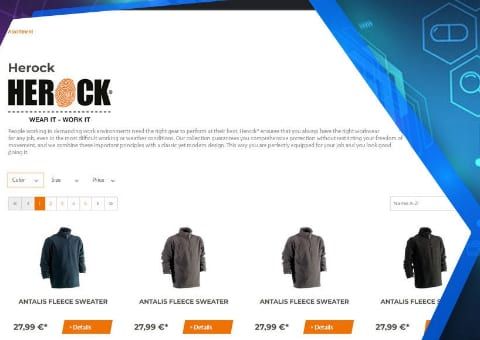
  • Shopware 6 plugin Extended manufacturer overview by Web Labels: feature view Extended manufacturer overview Every manufacturer automatically gets its own page with a product listing and filters, plus an A to Z brand overview.
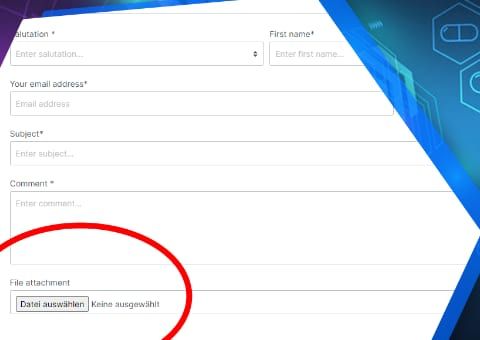
  • Shopware 6 plugin Contact form upload field by Web Labels: feature view Contact form upload field Customers attach photos, drawings or documents directly to the contact form, by drag and drop and several at once if you wish.
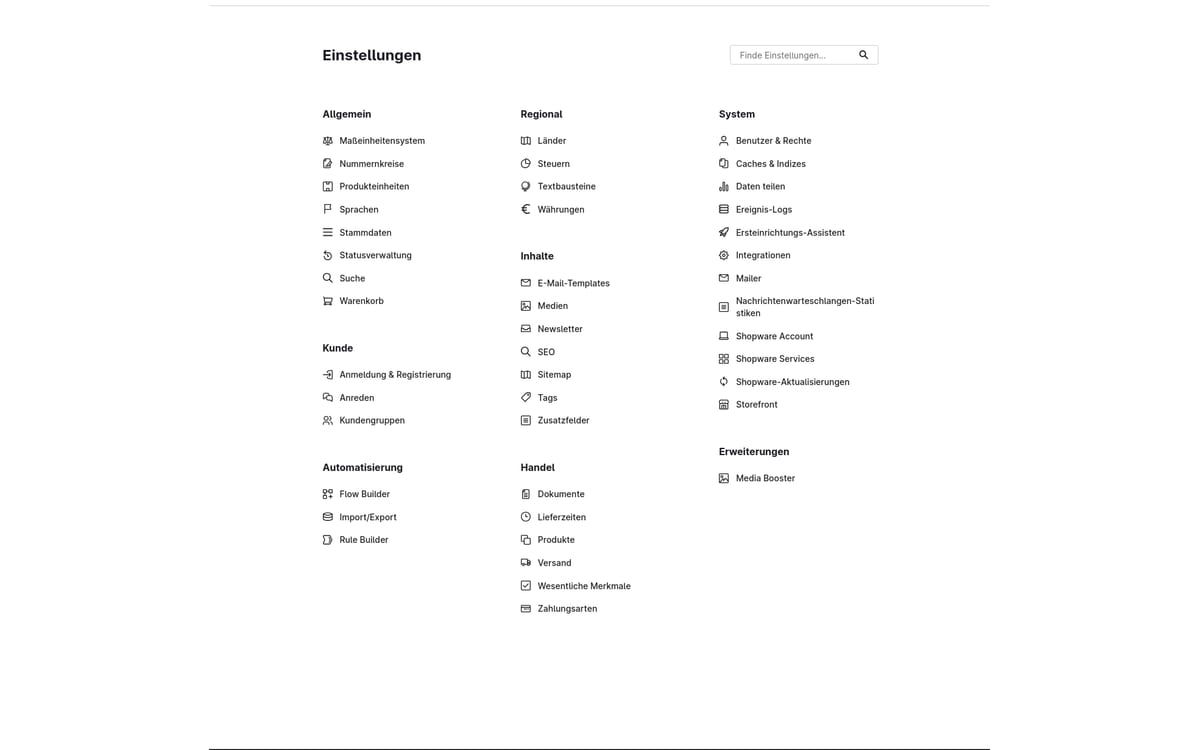
  • Shopware 6 plugin Media Booster by Web Labels: view from the Shopware Store Media Booster Automatically shrinks the images in your shop, converts them to WebP and AVIF and gives them alt texts and descriptive file names.
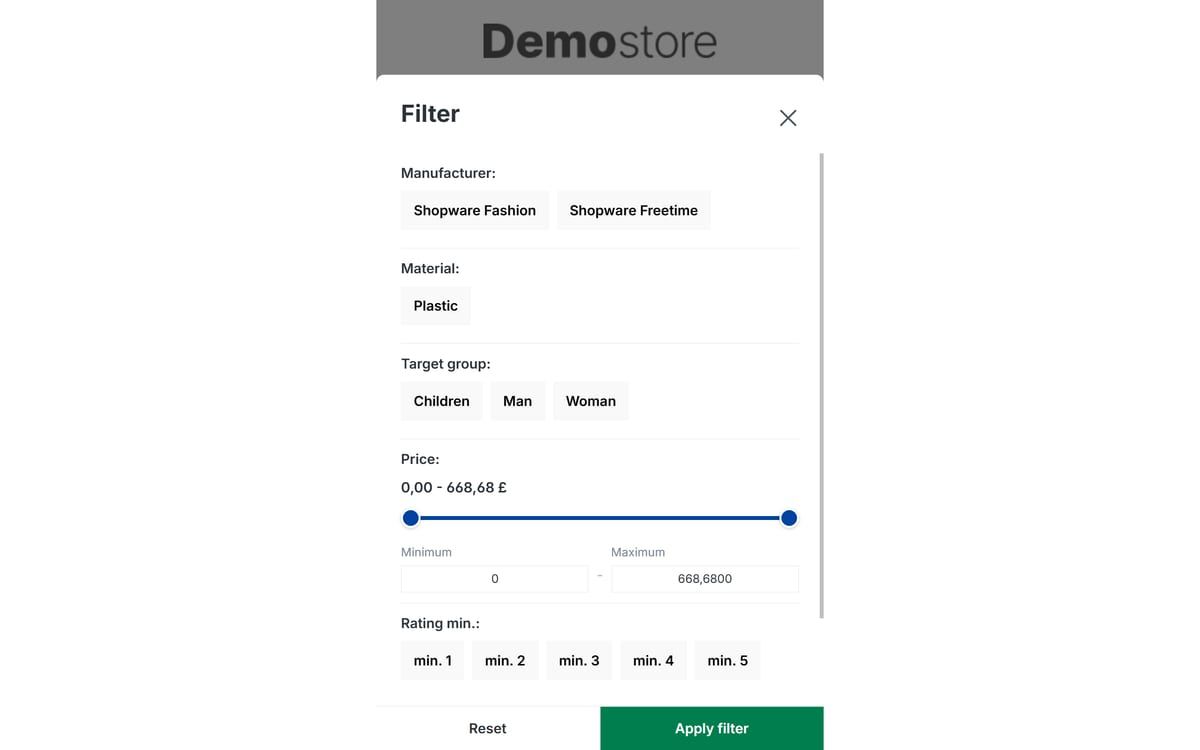
  • Shopware 6 plugin Mobile filter and sorting by Web Labels: view from the Shopware Store Mobile filter and sorting Makes filtering and sorting usable on smartphones: large buttons instead of small dropdowns, a sticky filter button and a clear price slider.
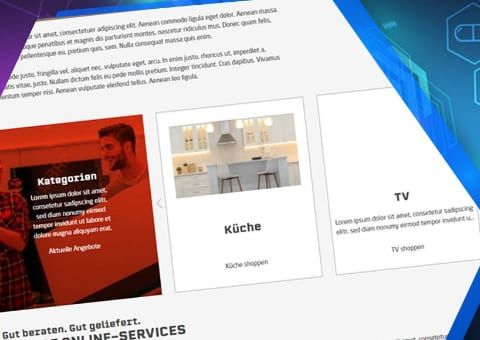
  • Shopware 6 plugin Premium Product and Category Slider by Web Labels: feature view Premium Product and Category Slider Design product and category sliders in your shopping experiences with your own colours, images and a teaser area for promotions.
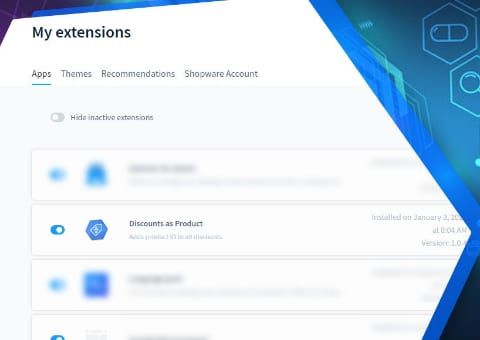
  • Shopware 6 plugin Discount as a Separate Line Item for ERP Import by Web Labels: feature view Discount as a Separate Line Item for ERP Import Discounts from Shopware get a fixed product number, so your ERP can read them as a separate line item and the order total is correct.
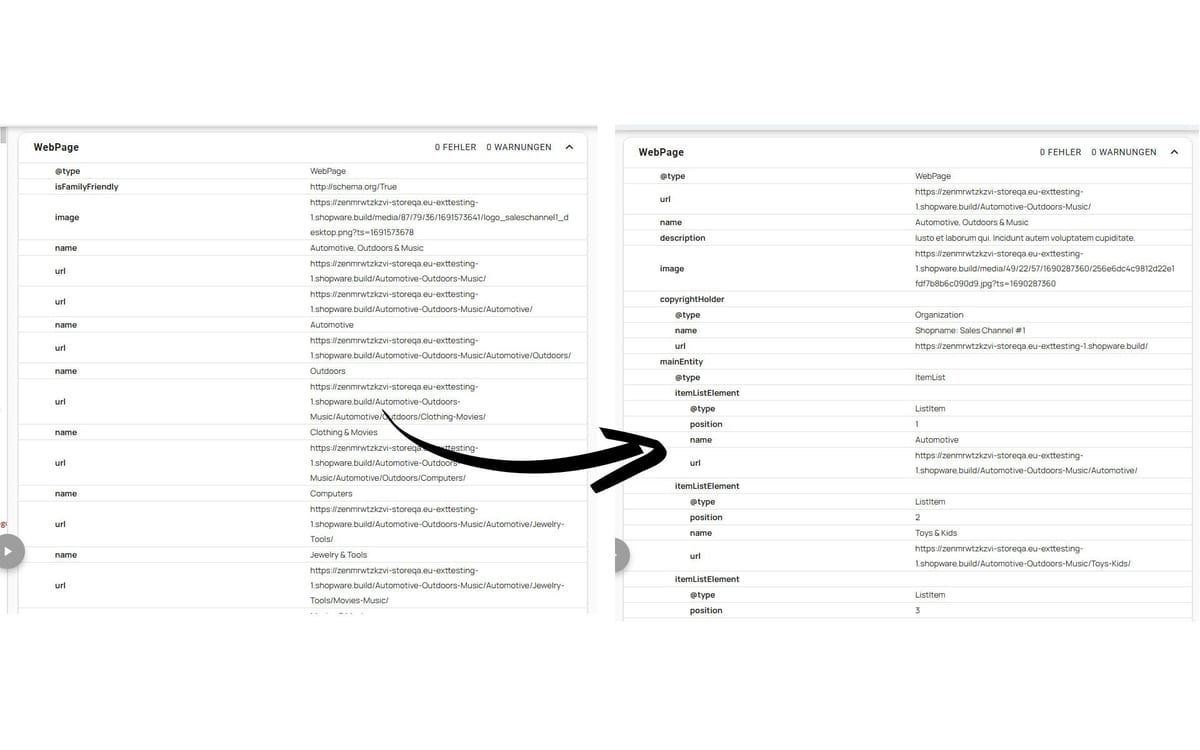
  • Shopware 6 plugin Rich Snippets and AI Visibility by Web Labels: view from the Shopware Store Rich Snippets and AI Visibility Gives Google and AI search structured data on products, categories and your company, plus an FAQ element and an llms.txt.
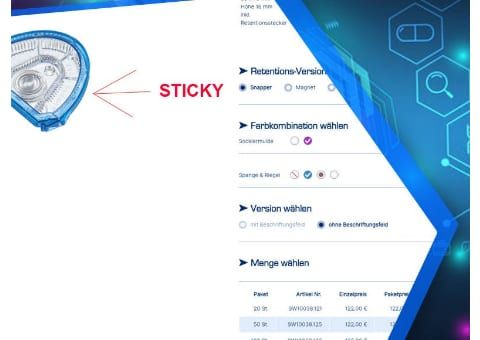
  • Shopware 6 plugin Sticky Product Image by Web Labels: feature view Sticky Product Image The product image scrolls along with the page. With tall images, the buy box with price and add-to-cart button stays visible instead.
  • Shopware 6 plugin Top Filters per Category by Web Labels: feature view Top Filters per Category Show the most important filters first in each category. Anyone who wants to filter further expands the rest with one click.

Our reference

Lucky-Pet: a look at design and build

View live project
  • Lucky-Pet homepage, online shop built by Web Labels

    Homepage

  • Lucky-Pet product listing, online shop built by Web Labels

    Product listing

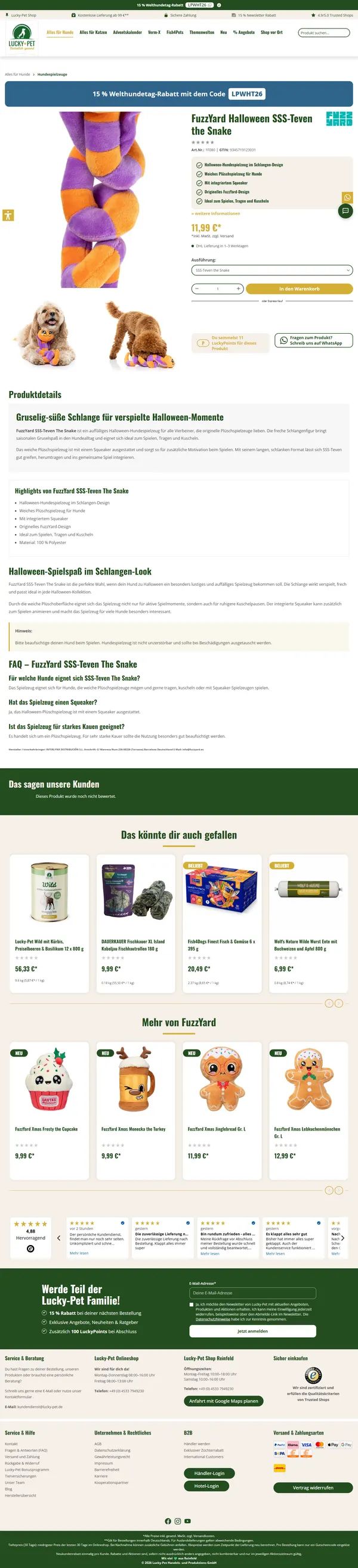
  • Lucky-Pet product detail page, online shop built by Web Labels

    Product detail page

Your contacts

Talk to us directly about a project like Lucky-Pet

Tell us where your project stands. Aaron and Tom will listen, ask questions and tell you honestly what we recommend and roughly what it will cost.

Aaron Griem, Web development at Web Labels, your contact for a project like Lucky-Pet Tom Baustian, Web design · Performance marketing · Audio at Web Labels, your contact for a project like Lucky-Pet

Our team for your questions

  • René Grosche, Managing Director at Web Labels René Grosche Managing Director
  • Marco Kreutzfeldt, Deputy Managing Director · Back office at Web Labels Marco Kreutzfeldt Deputy Managing Director · Back office
  • Tim Schröder, Key Account Manager at Web Labels Tim Schröder Key Account Manager · Consulting and quotes
  • Janis Rittmeier, Key Account Manager at Web Labels Janis Rittmeier Key Account Manager · Consulting and quotes
  • Lennart Albrecht, Head of Development at Web Labels Lennart Albrecht Head of Development
  • Tom Baustian, Web design · Performance marketing · Audio at Web Labels Tom Baustian Web design · Performance marketing · Audio
  • Tajara-Tabea Leonard, Web design · Content · SEO at Web Labels Tajara-Tabea Leonard Web design · Content · SEO
  • Ken Raupach, Web design · Performance marketing at Web Labels Ken Raupach Web design · Performance marketing
  • Muhammed Tay, Web development at Web Labels Muhammed Tay Web development
  • Alexander Folz, Web development at Web Labels Alexander Folz Web development
  • Aaron Griem, Web development at Web Labels Aaron Griem Web development
  • Leon Fischer, Web development at Web Labels Leon Fischer Web development
  • Patrick Heidl, Web development at Web Labels Patrick Heidl Web development
  • Tobias Schäfer, Web development at Web Labels Tobias Schäfer Web development · Complex development
  • Laura Schop, Web development at Web Labels Laura Schop Web development
  • Aleksej Werestschagin Web development
  • Julina Sievert, Apprentice at Web Labels Julina Sievert Apprentice
  • Rosa-Lee Biesterfeldt, Apprentice at Web Labels Rosa-Lee Biesterfeldt Apprentice
Tell us about your project

A few sentences are enough to start. We will get back to you with questions or a suggested date.

Up to 80% government funding